Video Tap
Unlock the Power of AI to Repurpose and Optimize Your Videos for Free Are you looking to enhance your video content effortlessly? With our AI-driven tools, you can repurpose and optimize your videos in no time. Experience the benefits of advanced technology that transforms your existing videos into engaging, high-quality content that resonates with your audience. Why Choose Our AI Video Optimization? - **Effortless Repurposing**: Turn your long videos into bite-sized clips perfect for social media sharing. - **Enhanced Engagement**: Optimize your videos for better viewer retention and interaction. - **User-Friendly Interface**: Our platform is designed for ease of use, making video editing accessible to everyone. Start your journey today and see how our AI can revolutionize your video content. Try it for FREE and discover the difference!
AI Project Details
Video Tap review: turning long videos into written and social content
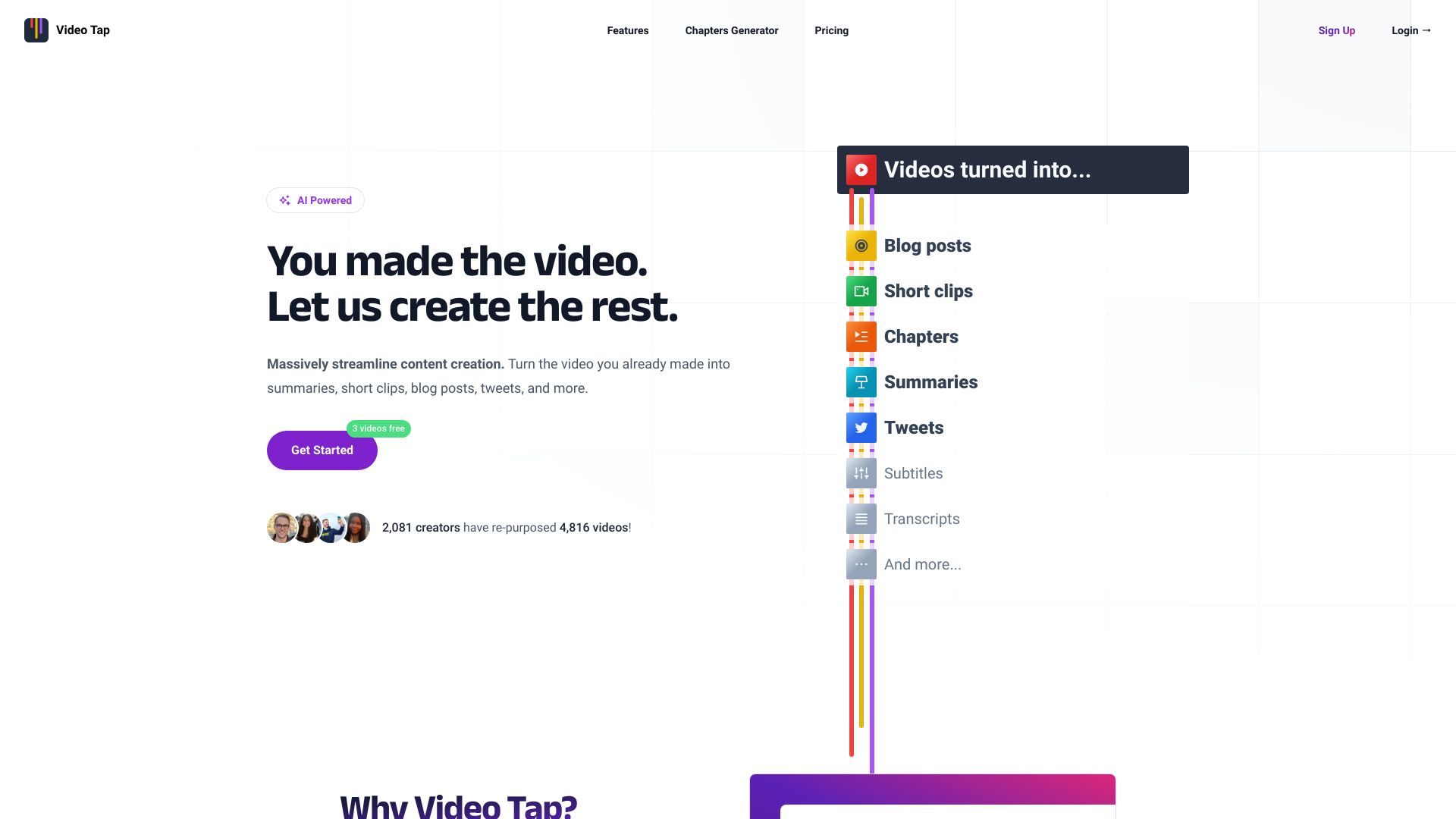
Video Tap is an AI video repurposing tool that turns existing video into multiple content assets. Its pricing page says the product uses video encoding, transcription, captioning, and AI generation to create blog posts, short clips, descriptions, summaries, tags, chapters, tweets, and related outputs from uploaded minutes.
That makes Video Tap most relevant for creators, podcasters, course sellers, marketers, and small teams that already publish long-form video. It is less useful for teams that do not have source content. The value comes from converting one recorded asset into several formats quickly enough that a human editor can polish and publish them.
Best-fit use cases
| Use case | Video Tap fit | Notes | |---|---:|---| | Webinar repurposing | High | Good fit for turning recorded sessions into blog drafts, clips, summaries, and social posts. | | Podcast and interview content | High | Useful when transcripts and highlights need to become written assets. | | YouTube content operations | Medium to high | Can support descriptions, chapters, shorts, and article drafts. | | SEO blog production | Medium | Requires human editing, sourcing, and search-intent work before publishing. | | Original video creation | Low | Video Tap repurposes existing video rather than generating source footage. |
Editorial workflow matters
AI repurposing tools can create volume quickly, but volume is not the same as publish-ready content. A Video Tap blog draft should still be checked for accuracy, quote context, structure, unique angle, internal links, and search intent. Short clips should be reviewed for hook quality, platform fit, captions, speaker consent, brand safety, and whether the clip misrepresents the original conversation.
Strengths
- Converts long video into several useful content formats.
- Good fit for teams with recurring webinars, podcasts, interviews, tutorials, or long YouTube videos.
- Can reduce the manual time spent on transcripts, summaries, chapters, descriptions, and first drafts.
- Minute-based pricing makes teams think in terms of source-content volume.
Limitations
- Output quality depends on source video quality, transcript accuracy, and speaker clarity.
- AI-generated blogs can become thin if they are published without editorial work.
- Clip selection still needs human review for context, hook, and platform fit.
- Teams should model monthly video minutes and editing time before relying on automation.
TakeAI verdict
Video Tap is a good page to index for content teams that already have video inventory. The right pilot is one long-form asset: generate a blog draft, three social clips, summary, tags, and chapters, then measure editing time, factual accuracy, clip usefulness, and whether the resulting content is strong enough to publish.
Sources reviewed: Video Tap pricing.
FAQ
What is Video Tap best for?
Video Tap is best for repurposing long videos such as webinars, podcasts, interviews, and YouTube content into blog drafts, clips, summaries, chapters, and social posts.
Can Video Tap create publish-ready SEO articles automatically?
It can create drafts, but SEO articles still need human editing, search-intent coverage, internal links, source checking, and original editorial judgment.
What should teams test before using Video Tap regularly?
Test transcript accuracy, blog structure, clip selection, caption quality, export formats, monthly minute cost, and how much human editing remains.