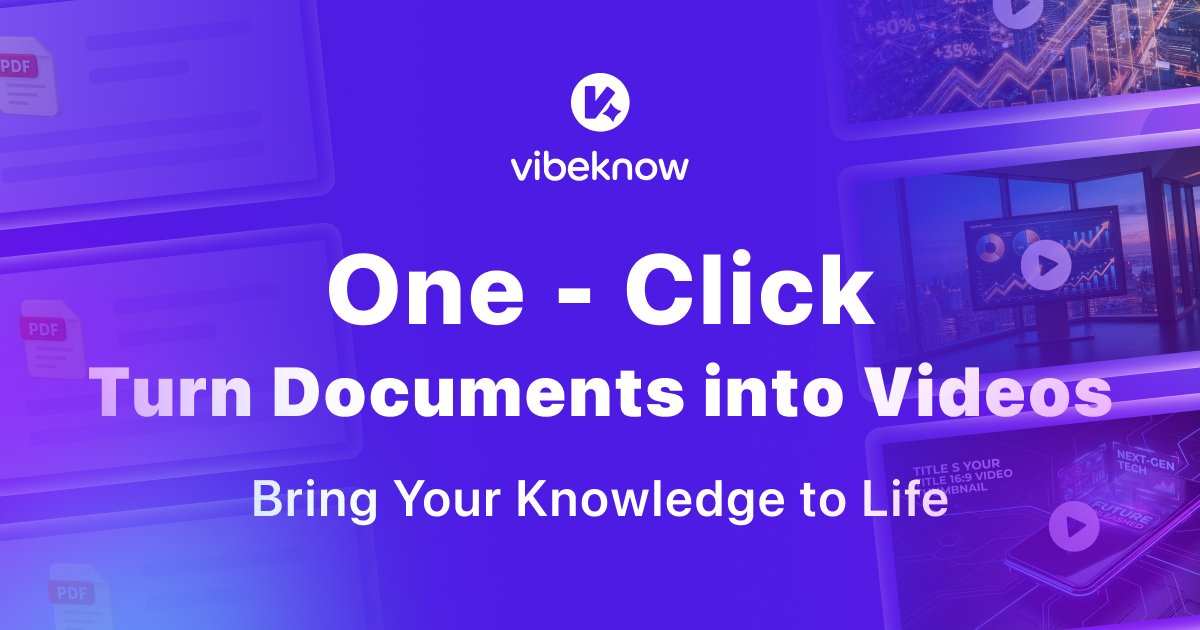
VibeKnow
AI explainer video platform that turns documents, PDFs, PPTs, URLs, and other written content into narrated videos with storyboard, visuals, captions, and export handled in one flow.

AI Project Details
VibeKnow review: AI explainer video platform that turns documents, PDFs, PPTs, URLs, and other written content into narrated videos with storyboard, visuals, captions, and export handled in one flow.
VibeKnow is aimed at creators, educators, marketing teams, and internal enablement teams that already have useful written content and want it repackaged as video without a manual editing stack. The current product materials describe a workflow built around paste a doc, pdf, ppt, notion page, or url, let vibeknow script and render the video, review the result, then export or post it in the target format. That makes the page easier to read as an operating model, not just a brand claim.
Why it is timely
VibeKnow is built around content-to-video conversion rather than a blank video editor, so the user starts from an article, curriculum, SOP, or webpage instead of an empty timeline. The homepage is unusually concrete about supported inputs, render timing, and publishing formats, which makes the actual workflow easier to judge than generic AI video marketing. Its positioning as an AI producer is more specific than most template-first tools because the product claims to generate script, voice, visuals, music, and captions as one system.
How the workflow works in practice
A sensible first pass is to start from the product's main entry point and test the shortest path to value. For VibeKnow, that means users should paste a doc, pdf, ppt, notion page, or url, let vibeknow script and render the video, review the result, then export or post it in the target format. If that loop reduces review drag, coordination, or governance work, the product is doing something real.
Where VibeKnow stands out
| Evaluation angle | Fit | Why it matters | | --- | --- | --- | | Best-fit user | High | Creators, educators, marketing teams, and internal enablement teams that already have useful written content and want it repackaged as video without a manual editing stack. | | Core workflow clarity | High | Paste a doc, PDF, PPT, Notion page, or URL, let VibeKnow script and render the video, review the result, then export or post it in the target format. | | Switching cost reducer | Medium to high | VibeKnow is built around content-to-video conversion rather than a blank video editor, so the user starts from an article, curriculum, SOP, or webpage instead of an empty timeline. | | Adoption risk | Medium | Teams still need to review tone, pacing, and factual emphasis because a generated explainer can still miss context that mattered in the original source. |
Practical use cases
- Turning blog posts, docs, and decks into short explainer videos
- Creating training or onboarding videos from internal SOPs
- Repurposing long-form written content for social video channels
Limits and buying notes
Teams still need to review tone, pacing, and factual emphasis because a generated explainer can still miss context that mattered in the original source. The strongest fit is for knowledge-heavy source material; users looking for free-form cinematic editing will likely want a different product category. Pricing status today: The reviewed homepage lists a free tier, Plus at $29 per month, Pro at $79 per month, and Max at $199 per month.
FAQ
What is VibeKnow best for?
VibeKnow is strongest when turning blog posts, docs, and decks into short explainer videos matters more than a generic AI demo. The official product materials position it around a concrete workflow rather than a blank chatbot shell.
Who should try VibeKnow first?
Creators, educators, marketing teams, and internal enablement teams that already have useful written content and want it repackaged as video without a manual editing stack. Teams with a real workflow match will get value faster than general curiosity users.
What should buyers verify before adopting VibeKnow?
Teams still need to review tone, pacing, and factual emphasis because a generated explainer can still miss context that mattered in the original source. The strongest fit is for knowledge-heavy source material; users looking for free-form cinematic editing will likely want a different product category. Pricing, privacy, and workflow fit should be checked directly on the current product before rollout.
Reviewed sources
- https://vibeknow.ai/
- https://vibeknow.ai/
- https://news.ycombinator.com/item?id=48538631
FAQ
What is VibeKnow best for?
VibeKnow is strongest when turning blog posts, docs, and decks into short explainer videos matters more than a generic AI demo. The official product materials position it around a concrete workflow rather than a blank chatbot shell.
Who should try VibeKnow first?
Creators, educators, marketing teams, and internal enablement teams that already have useful written content and want it repackaged as video without a manual editing stack. Teams with a real workflow match will get value faster than general curiosity users.
What should buyers verify before adopting VibeKnow?
Teams still need to review tone, pacing, and factual emphasis because a generated explainer can still miss context that mattered in the original source. The strongest fit is for knowledge-heavy source material; users looking for free-form cinematic editing will likely want a different product category. Pricing, privacy, and workflow fit should be checked directly on the current product before rollout.