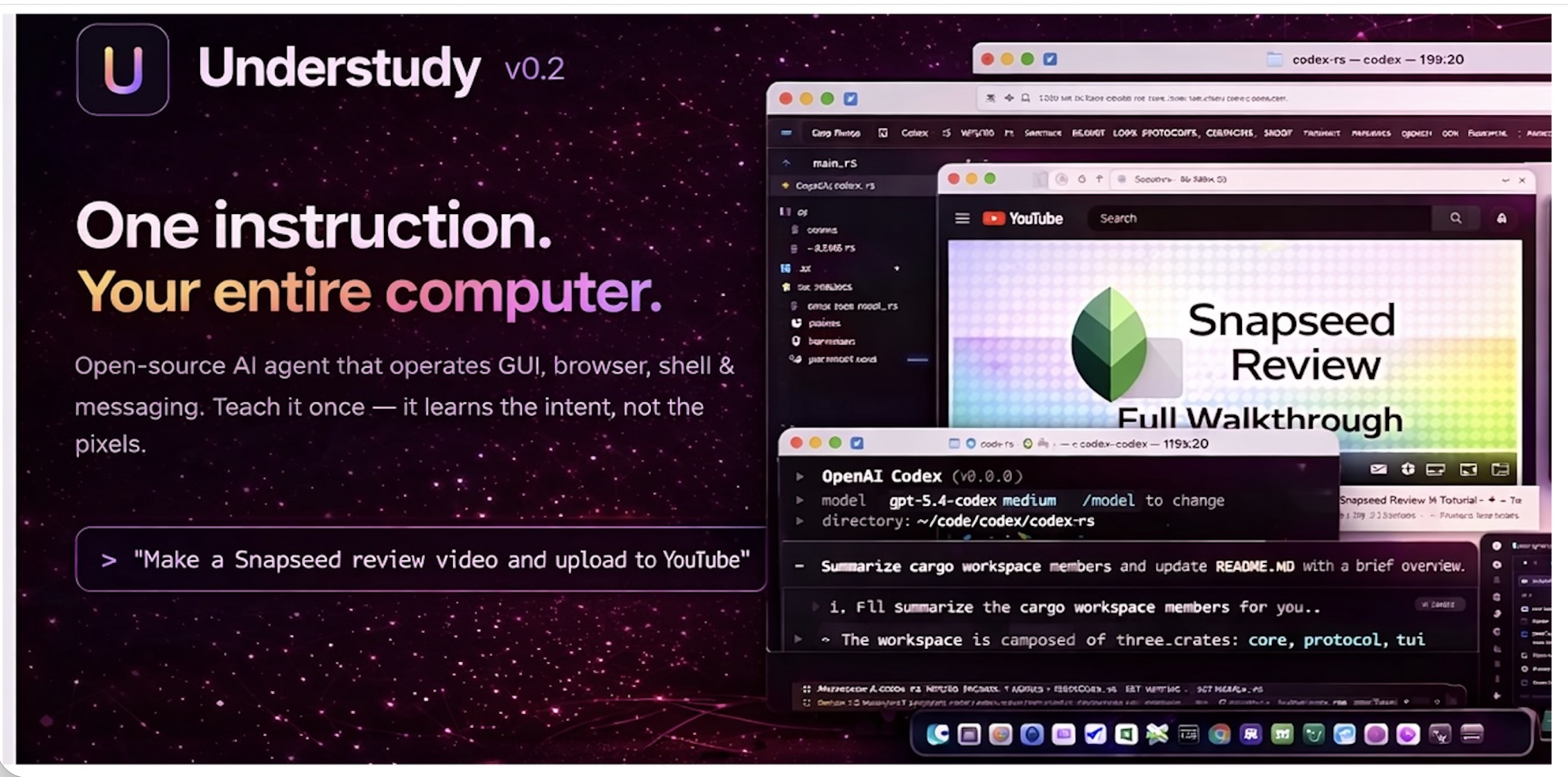
Understudy
Local-first desktop agent that can control GUI apps, browser, shell, and messaging channels, and can learn repeatable tasks from a single demonstrated run.
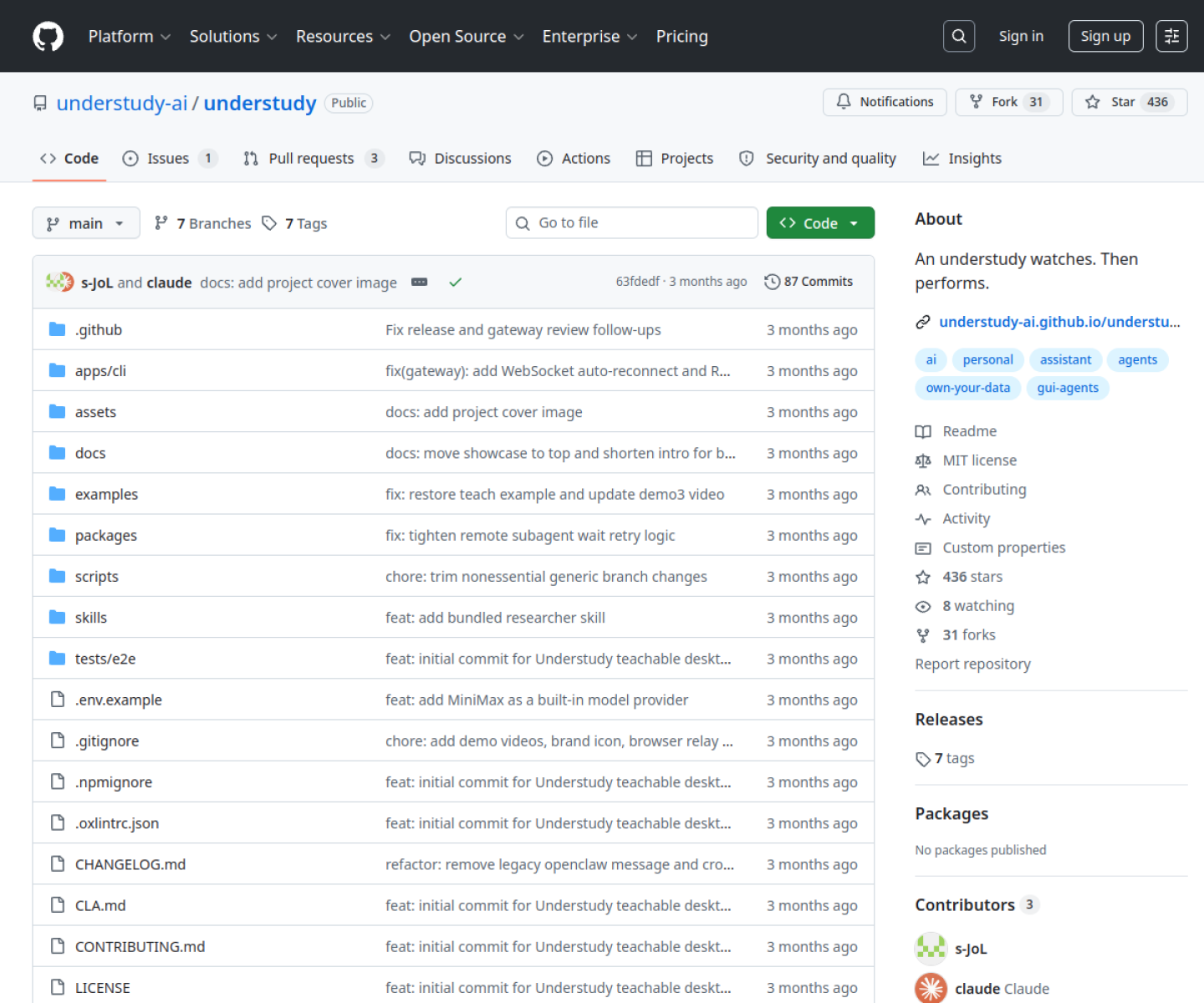
AI Project Details
Understudy review: Local-first desktop agent that can control GUI apps, browser, shell, and messaging channels, and can learn repeatable tasks from a single demonstrated run.
Understudy stands out because it is not just another chat shell. The product materials describe a system centered on install the cli, run the setup wizard, start the gateway, teach a task by demonstration if needed, and then invoke the agent through terminal or connected channels to operate apps and workflows. That matters because the mechanism is the product, not a thin wrapper around a frontier model.
Why the architecture matters
Understudy combines computer use, teach-by-demonstration, and multi-channel dispatch in one local-first stack. The README is unusually detailed about layers, supported models, channels, privacy notes, and how published taught skills are generated. Its strongest distinction is that it learns from demonstrations rather than only from hand-written prompts or static skills.
How to evaluate the core loop
Start by testing the narrowest real workflow the product claims to improve. For Understudy, that means users should install the cli, run the setup wizard, start the gateway, teach a task by demonstration if needed, and then invoke the agent through terminal or connected channels to operate apps and workflows. The result should be easier to inspect, integrate, or control than a direct agent session.
Where it stands out
| Evaluation angle | Fit | Why it matters | | --- | --- | --- | | Best-fit user | High | Power users and builders who want a general desktop agent they can teach, script, and keep close to their own machine and model choices. | | Core workflow clarity | High | Install the CLI, run the setup wizard, start the gateway, teach a task by demonstration if needed, and then invoke the agent through terminal or connected channels to operate apps and workflows. | | Switching cost reducer | Medium to high | Understudy combines computer use, teach-by-demonstration, and multi-channel dispatch in one local-first stack. | | Adoption risk | Medium | The most mature GUI automation path is currently macOS-centric, so cross-platform users should read the platform notes carefully. |
Practical use cases
- Teaching a desktop agent to repeat a task after one demonstration
- Running GUI, browser, shell, and messaging automation from one local agent runtime
- Using a bring-your-own-model desktop agent instead of a hosted assistant
Limits and buying notes
The most mature GUI automation path is currently macOS-centric, so cross-platform users should read the platform notes carefully. A powerful local agent also means the user is responsible for machine-level permissions, model configuration, and operational safety. Pricing status today: Understudy is open source under the MIT license and uses bring-your-own-model access; the reviewed public sources did not show a separate hosted pricing plan.
FAQ
What is Understudy best for?
Understudy is strongest when teaching a desktop agent to repeat a task after one demonstration matters more than a generic AI demo. The official product materials position it around a concrete workflow rather than a blank chatbot shell.
Who should try Understudy first?
Power users and builders who want a general desktop agent they can teach, script, and keep close to their own machine and model choices. Teams with a real workflow match will get value faster than general curiosity users.
What should buyers verify before adopting Understudy?
The most mature GUI automation path is currently macOS-centric, so cross-platform users should read the platform notes carefully. A powerful local agent also means the user is responsible for machine-level permissions, model configuration, and operational safety. Pricing, privacy, and workflow fit should be checked directly on the current product before rollout.
Reviewed sources
- https://github.com/understudy-ai/understudy
- https://understudy-ai.github.io/understudy/
- https://news.ycombinator.com/item?id=47353957
FAQ
What is Understudy best for?
Understudy is strongest when teaching a desktop agent to repeat a task after one demonstration matters more than a generic AI demo. The official product materials position it around a concrete workflow rather than a blank chatbot shell.
Who should try Understudy first?
Power users and builders who want a general desktop agent they can teach, script, and keep close to their own machine and model choices. Teams with a real workflow match will get value faster than general curiosity users.
What should buyers verify before adopting Understudy?
The most mature GUI automation path is currently macOS-centric, so cross-platform users should read the platform notes carefully. A powerful local agent also means the user is responsible for machine-level permissions, model configuration, and operational safety. Pricing, privacy, and workflow fit should be checked directly on the current product before rollout.