Uizard
Design apps and websites quickly with Uizard, the first AI-powered design tool! Uizard revolutionizes the design process, allowing users to create stunning applications and websites in a fraction of the time. With its intuitive interface and smart features, Uizard empowers both beginners and experienced designers to bring their ideas to life effortlessly. Whether you're looking to prototype a new app or build a fully functional website, Uizard provides the tools you need to streamline your workflow and enhance your creativity. Experience the future of design with Uizard and transform your concepts into reality today!
AI Project Details
Uizard review: AI UI design and prototype generator
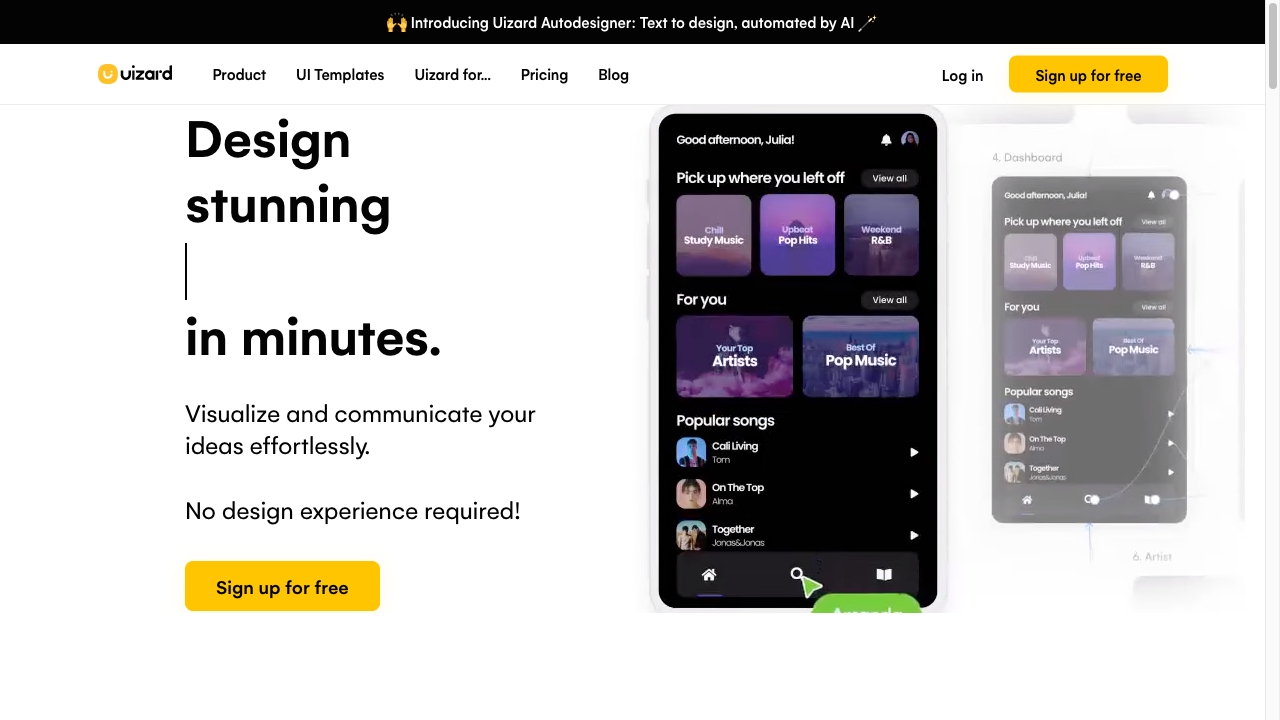
Uizard is an AI-powered UI design tool for apps, websites, web apps, tablet apps, wireframes, mockups, and prototypes. The current site emphasizes Autodesigner 2.0, screenshot scanning, wireframe scanning, text-to-prototype generation, editable mockups, real-time collaboration, templates, developer handoff, and use cases for product managers, UX teams, marketers, founders, consultants, agencies, developers, and enterprises.
Uizard is strongest when teams need to turn rough product ideas into editable UI concepts quickly. It is not a replacement for a full design system, user research program, or production frontend engineering workflow.
Best-fit use cases
| Use case | Fit | Notes | |---|---:|---| | Early app and website prototypes | High | Text-to-prototype and AI screen generation are central features. | | Wireframe to mockup conversion | High | Screenshot and wireframe scanning are official features. | | Product-team collaboration | High | Real-time collaboration and product-team use cases are prominent. | | Design handoff preparation | Medium | Developer handoff exists on paid plans. | | Final production UI code | Low | Engineers still need to implement and test the interface. |
What users should verify
Teams should test whether generated screens follow their design system, how editable components are, whether exported specs meet developer expectations, how private projects work, AI generation limits, template quality, collaboration permissions, and whether scanned screenshots or hand-drawn wireframes produce usable structure. Product teams should also validate concepts with users before treating generated prototypes as product decisions.
Strengths
- Clear AI UI design positioning with Autodesigner 2.0.
- Converts text prompts, screenshots, and wireframes into editable mockups.
- Good fit for non-designers who need to communicate product ideas.
- Pricing page explains free, pro, business, and enterprise tiers.
Limitations
- Generated UI may not match a mature design system without cleanup.
- Not a substitute for UX research or accessibility review.
- Developer handoff is helpful, but production code still needs engineering.
- AI generation limits and private-project needs affect plan choice.
Bottom line
Uizard is best for fast product ideation and collaborative prototype creation. It helps teams get from idea to editable UI quickly, but final product quality still depends on design review, research, accessibility, and implementation.
Sources reviewed: Uizard homepage, Uizard AI design, Uizard pricing.
FAQ
What is Uizard best for?
Uizard is best for quickly generating editable UI prototypes, app screens, website mockups, wireframes, and early product concepts with AI.
Can Uizard replace a designer?
No. Uizard speeds up ideation and prototyping, but teams still need design judgment, user research, accessibility review, and implementation work.
What should teams test before using Uizard seriously?
Teams should test AI generation limits, editability, design-system fit, private projects, scanner accuracy, collaboration controls, and developer handoff quality.