SuperIntern
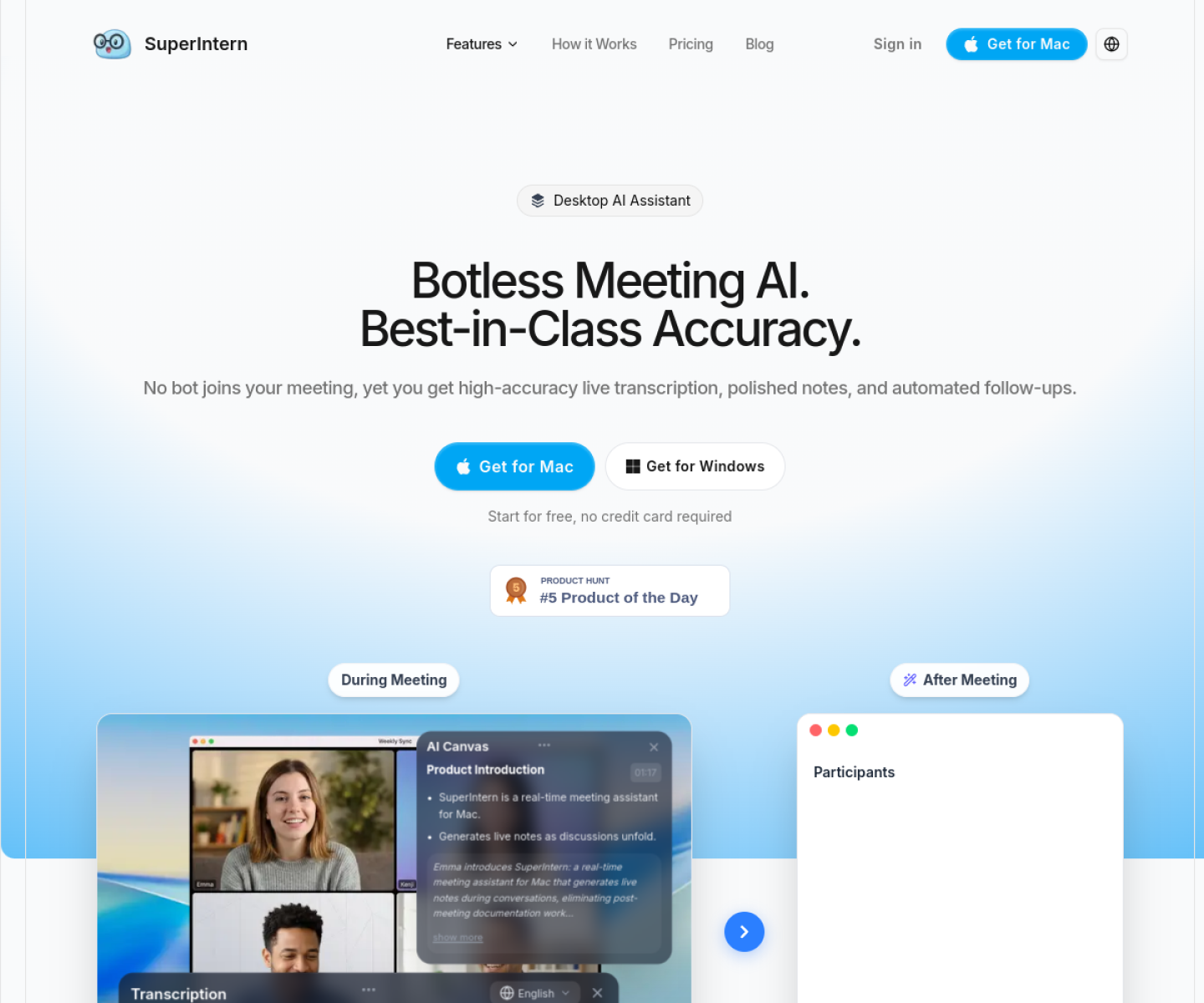
Realtime AI meeting assistant for live transcription, translation, summaries, and in-meeting chat without relying on a meeting bot.
AI Project Details
SuperIntern review: Realtime AI meeting assistant for live transcription, translation, summaries, and in-meeting chat without relying on a meeting bot.
SuperIntern is aimed at teams and professionals who need live meeting capture and multilingual support but want a lighter workflow than inviting another participant into every call. The current product materials describe a workflow built around open superintern during a meeting, capture live audio, review summaries and translated notes in real time, then use chat and exports after the call. That matters because many new AI launches still sound broad until you try to map them to an actual job.
The reason this tool stands out is practical fit. The product is explicit about a botless meeting workflow, which is a cleaner fit for privacy-sensitive or etiquette-sensitive calls. Its pricing page is concrete enough to judge real usage economics instead of hiding the product behind a waitlist. The combination of live summary, translation, and speaker handling makes it more practical than a transcript-only note taker.
How the workflow works
The fastest way to judge SuperIntern is to walk the main loop on one real task. For this product, users should open superintern during a meeting, capture live audio, review summaries and translated notes in real time, then use chat and exports after the call. If that loop feels clearer, more controllable, or easier to repeat than the alternatives, the product is doing useful work.
Where SuperIntern stands out
| Evaluation angle | Fit | Why it matters | | --- | --- | --- | | Best-fit user | High | Teams and professionals who need live meeting capture and multilingual support but want a lighter workflow than inviting another participant into every call. | | Core workflow clarity | High | Open SuperIntern during a meeting, capture live audio, review summaries and translated notes in real time, then use chat and exports after the call. | | Switching cost reducer | Medium to high | The product is explicit about a botless meeting workflow, which is a cleaner fit for privacy-sensitive or etiquette-sensitive calls. | | Adoption risk | Medium | Buyers should test transcription accuracy, language coverage, and live-latency performance on their own meeting mix before a wider rollout. |
Practical use cases
- Capturing multilingual meeting notes without adding a visible meeting bot
- Generating live summaries for fast-moving team discussions
- Reviewing and chatting with a meeting record after the call
Limits and buying notes
Buyers should test transcription accuracy, language coverage, and live-latency performance on their own meeting mix before a wider rollout. It is strongest for meetings and follow-up capture, not for broader knowledge management or project execution outside that loop. Pricing status today: Official pricing shows a free tier, a Plus plan at $20 per month with 100 included hours, and enterprise pricing by contact.
FAQ
What is SuperIntern best for?
SuperIntern works best when capturing multilingual meeting notes without adding a visible meeting bot matters more than using a generic assistant. The official materials point to a more concrete workflow than a blank AI shell.
Who should try SuperIntern first?
Teams and professionals who need live meeting capture and multilingual support but want a lighter workflow than inviting another participant into every call. Teams with that exact workflow will learn faster than broad curiosity users.
What should users verify before adopting SuperIntern?
Buyers should test transcription accuracy, language coverage, and live-latency performance on their own meeting mix before a wider rollout. It is strongest for meetings and follow-up capture, not for broader knowledge management or project execution outside that loop. Users should also check the current docs, pricing, and release status before rollout.
Reviewed sources
- https://www.super-intern.com/en
- https://super-intern.com/en/pricing
FAQ
What is SuperIntern best for?
SuperIntern works best when capturing multilingual meeting notes without adding a visible meeting bot matters more than using a generic assistant. The official materials point to a more concrete workflow than a blank AI shell.
Who should try SuperIntern first?
Teams and professionals who need live meeting capture and multilingual support but want a lighter workflow than inviting another participant into every call. Teams with that exact workflow will learn faster than broad curiosity users.
What should users verify before adopting SuperIntern?
Buyers should test transcription accuracy, language coverage, and live-latency performance on their own meeting mix before a wider rollout. It is strongest for meetings and follow-up capture, not for broader knowledge management or project execution outside that loop. Users should also check the current docs, pricing, and release status before rollout.