Spellar
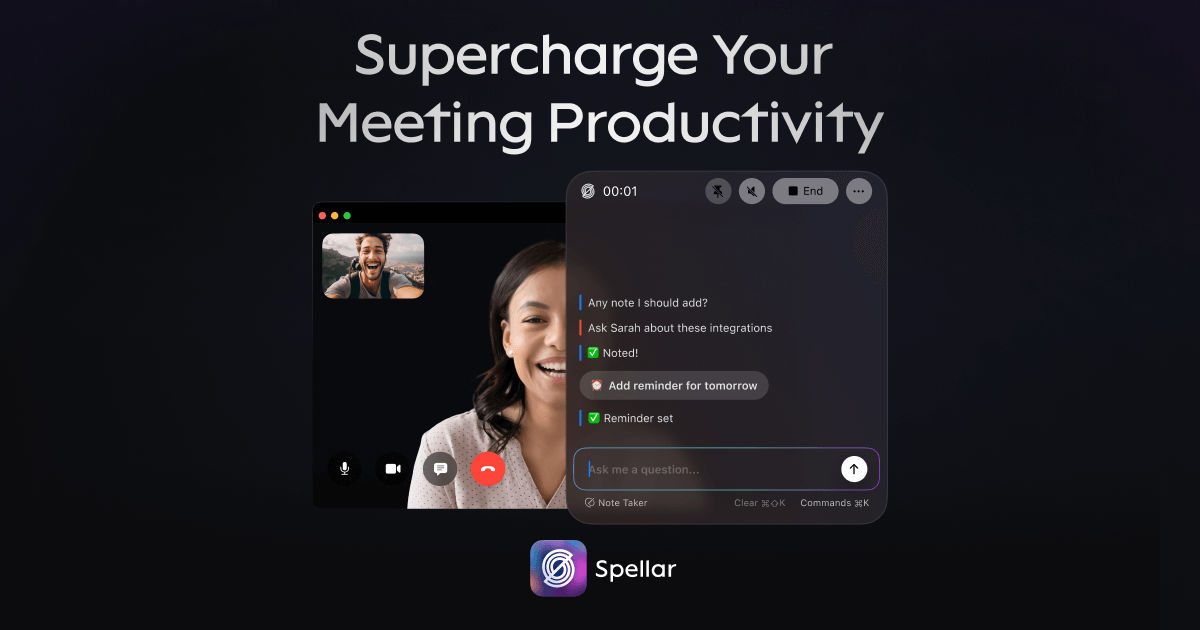
Bot-free AI meeting companion for recording, transcribing, summarizing, and routing meeting output into tools like Notion, Jira, Linear, and Slack.
AI Project Details
Spellar review: Bot-free AI meeting companion for recording, transcribing, summarizing, and routing meeting output into tools like Notion, Jira, Linear, and Slack.
Spellar is aimed at professionals and teams that want meeting capture without inviting a visible bot into every call. The current product materials describe a workflow built around record locally, process transcripts and summaries after the meeting, then push notes, tasks, and follow-up material into connected work tools. That framing matters because many new AI launches still stop at a broad promise. Spellar has a clearer job to do.
The stronger reason to care is operational fit. The bot-free angle is still one of the clearest reasons to choose it over sales-style meeting bots. Recent updates show a steady product cadence, including the 3.0 rebuild and privacy controls. BYOK support and local audio options make it more flexible for privacy-conscious users.
How the workflow works
A sensible first pass is simple: start from the product's core entry point, validate the main loop on a representative task, and only then judge whether the surrounding automation is real. For Spellar, that means users should record locally, process transcripts and summaries after the meeting, then push notes, tasks, and follow-up material into connected work tools. If that loop feels shorter, clearer, or easier to control than the alternatives, the product is doing something useful.
Where Spellar stands out
| Evaluation angle | Fit | Why it matters | | --- | --- | --- | | Best-fit user | High | Professionals and teams that want meeting capture without inviting a visible bot into every call. | | Core workflow clarity | High | Record locally, process transcripts and summaries after the meeting, then push notes, tasks, and follow-up material into connected work tools. | | Switching cost reducer | Medium to high | The bot-free angle is still one of the clearest reasons to choose it over sales-style meeting bots. | | Adoption risk | Medium | It is not ideal for teams that need a bot to handle fully automatic organization-wide recording. |
Practical use cases
- Private meeting summaries without a call bot
- Task extraction into Notion, Jira, and Linear
- Cross-platform meeting capture for remote teams
Limits and buying notes
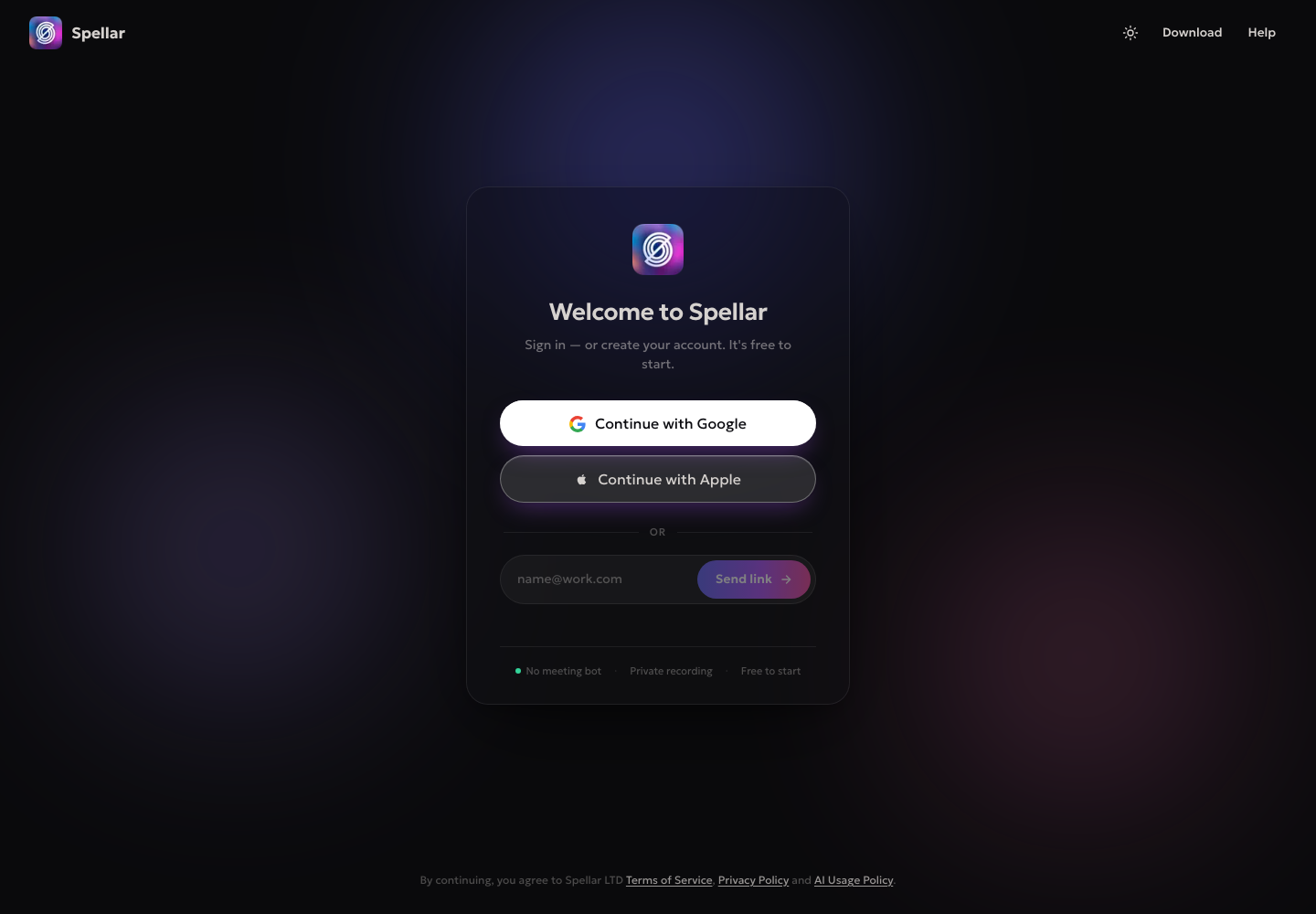
It is not ideal for teams that need a bot to handle fully automatic organization-wide recording. Prospective buyers should confirm current plan limits because the product has changed tiers repeatedly. Pricing status today: Free to start per signup page; plan structure changed in 2026 updates and should be verified in-product.
FAQ
What is Spellar best for?
Spellar is strongest when private meeting summaries without a call bot matters more than a generic AI demo. The official product materials position it around a concrete workflow rather than a blank chatbot shell.
Who should try Spellar first?
Professionals and teams that want meeting capture without inviting a visible bot into every call. Teams with a real workflow match will get value faster than general curiosity users.
What should buyers verify before adopting Spellar?
It is not ideal for teams that need a bot to handle fully automatic organization-wide recording. Prospective buyers should confirm current plan limits because the product has changed tiers repeatedly. Pricing, privacy, and workflow fit should be checked directly on the current product before rollout.
Reviewed sources
- https://www.spellar.ai/startup
- https://www.spellar.ai/updates
- https://www.spellar.ai/updates/v-3.0.0
FAQ
What is Spellar best for?
Spellar is strongest when private meeting summaries without a call bot matters more than a generic AI demo. The official product materials position it around a concrete workflow rather than a blank chatbot shell.
Who should try Spellar first?
Professionals and teams that want meeting capture without inviting a visible bot into every call. Teams with a real workflow match will get value faster than general curiosity users.
What should buyers verify before adopting Spellar?
It is not ideal for teams that need a bot to handle fully automatic organization-wide recording. Prospective buyers should confirm current plan limits because the product has changed tiers repeatedly. Pricing, privacy, and workflow fit should be checked directly on the current product before rollout.