PixelDojo
Create Stunning AI Art with Cutting-Edge Tools In today's digital age, creating art has never been easier, thanks to cutting-edge AI tools. These innovative technologies empower artists and enthusiasts alike to explore their creativity in new and exciting ways. Whether you're a seasoned artist or just starting, AI art generation can enhance your artistic journey. Discover the Benefits of AI Art Tools 1. User-Friendly Interfaces: Most AI art tools are designed with simplicity in mind, making them accessible for everyone. 2. Diverse Styles: From abstract to realistic, AI tools can generate art in various styles, allowing for endless creative possibilities. 3. Time Efficiency: Create stunning pieces in a fraction of the time it would take using traditional methods. How to Get Started with AI Art - Choose the Right Tool: Research and select an AI art generator that suits your needs. - Experiment with Features: Explore different settings and styles to find what resonates with you. - Share Your Creations: Once you’ve created your masterpiece, don’t hesitate to share it with the world! Elevate Your Artistic Skills with AI By incorporating AI art tools into your creative process, you can unlock new levels of inspiration and innovation. Embrace the future of art and let technology enhance your creative expression. Start creating today and watch your artistic vision come to life!
AI Project Details
PixelDojo review: one workspace for AI images, video, editing, upscaling, and API access
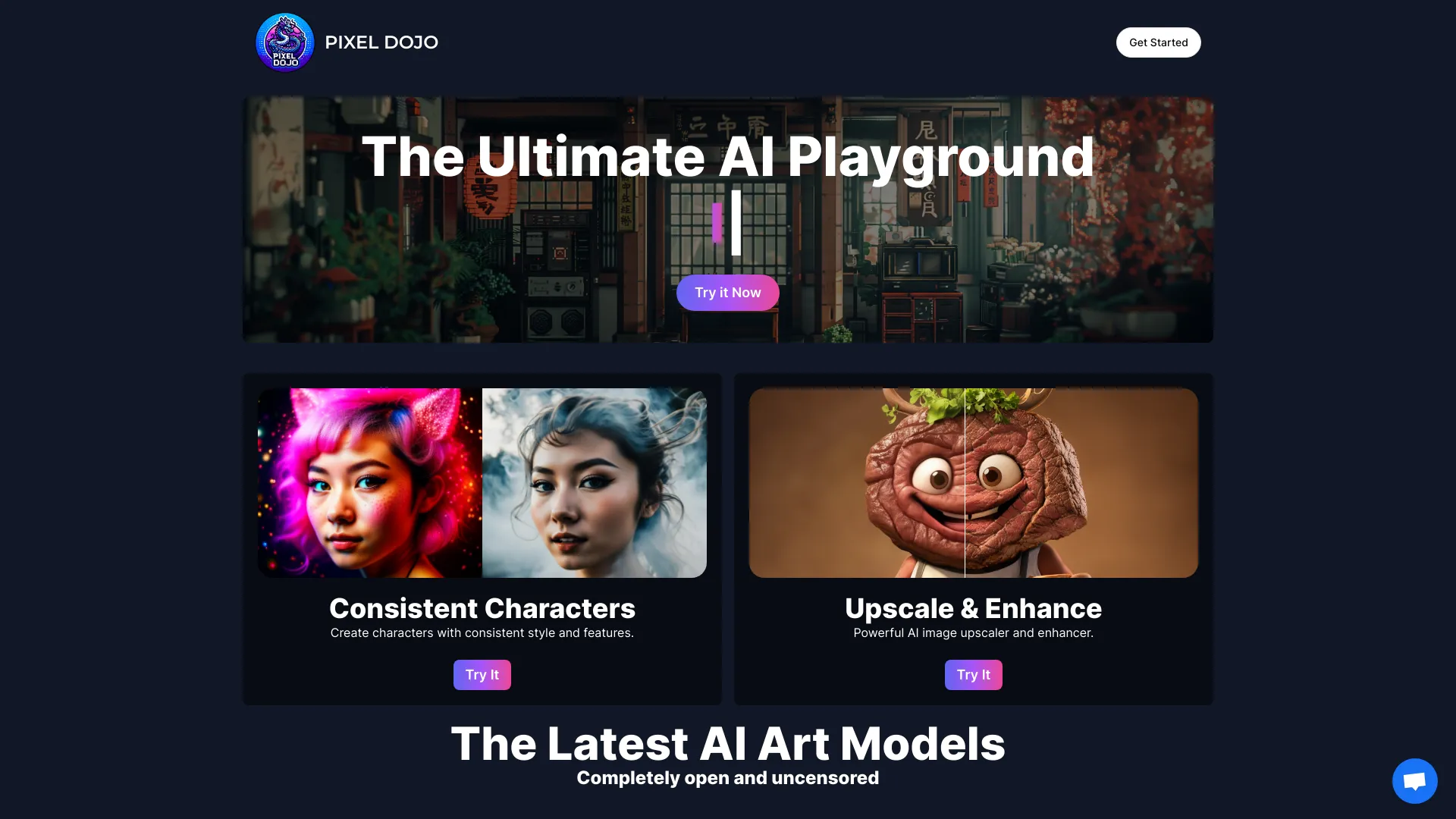
PixelDojo is an AI creative workspace that brings image generation, video generation, editing, upscaling, LoRAs, prompts, creator tools, and API access into one product. Its official homepage emphasizes a single creative workflow with models such as Flux, WAN, Veo, Imagen, and more. Its API platform lists a large async model catalog for image and video generation with credits, API keys, docs, OpenAPI specs, and usage monitoring.
That makes PixelDojo different from a single-model image generator. The main value is model access and workflow consolidation: creators can test multiple image and video models without managing separate accounts, credits, prompts, and exports for every provider.
Best-fit use cases
| Use case | PixelDojo fit | Notes | |---|---:|---| | AI image generation and editing | High | Strong fit for comparing models and iterating on visual ideas. | | AI video generation | High | Useful when creators want several video models in one workspace. | | Product, marketing, and creator assets | Medium to high | Good fit if brand review and rights checks are included. | | Developer API access to creative models | Medium to high | API platform supports keys, docs, credits, and model endpoints. | | Highly controlled enterprise creative pipelines | Medium | Needs governance, approval, and asset-management review. |
What to check before adopting PixelDojo
Creators should test model quality, prompt control, editing tools, upscaling, character consistency, typography, video duration, export quality, commercial-rights terms, credit consumption, and whether the platform supports the exact style or production format required. Developers should separately evaluate API latency, endpoint stability, credit cost, logs, authentication, and failure handling.
PixelDojo is strongest for exploratory creative work. It can help teams discover which model works for a concept, but final brand campaigns still need human art direction, legal review, accessibility checks, and QA for text, faces, logos, and product details.
Strengths
- Combines image, video, editing, upscaling, prompts, LoRAs, and API access.
- Helpful for comparing many image and video models inside one workflow.
- API platform makes the product relevant to developers as well as creators.
Limitations
- Credit usage can rise quickly during experimentation.
- Output rights, model-specific terms, and brand safety should be reviewed before commercial campaigns.
- Generated visuals still need QA for text, faces, hands, logos, and product accuracy.
Bottom line
PixelDojo should be indexed as a multi-model AI creative platform. The best pilot is to run one real creative brief through image generation, editing, upscaling, video conversion, and export, then compare quality, cost, and review time against the team's current creative stack.
Sources reviewed: PixelDojo homepage, PixelDojo API platform, PixelDojo image generator, PixelDojo video generator.
FAQ
What is PixelDojo best for?
PixelDojo is best for AI image generation, AI video generation, editing, upscaling, model comparison, prompt workflows, LoRAs, and API access to creative models.
Is PixelDojo only for designers?
No. It is useful for creators and marketers, but the API platform also makes it relevant for developers building image or video generation workflows.
What should teams test before using PixelDojo commercially?
Test credit cost, output rights, model terms, prompt control, brand consistency, text accuracy, product accuracy, export quality, API latency, and review workflow.