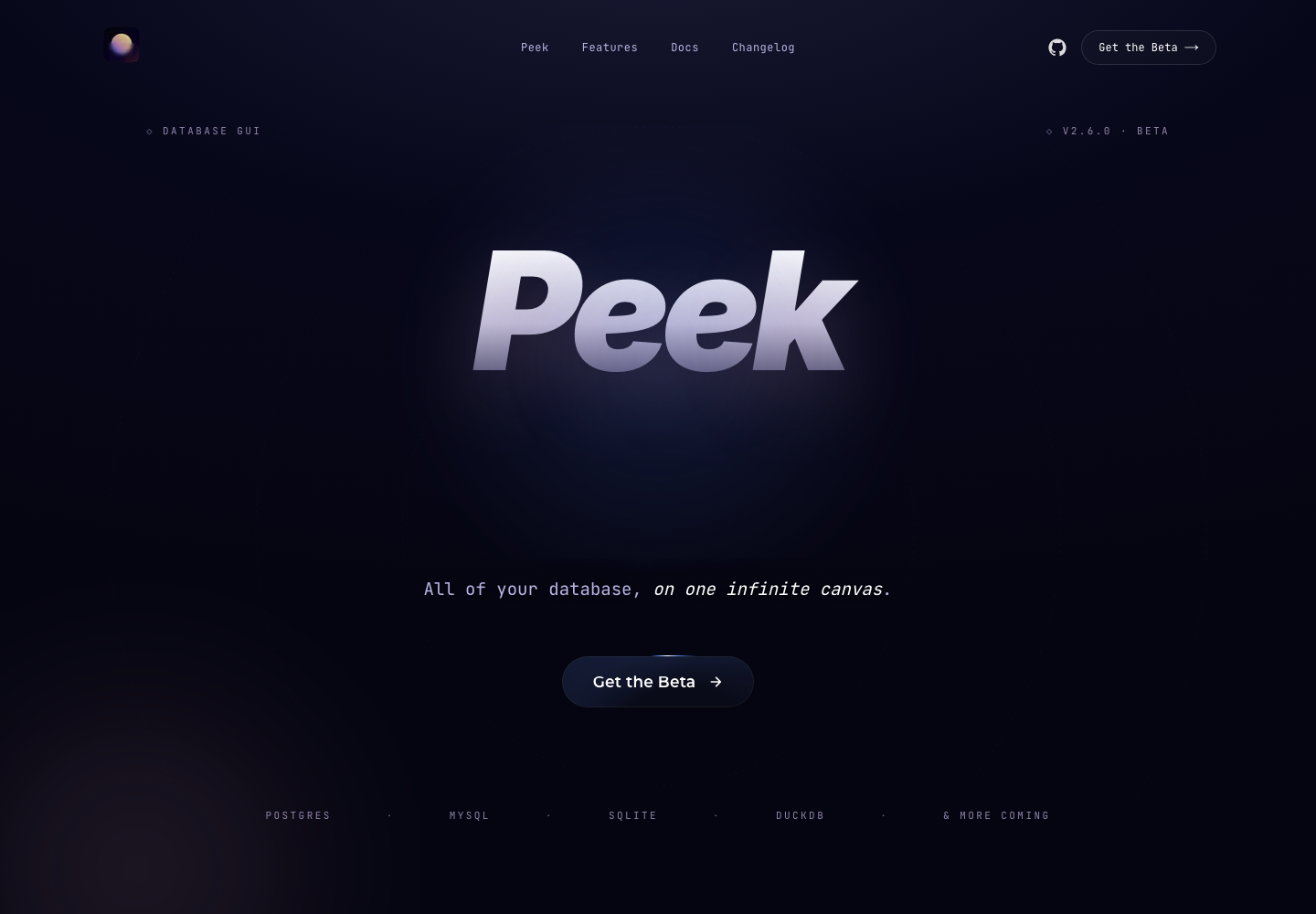
Peek
Database GUI built around an infinite canvas where queries, result sets, charts, notes, and agent actions live in one shared workspace instead of separate tabs or modal panels.
AI Project Details
Peek review: Database GUI built around an infinite canvas where queries, result sets, charts, notes, and agent actions live in one shared workspace instead of separate tabs or modal panels.
Peek is built for developers and data-heavy product teams that want a more exploratory database workspace than a classic query-and-grid client. Instead of asking users to replace their whole toolchain, the product wraps a familiar workflow around connect a database, run queries on the canvas, branch into related rows or charts, bring local ai or an mcp-enabled coding agent into the same session, and collaborate through shared links when another person needs to inspect the data path with you. That makes it easier to judge on practical fit rather than hype.
What the product changes day to day
The real question is whether the workspace removes enough friction to matter. Peek is not just another SQL client with an AI sidebar; the canvas itself is the product, and the public site shows how that changes inspection and comparison work. The official materials are concrete about local inference, MCP control, file import, virtualization for large result sets, and private peer-to-peer collaboration. It is notable because it reframes database work as a spatial exploration problem rather than a sequence of disconnected tabs and result panes.
What the workflow feels like
For a serious evaluation, start with one active project instead of a synthetic demo. In practice that means users should connect a database, run queries on the canvas, branch into related rows or charts, bring local ai or an mcp-enabled coding agent into the same session, and collaborate through shared links when another person needs to inspect the data path with you. If the product keeps context visible and cuts down tool hopping, the value shows up quickly.
Where it earns attention
| Evaluation angle | Fit | Why it matters | | --- | --- | --- | | Best-fit user | High | Developers and data-heavy product teams that want a more exploratory database workspace than a classic query-and-grid client. | | Core workflow clarity | High | Connect a database, run queries on the canvas, branch into related rows or charts, bring local AI or an MCP-enabled coding agent into the same session, and collaborate through shared links when another person needs to inspect the data path with you. | | Switching cost reducer | Medium to high | Peek is not just another SQL client with an AI sidebar; the canvas itself is the product, and the public site shows how that changes inspection and comparison work. | | Adoption risk | Medium | Teams that prefer a conventional query editor and static table grid may not want the extra surface area of a canvas-first UI. |
Practical use cases
- Exploring related database results on a shared infinite canvas
- Letting an agent analyze tables and query outputs through MCP
- Comparing queries, charts, and notes side by side in one DB workspace
Limits and buying notes
Teams that prefer a conventional query editor and static table grid may not want the extra surface area of a canvas-first UI. The product is still in beta, so conservative teams should validate connector coverage, stability, and operational fit before depending on it for core database workflows. Pricing status today: The official site currently presents Peek as a beta desktop app with direct download links, and the reviewed public pages did not show a separate paid pricing table.
FAQ
What is Peek best for?
Peek is strongest when exploring related database results on a shared infinite canvas matters more than a generic AI demo. The official product materials position it around a concrete workflow rather than a blank chatbot shell.
Who should try Peek first?
Developers and data-heavy product teams that want a more exploratory database workspace than a classic query-and-grid client. Teams with a real workflow match will get value faster than general curiosity users.
What should buyers verify before adopting Peek?
Teams that prefer a conventional query editor and static table grid may not want the extra surface area of a canvas-first UI. The product is still in beta, so conservative teams should validate connector coverage, stability, and operational fit before depending on it for core database workflows. Pricing, privacy, and workflow fit should be checked directly on the current product before rollout.
Reviewed sources
- https://getpeek.dev/
- https://github.com/getpeek/peek
- https://news.ycombinator.com/item?id=48529257
FAQ
What is Peek best for?
Peek is strongest when exploring related database results on a shared infinite canvas matters more than a generic AI demo. The official product materials position it around a concrete workflow rather than a blank chatbot shell.
Who should try Peek first?
Developers and data-heavy product teams that want a more exploratory database workspace than a classic query-and-grid client. Teams with a real workflow match will get value faster than general curiosity users.
What should buyers verify before adopting Peek?
Teams that prefer a conventional query editor and static table grid may not want the extra surface area of a canvas-first UI. The product is still in beta, so conservative teams should validate connector coverage, stability, and operational fit before depending on it for core database workflows. Pricing, privacy, and workflow fit should be checked directly on the current product before rollout.