
Paste MCP
Clipboard-to-AI bridge from Paste that lets Claude, Codex, and other MCP-compatible tools search and use clipboard history and pinboards as context.
AI Project Details
Paste MCP review: Clipboard-to-AI bridge from Paste that lets Claude, Codex, and other MCP-compatible tools search and use clipboard history and pinboards as context.
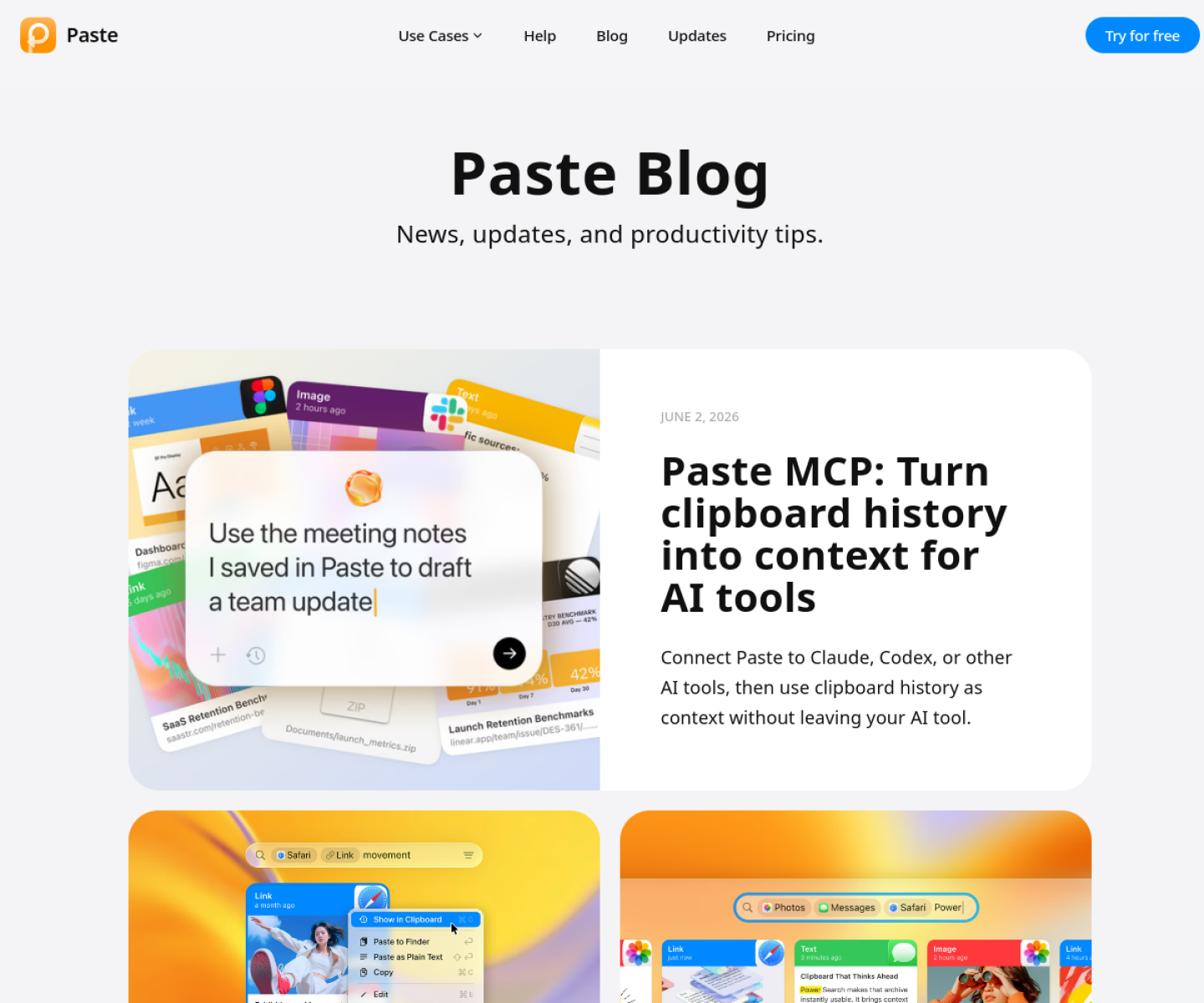
Paste MCP is aimed at mac users and knowledge workers who already collect snippets, links, screenshots, and notes in paste and want that material available to ai tools. The current product materials describe a workflow built around keep content in paste as usual, connect its mcp feature to an ai client, then search, organize, or reuse clipboard history and pinboards from inside the chat. That framing matters because many new AI launches still stop at a broad promise. Paste MCP has a clearer job to do.
The stronger reason to care is operational fit. Paste MCP extends a mature clipboard product instead of inventing a thin standalone memory layer. The official materials emphasize searchable history, pinboards, and OCR-friendly image search, which are useful agent context sources. It is a practical example of consumer productivity software becoming agent-ready through MCP.
How the workflow works
A sensible first pass is simple: start from the product's core entry point, validate the main loop on a representative task, and only then judge whether the surrounding automation is real. For Paste MCP, that means users should keep content in paste as usual, connect its mcp feature to an ai client, then search, organize, or reuse clipboard history and pinboards from inside the chat. If that loop feels shorter, clearer, or easier to control than the alternatives, the product is doing something useful.
Where Paste MCP stands out
| Evaluation angle | Fit | Why it matters | | --- | --- | --- | | Best-fit user | High | Mac users and knowledge workers who already collect snippets, links, screenshots, and notes in Paste and want that material available to AI tools. | | Core workflow clarity | High | Keep content in Paste as usual, connect its MCP feature to an AI client, then search, organize, or reuse clipboard history and pinboards from inside the chat. | | Switching cost reducer | Medium to high | Paste MCP extends a mature clipboard product instead of inventing a thin standalone memory layer. | | Adoption risk | Medium | The fit is strongest for users already invested in Paste on Apple devices. |
Practical use cases
- Giving AI tools access to clipboard history and reusable snippets
- Pulling saved research material into an AI workflow quickly
- Reducing manual copy-paste between apps and assistants
Limits and buying notes
The fit is strongest for users already invested in Paste on Apple devices. Teams should confirm exactly which MCP actions are exposed before relying on it as a broader knowledge system. Pricing status today: The reviewed public pages confirm Paste is a commercial Mac and iOS app, but a dedicated public pricing table for the new MCP feature was not visible during review.
FAQ
What is Paste MCP best for?
Paste MCP is strongest when giving ai tools access to clipboard history and reusable snippets matters more than a generic AI demo. The official product materials position it around a concrete workflow rather than a blank chatbot shell.
Who should try Paste MCP first?
Mac users and knowledge workers who already collect snippets, links, screenshots, and notes in Paste and want that material available to AI tools. Teams with a real workflow match will get value faster than general curiosity users.
What should buyers verify before adopting Paste MCP?
The fit is strongest for users already invested in Paste on Apple devices. Teams should confirm exactly which MCP actions are exposed before relying on it as a broader knowledge system. Pricing, privacy, and workflow fit should be checked directly on the current product before rollout.
Reviewed sources
- https://pasteapp.io/blog
- https://pasteapp.io/
- https://pasteapp.io/help/search-and-filters
FAQ
What is Paste MCP best for?
Paste MCP is strongest when giving ai tools access to clipboard history and reusable snippets matters more than a generic AI demo. The official product materials position it around a concrete workflow rather than a blank chatbot shell.
Who should try Paste MCP first?
Mac users and knowledge workers who already collect snippets, links, screenshots, and notes in Paste and want that material available to AI tools. Teams with a real workflow match will get value faster than general curiosity users.
What should buyers verify before adopting Paste MCP?
The fit is strongest for users already invested in Paste on Apple devices. Teams should confirm exactly which MCP actions are exposed before relying on it as a broader knowledge system. Pricing, privacy, and workflow fit should be checked directly on the current product before rollout.