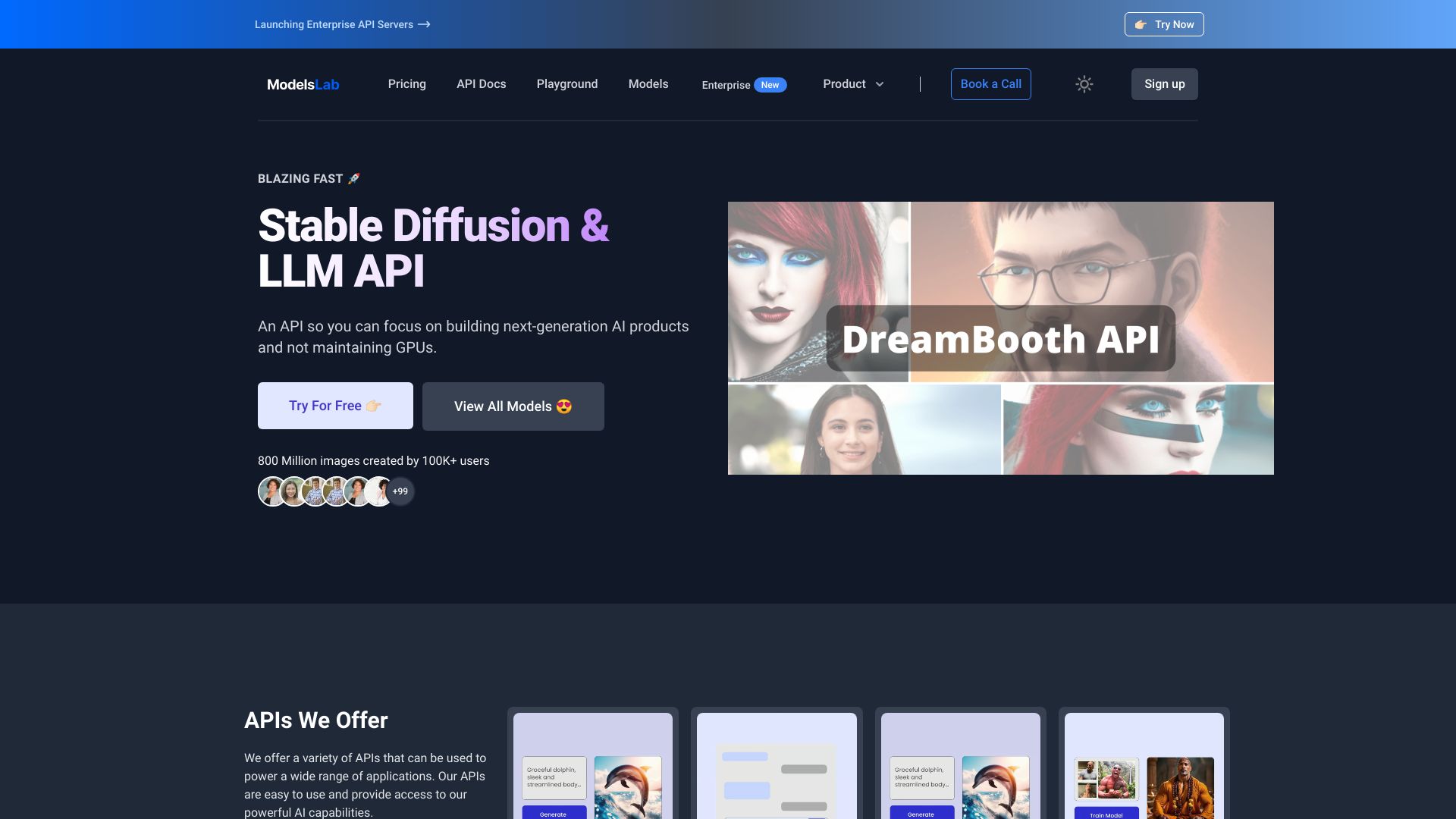
ModelsLab AI
Generate and finetune Dreambooth Stable Diffusion with API In today's digital landscape, leveraging advanced technologies like Dreambooth and Stable Diffusion can significantly enhance your projects. By utilizing the API, you can seamlessly integrate these powerful tools into your workflow. What is Dreambooth? Dreambooth is a cutting-edge model that allows users to create personalized images based on specific inputs. It excels in generating high-quality visuals tailored to individual preferences. Understanding Stable Diffusion Stable Diffusion is a robust framework designed to ensure smooth and efficient image generation. It optimizes the process, making it faster and more reliable, which is essential for developers and creators alike. How to Generate and Finetune 1. Access the API: Start by obtaining the necessary API keys to access Dreambooth and Stable Diffusion. 2. Input Parameters: Define your input parameters carefully to achieve the desired output. This includes selecting the right model and adjusting settings for optimal results. 3. Finetuning: Utilize the finetuning capabilities to refine your images further. This step is crucial for enhancing quality and ensuring that the generated content meets your specific needs. Benefits of Using the API - Streamlined Workflow: The API allows for easy integration, saving you time and effort. - Customization: Tailor your image generation process to fit your unique requirements. - High-Quality Outputs: Achieve stunning visuals that stand out in any project. In conclusion, generating and finetuning Dreambooth Stable Diffusion with API is a game-changer for anyone looking to elevate their creative projects. By following the steps outlined above, you can harness the full potential of these innovative tools and produce exceptional results.
AI Project Details
ModelsLab review: generative AI APIs for images, video, and model workflows
ModelsLab is a developer platform for generative AI APIs. Its official site positions the product around text-to-image, image-to-image, video, DreamBooth, LoRA, fine-tuning, and hosted model endpoints. For developers, the value is access to generation capabilities through APIs without maintaining the full GPU infrastructure themselves.
ModelsLab should be evaluated as infrastructure, not as a casual image generator. The key question is whether the API quality, latency, pricing, model coverage, and compliance controls match the product being built.
Best-fit use cases
| Use case | ModelsLab fit | Notes | |---|---:|---| | AI image features in apps | High | Strong when a product needs API-driven generation. | | Model experimentation | High | Useful for testing multiple generative workflows. | | DreamBooth or LoRA workflows | Medium to high | Good when teams need custom visual styles or subjects. | | Enterprise regulated media | Medium | Needs rights, moderation, and data controls. | | One-off manual image creation | Low to medium | A creative UI may be simpler. |
What developers should verify
Developers should test API latency, uptime, rate limits, image quality, model availability, prompt handling, moderation, content policy, billing, webhook behavior, and how failures are returned. They should also confirm commercial rights, storage behavior, and whether generated outputs can be safely used in their target product.
The best integration starts with a narrow feature and a fallback path, then expands only after quality and cost are predictable.
Strengths
- API-first approach is useful for products that need embedded image or video generation.
- Broad generative workflow coverage can reduce infrastructure work.
- Custom model workflows such as DreamBooth and LoRA are relevant for branded or specialized visuals.
- Useful for teams that do not want to maintain GPUs directly.
Limitations
- API reliability and output quality must be tested under real traffic.
- Rights, moderation, and content policy need product-level review.
- Generation costs can scale quickly if the product becomes popular.
- Developers still need guardrails, retries, and user-facing failure handling.
Bottom line
ModelsLab should be indexed as a generative AI API platform for developers. It is strongest for teams embedding image, video, or custom model generation into products while avoiding direct GPU infrastructure management.
Sources reviewed: ModelsLab homepage, ModelsLab API docs, ModelsLab pricing.
FAQ
What is ModelsLab best for?
ModelsLab is best for developers who need API access to generative image, video, DreamBooth, LoRA, and model workflows without managing GPU infrastructure.
Is ModelsLab only an image generator?
No. ModelsLab is more useful as a developer API platform for embedding generative media workflows into products.
What should developers test before using ModelsLab in production?
Test latency, uptime, rate limits, output quality, model availability, moderation, billing, webhook behavior, storage, commercial rights, and failure handling.