mdocs
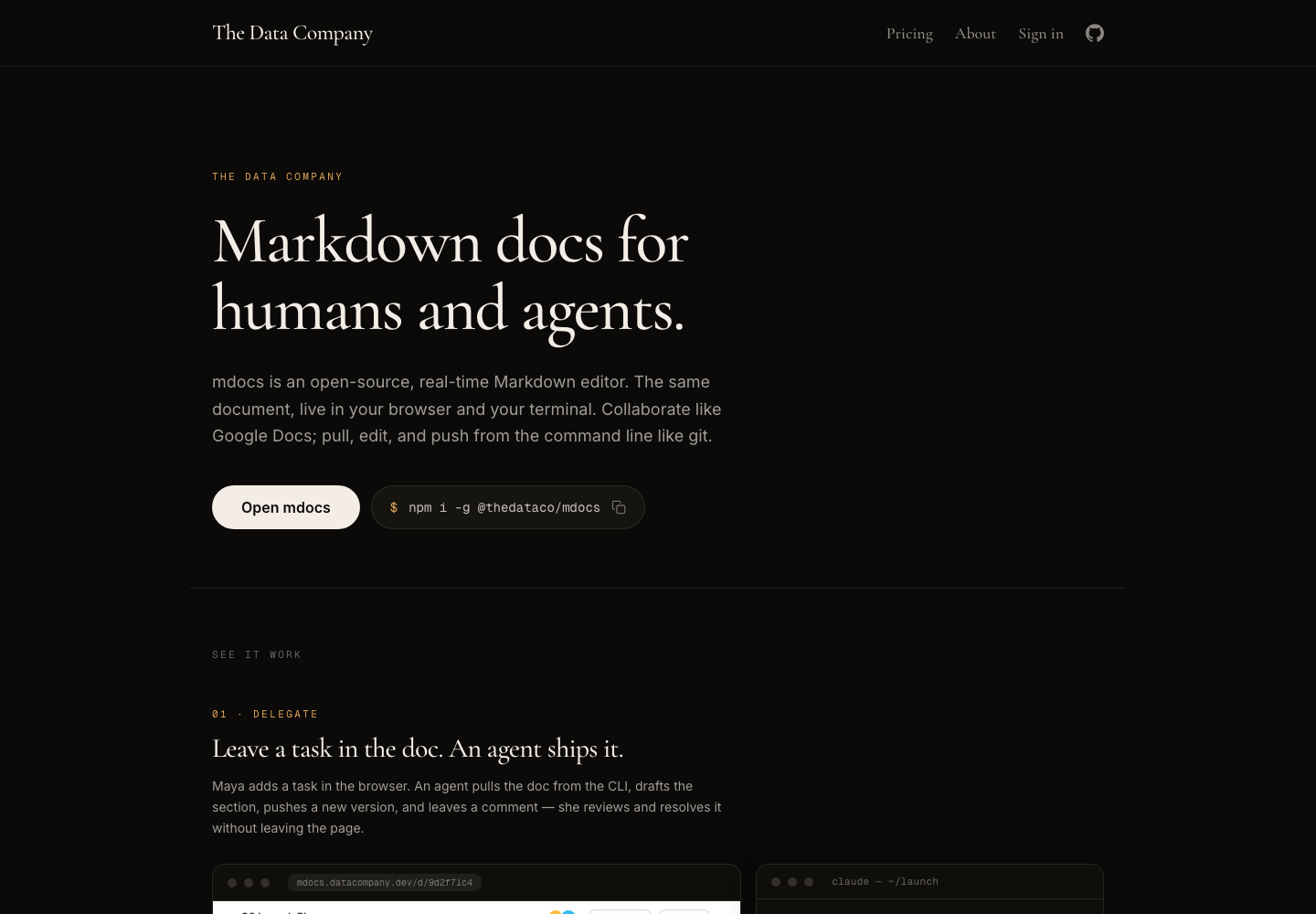
Real-time Markdown document system that keeps the same doc live in both the browser and the terminal, giving humans collaborative editing while agents can pull, edit, and push through a CLI with three-way merge behavior.
AI Project Details
mdocs review: Real-time Markdown document system that keeps the same doc live in both the browser and the terminal, giving humans collaborative editing while agents can pull, edit, and push through a CLI with three-way merge behavior.
mdocs is built for teams that want specs, plans, or shared documents to stay agent-friendly without moving the source of truth into a chat thread or a proprietary document silo. Instead of asking users to replace their whole toolchain, the product wraps a familiar workflow around open or share a document in the browser, let people edit collaboratively, then pull the same document from the terminal where an agent can update it and push changes back with merge semantics instead of manual copy-paste between tools. That makes it easier to judge on practical fit rather than hype.
What the product changes day to day
The real question is whether the workspace removes enough friction to matter. mdocs is built around the same document being first-class in both the browser and the terminal, which is a better fit for agent collaboration than a browser-only editor. The official site is clear about the CLI install path, real-time collaboration model, and three-way merge behavior for parallel edits. The project is notable because it treats documents as shared operating surfaces for both people and agents instead of as a static context file agents merely read.
What the workflow feels like
For a serious evaluation, start with one active project instead of a synthetic demo. In practice that means users should open or share a document in the browser, let people edit collaboratively, then pull the same document from the terminal where an agent can update it and push changes back with merge semantics instead of manual copy-paste between tools. If the product keeps context visible and cuts down tool hopping, the value shows up quickly.
Where it earns attention
| Evaluation angle | Fit | Why it matters | | --- | --- | --- | | Best-fit user | High | Teams that want specs, plans, or shared documents to stay agent-friendly without moving the source of truth into a chat thread or a proprietary document silo. | | Core workflow clarity | High | Open or share a document in the browser, let people edit collaboratively, then pull the same document from the terminal where an agent can update it and push changes back with merge semantics instead of manual copy-paste between tools. | | Switching cost reducer | Medium to high | mdocs is built around the same document being first-class in both the browser and the terminal, which is a better fit for agent collaboration than a browser-only editor. | | Adoption risk | Medium | The product is strongest for teams that already work in Markdown and want docs under versioned control, so it may feel less natural for people committed to rich-text document suites. |
Practical use cases
- Letting agents edit shared Markdown docs without leaving terminal workflows
- Keeping planning and spec documents synchronized across browser and CLI use
- Using three-way merge to land parallel human and agent edits cleanly
Limits and buying notes
The product is strongest for teams that already work in Markdown and want docs under versioned control, so it may feel less natural for people committed to rich-text document suites. Hosted pricing and enterprise support details are still light on the public site, so teams should verify rollout expectations directly before standardizing on it. Pricing status today: The current landing page emphasizes the open-source product and installation flow, but the reviewed public sources did not expose a stable pricing table for hosted usage.
FAQ
What is mdocs best for?
mdocs is strongest when letting agents edit shared markdown docs without leaving terminal workflows matters more than a generic AI demo. The official product materials position it around a concrete workflow rather than a blank chatbot shell.
Who should try mdocs first?
Teams that want specs, plans, or shared documents to stay agent-friendly without moving the source of truth into a chat thread or a proprietary document silo. Teams with a real workflow match will get value faster than general curiosity users.
What should buyers verify before adopting mdocs?
The product is strongest for teams that already work in Markdown and want docs under versioned control, so it may feel less natural for people committed to rich-text document suites. Hosted pricing and enterprise support details are still light on the public site, so teams should verify rollout expectations directly before standardizing on it. Pricing, privacy, and workflow fit should be checked directly on the current product before rollout.
Reviewed sources
- https://www.datacompany.dev/
- https://github.com/TheDataCo/mdocs
- https://news.ycombinator.com/item?id=48511122
FAQ
What is mdocs best for?
mdocs is strongest when letting agents edit shared markdown docs without leaving terminal workflows matters more than a generic AI demo. The official product materials position it around a concrete workflow rather than a blank chatbot shell.
Who should try mdocs first?
Teams that want specs, plans, or shared documents to stay agent-friendly without moving the source of truth into a chat thread or a proprietary document silo. Teams with a real workflow match will get value faster than general curiosity users.
What should buyers verify before adopting mdocs?
The product is strongest for teams that already work in Markdown and want docs under versioned control, so it may feel less natural for people committed to rich-text document suites. Hosted pricing and enterprise support details are still light on the public site, so teams should verify rollout expectations directly before standardizing on it. Pricing, privacy, and workflow fit should be checked directly on the current product before rollout.