Locofy.ai
Convert Your Designs to Production-Ready Code: A Step-by-Step Guide In today's fast-paced digital world, transforming your designs into production-ready code is essential for delivering high-quality products efficiently. This guide will walk you through the process, ensuring that your designs are not only visually appealing but also functional and ready for deployment. 1. Understand the Design Specifications - Review the design files thoroughly. - Identify key elements such as fonts, colors, and layout. 2. Choose the Right Tools - Select appropriate coding tools and frameworks that align with your project requirements. - Consider using design-to-code tools for faster conversion. 3. Structure Your Code - Organize your codebase with clear folder structures. - Use semantic HTML for better accessibility and SEO. 4. Implement Responsive Design - Ensure your code adapts seamlessly to different screen sizes. - Utilize CSS media queries to enhance user experience on mobile devices. 5. Optimize Performance - Minimize file sizes and optimize images for faster loading times. - Implement lazy loading for non-critical resources. 6. Test and Validate - Conduct thorough testing across various browsers and devices. - Validate your code using tools like W3C Validator to ensure compliance with web standards. By following these steps, you can effectively convert your designs into production-ready code, enhancing both the functionality and user experience of your digital products. Embrace the process and watch your designs come to life!
AI Project Details
Locofy.ai review: AI design-to-code for frontend teams
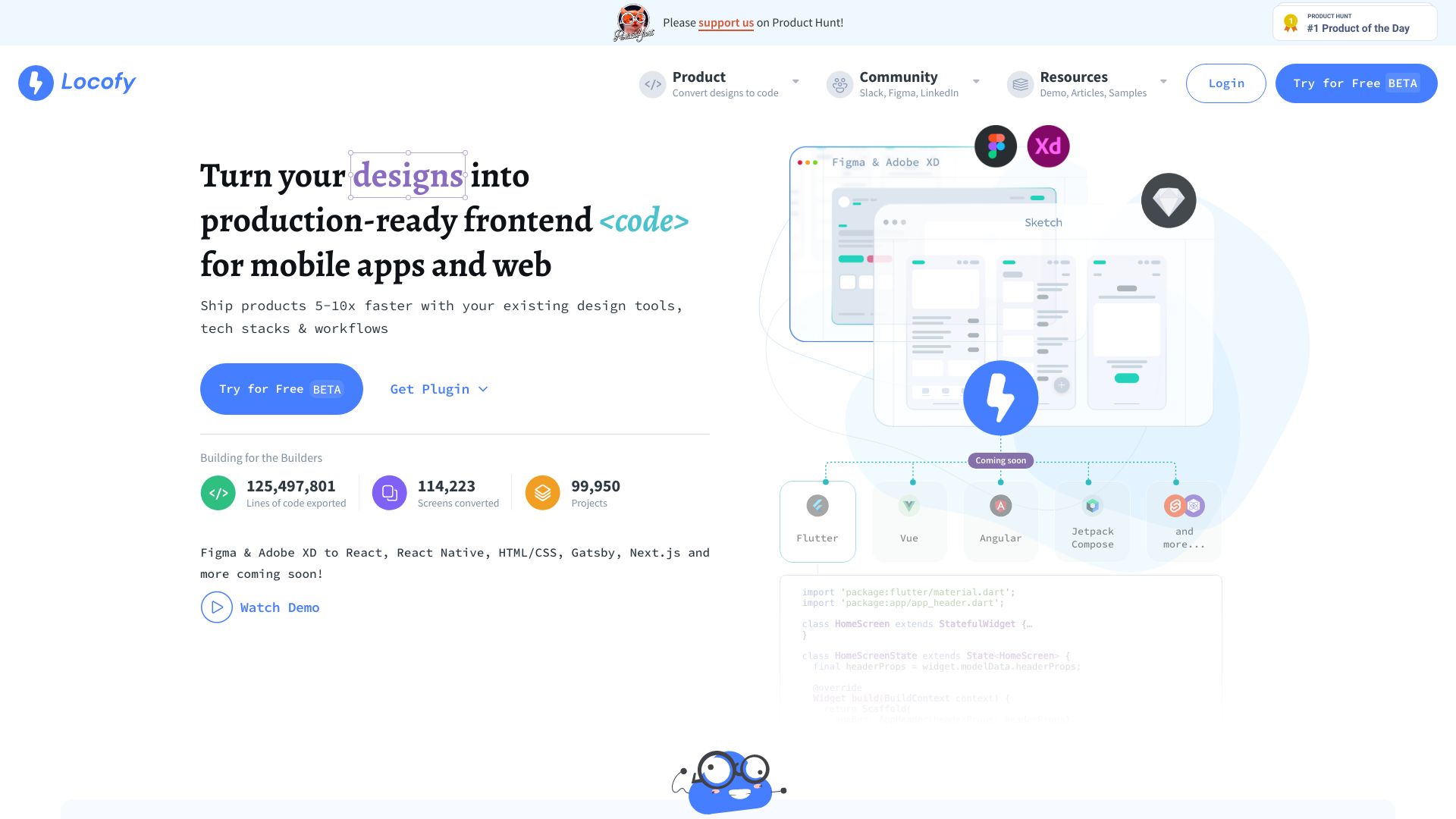
Locofy.ai is a design-to-code platform that converts Figma and Penpot designs into developer-friendly frontend code. Its homepage metadata says it supports React, React Native, HTML/CSS, Flutter, Vue, Angular, Next.js, and related frameworks, with cloud or on-prem deployment options. The current documentation describes Locofy Lightning, design-system support, custom code components, code export, pull and merge workflows, GitHub sync, a VS Code extension, and Locofy MCP support for tools such as Cursor, Gemini CLI, GitHub Copilot, Windsurf, and Claude Desktop.
The strongest fit is a product team that already has clean designs and wants to reduce repetitive frontend scaffolding. Locofy is most useful when designers structure Figma files well, developers review the generated output, and the team has conventions for components, responsiveness, and code ownership. Treat it as a handoff accelerator: the better the design system and review loop, the more likely the generated code becomes useful instead of disposable.
Best-fit use cases
| Use case | Fit | Notes | |---|---:|---| | Figma-to-React or Next.js conversion | High | Core positioning and docs support this workflow. | | Design-system component handoff | High | Docs cover components and custom code components. | | Mobile frontend scaffolding | Medium to high | React Native and Flutter are listed as supported targets. | | One-off landing pages | Medium | Useful if the design is structured cleanly. | | Backend-heavy application logic | Low | Locofy does not replace application architecture. |
What users should verify
Frontend teams should test generated code quality, responsiveness, semantic HTML, accessibility, component boundaries, CSS strategy, TypeScript needs, custom component mapping, GitHub sync, pull-and-merge behavior, design-system compatibility, on-prem requirements, and how much refactoring developers still need after export.
Strengths
- Strong fit for teams that already design in Figma or Penpot.
- Broad frontend framework coverage across web and mobile targets.
- Documentation shows attention to code export, GitHub sync, VS Code workflows, and MCP-enabled extension.
- Can reduce repetitive UI implementation when designs are prepared correctly.
Limitations
- Output quality depends heavily on design-file structure.
- Developers still need to own architecture, state, data fetching, testing, and accessibility.
- Generated code should be reviewed before production use.
- Complex design systems require setup, mapping, and governance.
Bottom line
Locofy.ai is most valuable as an acceleration layer between design and frontend implementation. It should be evaluated by running a real design through the pipeline, reviewing the exported code with senior developers, and measuring the amount of cleanup required before merging into the main application.
Sources reviewed: Locofy homepage, Locofy documentation, Locofy Lightning docs.
FAQ
What is Locofy.ai best for?
Locofy.ai is best for converting structured Figma or Penpot designs into frontend code that developers can review, refine, and integrate.
Which frameworks does Locofy support?
Locofy lists support for web and mobile targets including React, Next.js, Vue, Angular, HTML/CSS, React Native, Flutter, and related workflows.
What should developers inspect in Locofy output?
Developers should inspect responsiveness, semantic structure, accessibility, component boundaries, CSS strategy, TypeScript needs, and integration with the existing codebase.