Live3D
The Ultimate VTuber Software Suite for Creating Fun Avatars and Engaging Animations Are you looking to bring your virtual persona to life? Discover the best VTuber software suite designed specifically for creating fun avatars and engaging animations. This comprehensive toolkit offers everything you need to express your creativity and connect with your audience. Key Features: - User-Friendly Interface: Easily navigate through the software to design your unique avatar. - Customizable Avatars: Choose from a variety of templates and personalize them to reflect your style. - Engaging Animation Tools: Create dynamic animations that captivate your viewers and enhance your streaming experience. - Real-Time Tracking: Utilize advanced tracking technology to ensure your avatar moves in sync with your expressions and gestures. Why Choose Our VTuber Software Suite? With our software, you can elevate your content and stand out in the crowded VTuber community. Whether you're a beginner or an experienced creator, our tools are designed to help you succeed. Join the growing number of VTubers who are transforming their online presence with our innovative solutions. Start your journey today and unleash your creativity with the best VTuber software suite available!
AI Project Details
Live3D review: VTuber software for avatars, tracking, and creator workflows
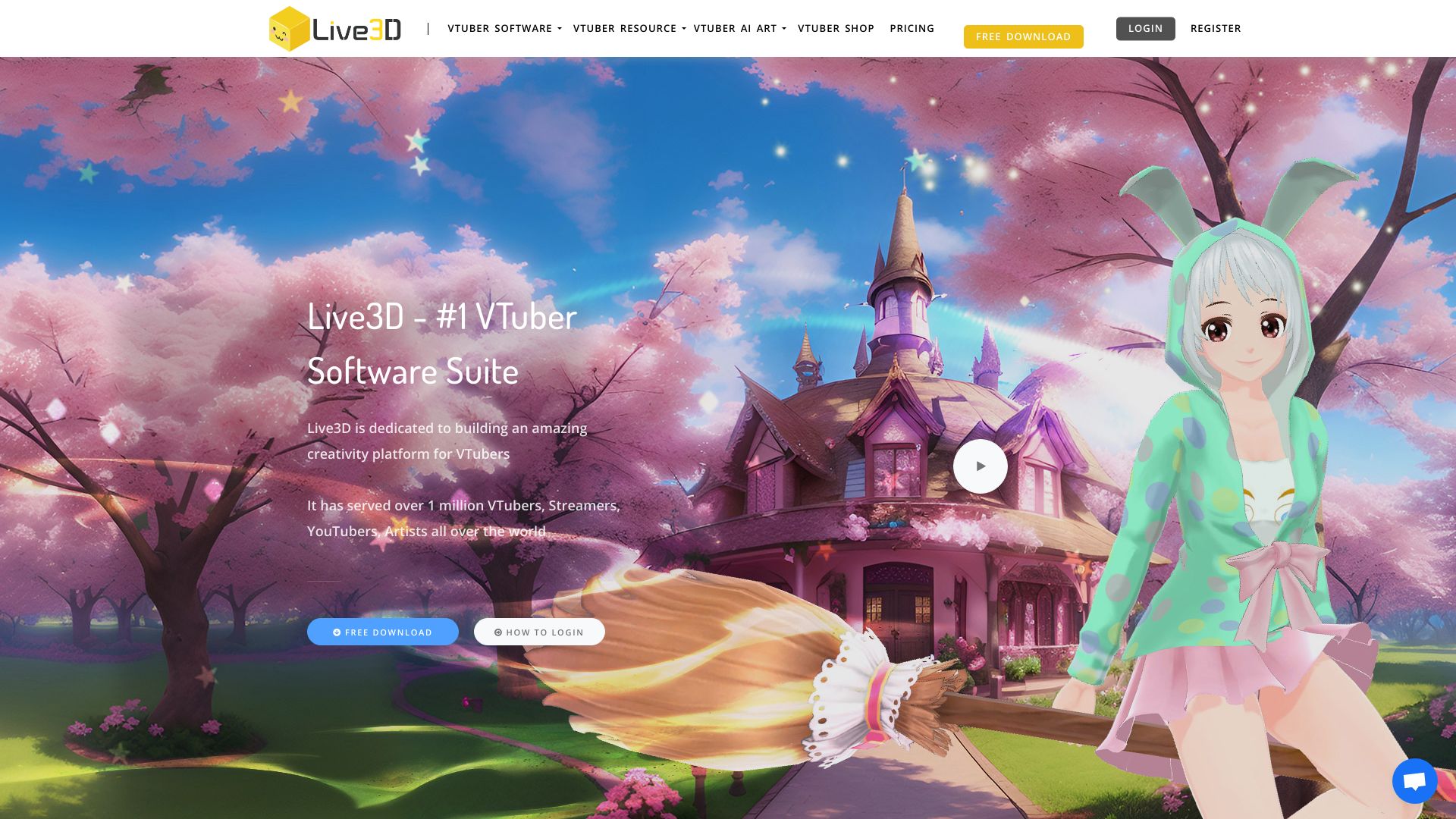
Live3D is a VTuber software suite for creators who want to run a virtual avatar on streams, videos, and interactive content. Its official site positions the product around VTuber Maker, VTuber models, VTuber assets, animations, and an application platform for creators who need a practical setup rather than a fully custom production pipeline.
The strongest fit is creator operations: avatar setup, motion tracking, stream-ready presentation, and reusable assets. Live3D is not the same as a generative 3D modeling tool. It is better understood as a VTuber production environment for people who want to perform through an avatar.
Best-fit use cases
| Use case | Live3D fit | Notes | |---|---:|---| | VTuber streaming setup | High | Strong fit when creators need avatar presentation and tracking. | | Short-form avatar content | Medium to high | Useful for creator clips, tutorials, and social video experiments. | | Beginner VTuber workflows | High | Easier than assembling every avatar, tracking, and scene component manually. | | Custom studio-grade rigs | Medium | Professional rigs may still need specialized artists and tools. | | AI NPCs or game agents | Low | Character-behavior platforms are a different category. |
What to evaluate before adopting Live3D
Creators should test tracking stability, avatar compatibility, asset quality, export or streaming workflow, CPU/GPU load, OBS integration, commercial-use terms, and whether the available models match the creator's brand. A VTuber tool can look good in a demo but fail during long streams if tracking, calibration, or performance is unstable.
Live3D is most useful when the creator wants to publish regularly. If the goal is a one-off custom avatar or high-end animation sequence, a 3D artist and animation workflow may be a better fit.
Strengths
- Focused on VTuber production rather than generic avatar generation.
- Good fit for streamers and creators who need reusable avatars and assets.
- More practical for live workflows than static image or model generators.
Limitations
- Avatar quality and tracking realism still depend on setup, hardware, and assets.
- Professional branding may require custom model design.
- It does not replace video strategy, scripting, moderation, or audience development.
Bottom line
Live3D is a strong TakeAI candidate because it serves a clear creator search intent: becoming a VTuber with practical software. A good pilot is to run one full streaming session, check tracking quality, OBS workflow, system load, asset fit, and whether the setup is reliable enough for weekly publishing.
Sources reviewed: Live3D homepage, Live3D VTuber Maker, Live3D pricing.
FAQ
What is Live3D best for?
Live3D is best for VTuber streaming, avatar presentation, creator videos, and workflows that need motion tracking, models, and reusable VTuber assets.
Is Live3D a 3D model generator?
No. Live3D is mainly VTuber production software. It helps creators use avatars in live and video workflows rather than generating final 3D assets from scratch.
What should creators test before upgrading Live3D?
Test tracking stability, OBS workflow, system performance, model compatibility, asset quality, commercial-use terms, and whether the avatar style fits the brand.