Krikey.ai
Create stunning visual content using Krikey's AI-powered Animation Studio and Virtual Character Creator.
AI Project Details
Krikey AI review: AI animation maker for 3D avatars and short videos
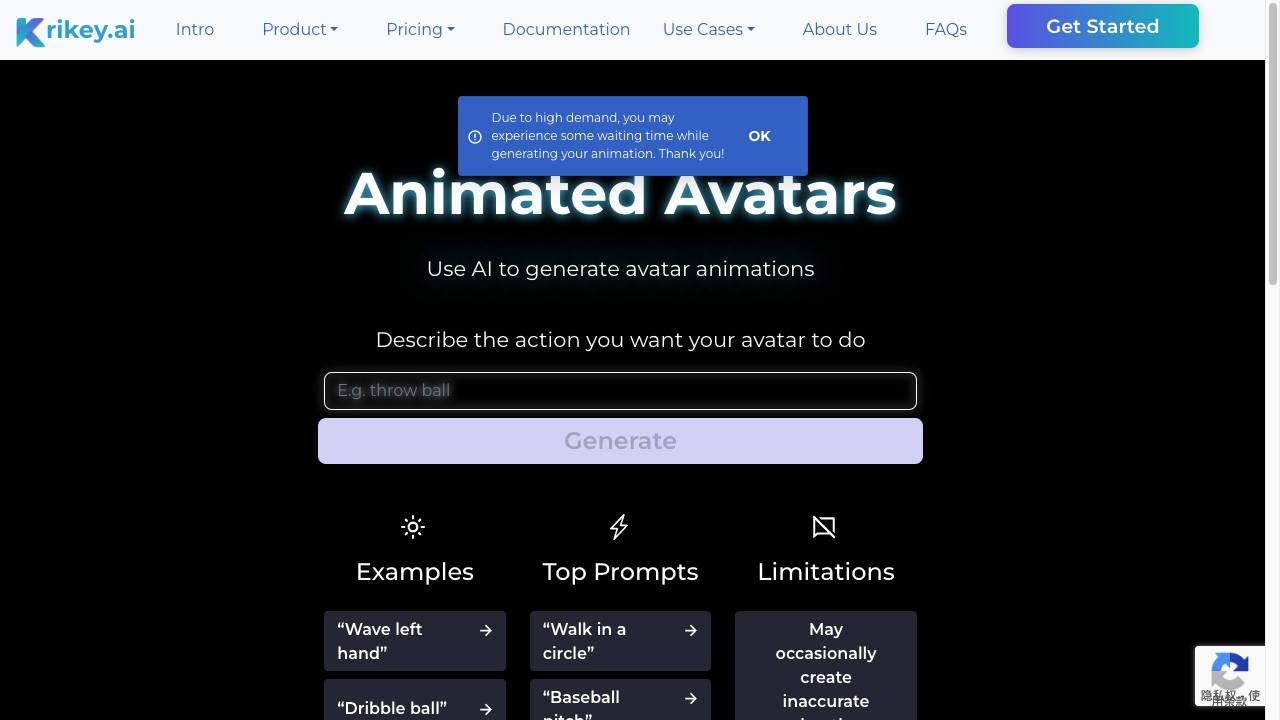
Krikey AI is an AI animation maker for creating 3D avatar videos from text or video prompts. The current homepage positions it as a free AI animation maker and cartoon video generator that can create professional 3D animations in minutes without rigging, keyframing, or animation skills. It highlights custom cartoon characters, photo upload, character gallery, AI 3D video maker workflows, AI-generated scripts and voice, 3D character animation library, video generator, background images, animation podcast clips, music video maker, talking avatars, AI character tools, AI voiceover, and 3D backgrounds. The pricing page lists Free, Pro, Teams, and Enterprise options with credits, standard exports, no-watermark paid exports, MP4, GIF, PNG, and FBX export, video resizing, AI music video tools, podcast video tools, 20+ language voice AI tools, and support for Unity or Unreal workflows through FBX.
The strongest fit is a creator, educator, marketer, agency, or internal communications team that needs animated explainers or social videos without a traditional animation pipeline. It is less suitable for high-end character animation where precise timing, acting, and art direction are critical.
Best-fit use cases
| Use case | Fit | Notes | |---|---:|---| | Social animation clips | High | Homepage targets creators, brands, and social teams. | | Education and classroom content | Medium to high | Pricing page highlights education and student safety. | | Animated explainers | Medium to high | Scripts, voice, characters, and backgrounds help. | | Game or 3D prototyping | Medium | FBX export can help early workflows. | | Studio-grade animation | Low to medium | Manual animation tools remain stronger for final polish. |
Core workflow
A practical Krikey workflow starts with a short script or prompt, chooses or creates a character, generates animation, adds voiceover and background, exports in the right format, then edits pacing and brand details. Teams should test whether the output fits their channel before producing a full series.
What users should verify
Users should verify credit usage, watermark rules, export formats, resolution, FBX compatibility, character rights, voiceover languages, student privacy claims, FERPA and COPPA documentation, team controls, commercial-use rights, brand safety, generated script accuracy, and whether animations can be edited after export in their preferred tools.
Strengths
- Lowers the barrier for 3D animation creation.
- Useful export options include MP4, GIF, PNG, and FBX on paid plans.
- Pricing page gives clear plan positioning for Free, Pro, Teams, and Enterprise users.
- Good fit for creators, educators, marketers, and agencies producing short animated content.
Limitations
- AI animation may need manual editing for timing, acting, and polish.
- Credits and watermark rules matter for frequent publishing.
- Education and child-safety claims require documentation review before classroom deployment.
- Character and voice rights should be checked for commercial campaigns.
Bottom line
Krikey AI is best for fast 3D avatar animations, explainers, social clips, and early animation concepts. It is a strong starting point for non-animators, but polished campaigns still need creative direction and review.
Sources reviewed: Krikey AI homepage, Krikey AI pricing.
FAQ
What is Krikey AI best for?
Krikey AI is best for creating short 3D avatar animations, cartoon videos, explainers, social clips, classroom videos, and early animation concepts without manual rigging.
Can Krikey AI export files for 3D workflows?
The pricing page says paid plans can export MP4, GIF, PNG, and FBX files, which can support workflows involving tools such as Unity or Unreal Engine.
What should teams check before using Krikey AI commercially?
Teams should check credits, watermark rules, export formats, resolution, character rights, voiceover languages, commercial-use terms, script accuracy, team controls, and editing options.