Kick
AI-powered financial management platform that streamlines and automates accounting processes.
AI Project Details
Kick review: AI bookkeeping for founders, small businesses, and accountants
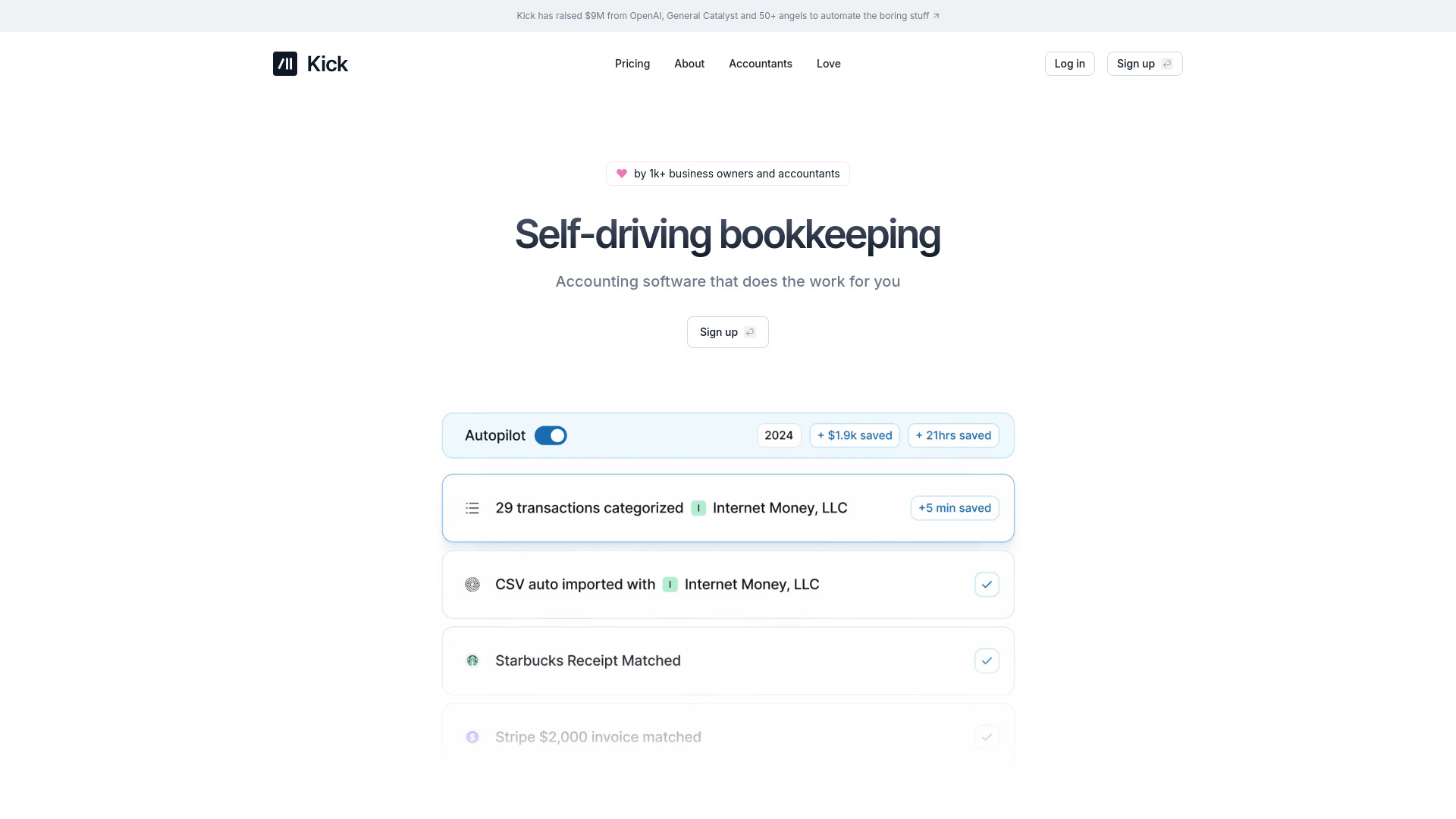
Kick is accounting software focused on automating bookkeeping, transaction categorization, receipt matching, reporting, reconciliation, document processing, and tax-prep workflows. Its public pricing and help center describe free and paid plans, Profit & Loss reports, balance sheets, universal import, statement sync, multi-entity support, classes, AR/AP automation, accrual ledger support, rules, and an end-of-year tax package.
The useful way to evaluate Kick is not as a generic chatbot for finance. It is closer to an AI-assisted bookkeeping workspace for business owners and accountants who want fewer manual categorization, import, and report-prep tasks. It can reduce repetitive bookkeeping work, but it still needs review from the business owner, bookkeeper, or CPA when tax treatment is ambiguous.
Best-fit use cases
| Use case | Kick fit | Notes | |---|---:|---| | Small-business bookkeeping | High | Strong fit for owners who need transaction categorization, reports, and cleaner books. | | Accountant-supported workflows | High | Rules, tax packages, and multi-entity support can help accountants manage recurring work. | | Early-stage founder finance | Medium to high | Useful when founders need basic books before hiring a finance team. | | Complex enterprise ERP | Low to medium | Larger organizations may need deeper controls, approvals, and ERP integrations. | | Tax advice | Low | Kick organizes data; tax decisions should still be confirmed with a qualified professional. |
Strengths
- Automates common bookkeeping tasks such as categorization, receipt matching, and report preparation.
- Rules and custom categories help make future transaction handling more consistent.
- Pricing is transparent, with a free tier and paid plans for unlimited transactions, multi-entity work, and accrual needs.
- End-of-year tax package features can make accountant handoff cleaner.
Limitations
- Automation still needs review, especially for uncommon transactions, owner payments, loans, reimbursements, and tax-sensitive categories.
- It may not replace a CPA, tax preparer, controller, or industry-specific accounting workflow.
- Businesses with inventory, complex revenue recognition, or strict approval controls should validate fit carefully.
- Data imports and bank feeds should be reconciled before relying on reports for tax or investor decisions.
TakeAI verdict
Kick is a strong candidate for founders and small businesses that need practical bookkeeping automation without jumping straight into heavy ERP software. The best pilot should connect real accounts, import several months of transactions, test rules, compare the P&L against a known baseline, and ask an accountant to review edge cases before tax season.
Sources reviewed: Kick pricing, What does Kick do?, Kick transaction categorization overview, Kick rules, Kick end-of-year tax package.
FAQ
Does Kick replace an accountant?
No. Kick can automate bookkeeping tasks and organize reports, but tax treatment, compliance decisions, and final filings should still be reviewed by a qualified accountant or CPA.
Who is Kick best for?
Kick is best for founders, small businesses, and accountants who want automated categorization, reports, imports, receipt matching, and cleaner tax-prep workflows.
What should teams test before using Kick?
Test bank connections, categorization accuracy, rules, document imports, reconciliation, P&L accuracy, tax-package output, and accountant acceptance.