Fluent
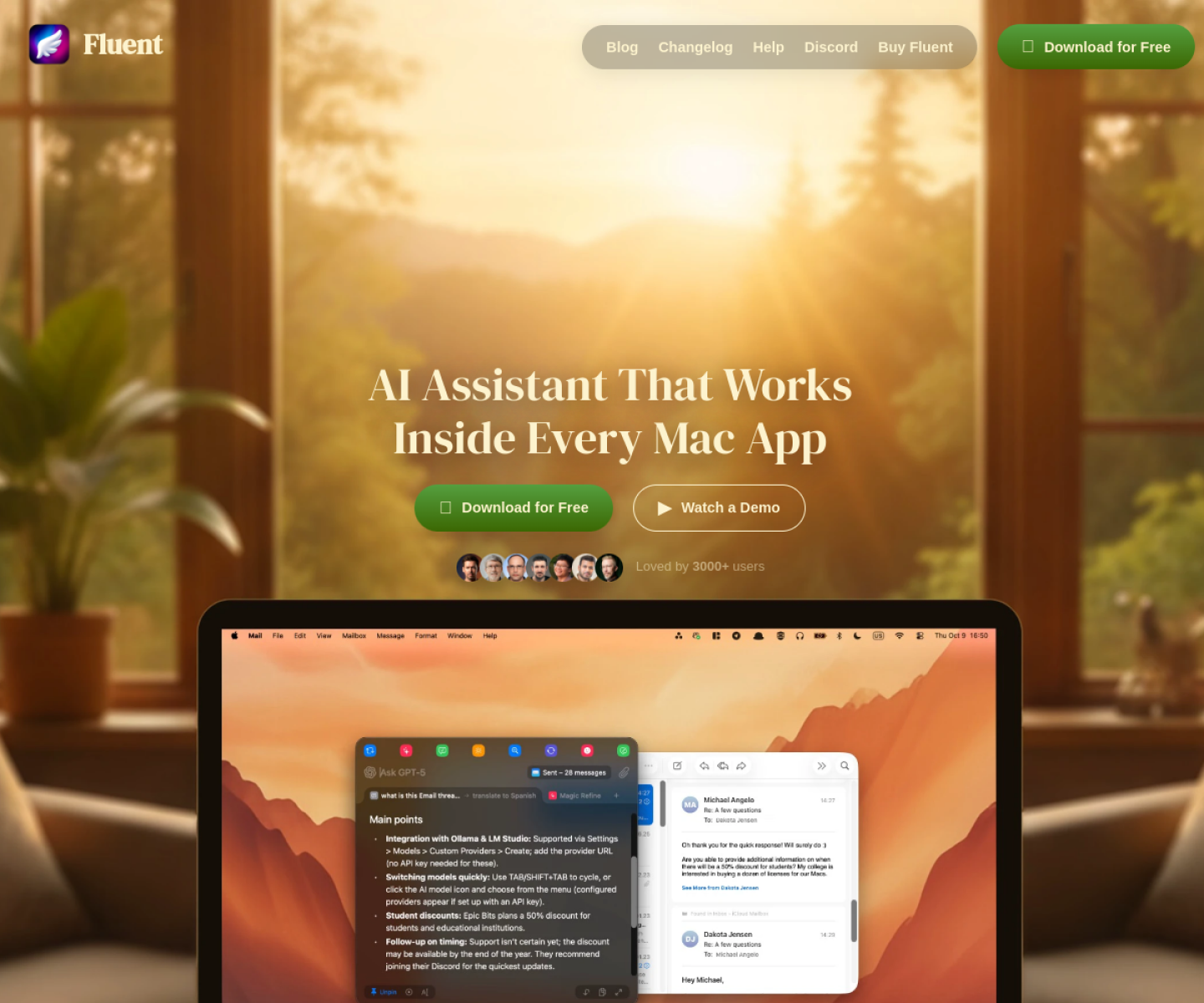
Native macOS AI assistant that works inside other Mac apps through a context-aware smart panel, with MCP integrations and local knowledge-base support.

AI Project Details
Fluent review: Native macOS AI assistant that works inside other Mac apps through a context-aware smart panel, with MCP integrations and local knowledge-base support.
Fluent is aimed at mac users who want ai help where they already work, without switching into a separate browser tab or all-in-one chat workspace. The current product materials describe a workflow built around invoke the smart panel in any mac app, attach the current context or selection, run an action or prompt with the chosen model, and reuse mcp or memory features when needed. That matters because many new AI launches still sound broad until you try to map them to an actual job.
The reason this tool stands out is practical fit. Fluent is built around in-app context capture on macOS rather than around one central chat screen. The product combines MCP support, local model options, and reusable actions in a native desktop package instead of splitting those features across several tools. Its purchase-once pricing is a meaningful contrast to the recurring-subscription pattern that dominates AI desktop software.
How the workflow works
The fastest way to judge Fluent is to walk the main loop on one real task. For this product, users should invoke the smart panel in any mac app, attach the current context or selection, run an action or prompt with the chosen model, and reuse mcp or memory features when needed. If that loop feels clearer, more controllable, or easier to repeat than the alternatives, the product is doing useful work.
Where Fluent stands out
| Evaluation angle | Fit | Why it matters | | --- | --- | --- | | Best-fit user | High | Mac users who want AI help where they already work, without switching into a separate browser tab or all-in-one chat workspace. | | Core workflow clarity | High | Invoke the smart panel in any Mac app, attach the current context or selection, run an action or prompt with the chosen model, and reuse MCP or memory features when needed. | | Switching cost reducer | Medium to high | Fluent is built around in-app context capture on macOS rather than around one central chat screen. | | Adoption risk | Medium | The product is Mac-only, so it is not a fit for cross-platform teams that need one shared workspace. |
Practical use cases
- Editing or translating text directly inside existing Mac apps
- Running context-aware AI actions without leaving the current desktop workflow
- Using MCP and memory features from a native Mac assistant
Limits and buying notes
The product is Mac-only, so it is not a fit for cross-platform teams that need one shared workspace. Users still need to bring their own models or keys for many workflows, which adds setup and model-cost decisions. Pricing status today: Official pricing shows a one-time Basic license at $49, a Standard license discounted to $69 for two Macs, and Team pricing from $29 per seat.
FAQ
What is Fluent best for?
Fluent works best when editing or translating text directly inside existing mac apps matters more than using a generic assistant. The official materials point to a more concrete workflow than a blank AI shell.
Who should try Fluent first?
Mac users who want AI help where they already work, without switching into a separate browser tab or all-in-one chat workspace. Teams with that exact workflow will learn faster than broad curiosity users.
What should users verify before adopting Fluent?
The product is Mac-only, so it is not a fit for cross-platform teams that need one shared workspace. Users still need to bring their own models or keys for many workflows, which adds setup and model-cost decisions. Users should also check the current docs, pricing, and release status before rollout.
Reviewed sources
- https://fluentmac.app/
- https://fluentmac.app/buy
- https://fluentmac.app/help/quick-start
FAQ
What is Fluent best for?
Fluent works best when editing or translating text directly inside existing mac apps matters more than using a generic assistant. The official materials point to a more concrete workflow than a blank AI shell.
Who should try Fluent first?
Mac users who want AI help where they already work, without switching into a separate browser tab or all-in-one chat workspace. Teams with that exact workflow will learn faster than broad curiosity users.
What should users verify before adopting Fluent?
The product is Mac-only, so it is not a fit for cross-platform teams that need one shared workspace. Users still need to bring their own models or keys for many workflows, which adds setup and model-cost decisions. Users should also check the current docs, pricing, and release status before rollout.