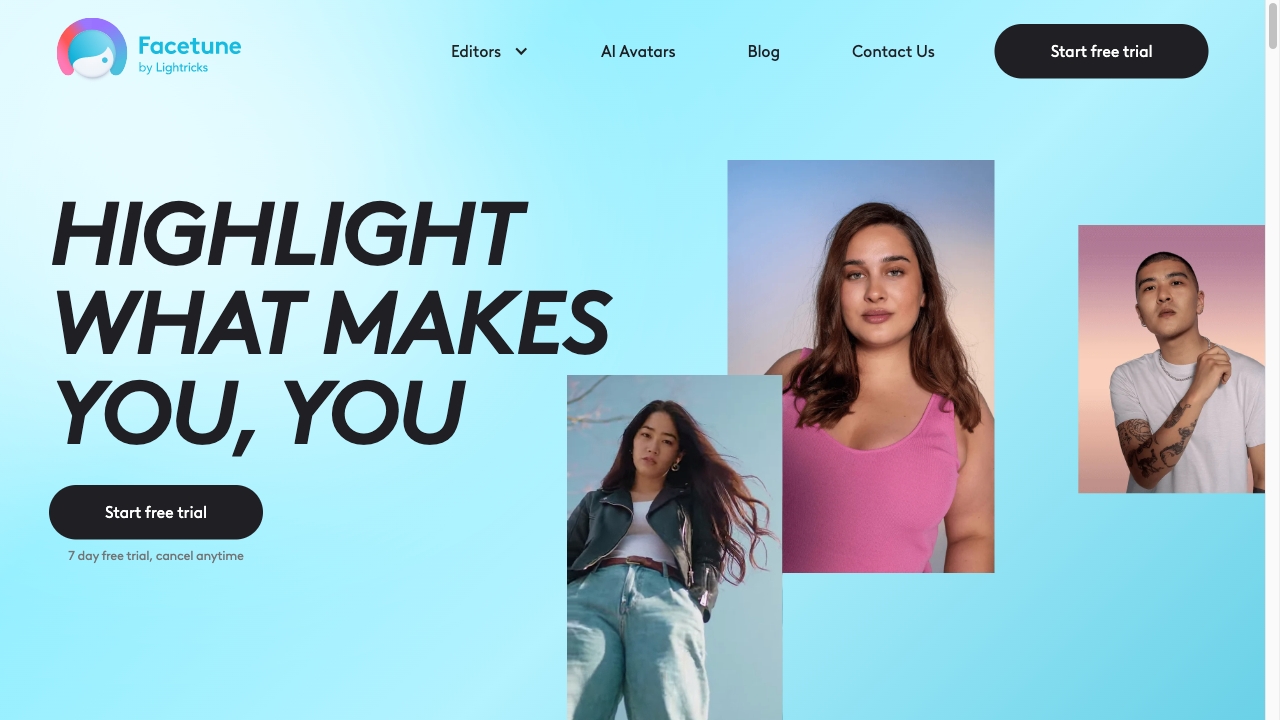
Facetune
Facetune is a widely used app designed to help users enhance their selfies and create visually stunning content. With its user-friendly interface and powerful editing tools, Facetune allows individuals to perfect their images effortlessly. Whether you want to smooth skin, brighten eyes, or add artistic filters, this app provides a range of features to elevate your photos. Ideal for social media enthusiasts and influencers, Facetune ensures that your visual content stands out in a crowded digital landscape. Experience the magic of Facetune and transform your selfies into captivating works of art.
AI Project Details
Facetune review: AI photo editing for portraits, selfies, and social content
Facetune is Lightricks' consumer photo-editing app for portraits, selfies, and social media visuals. The official product pages emphasize retouching, background changes, lighting adjustments, object removal, outfit and hair edits, filters, makeup-style edits, and AI-assisted creative tools.
The important distinction is that Facetune is not primarily a professional raw photo editor. It is a mobile-first creative editor for people who want fast portrait polish, profile photos, creator images, and stylized social content without learning a heavyweight design suite.
Best-fit use cases
| Use case | Facetune fit | Notes | |---|---:|---| | Selfie and portrait retouching | High | Core strength for quick face, skin, hair, and lighting edits. | | Creator and social content | High | Strong fit for posts, profile photos, and short-form visual workflows. | | Background/object cleanup | Medium to high | Useful for fast edits, but complex commercial work still needs review. | | Brand campaign imagery | Medium | Can help ideation and polish; professional review is needed. | | Documentary or news imagery | Low | Heavy AI retouching can mislead viewers if not disclosed. |
Responsible editing checks
Users should be especially careful with consent, identity, body-image impact, disclosure, and platform rules. Portrait editing becomes risky when it changes a person's appearance, age, body shape, setting, or implied activity without clear permission.
For professional use, keep original files, label AI-heavy edits when context requires it, avoid deceptive before-and-after claims, and do not use Facetune to impersonate someone or create misleading evidence. The tool is strongest when used as creative polish, not as a way to fabricate reality.
Strengths
- Mature mobile app focused on portrait and selfie workflows.
- Broad creative editing set: retouching, lighting, background, object, style, hair, outfit, and filter tools.
- Easier for creators than full desktop design software.
Limitations
- AI retouching can create unrealistic or misleading images if used carelessly.
- Commercial or regulated uses still need rights, consent, and review.
- Not a replacement for professional raw editing, color management, or brand production pipelines.
Bottom line
Facetune should be indexed as an AI-assisted photo editing app for portrait and social content. It is useful for creators who want fast visual polish, but high-quality pages should frame it with clear responsibility around identity, consent, and authenticity.
Sources reviewed: Facetune photo editing tools, Facetune app listing, Lightricks Facetune profile.
FAQ
What is Facetune best for?
Facetune is best for mobile portrait editing, selfie retouching, social media images, profile photos, background cleanup, and quick creative photo variations.
Is Facetune only for selfies?
No. Selfies are a core use case, but Facetune also supports object removal, backgrounds, filters, lighting changes, and other creative edits for social visuals.
What should users be careful about with Facetune?
Users should avoid deceptive edits, get consent when editing other people, keep originals for professional work, and disclose AI-heavy changes when context requires it.