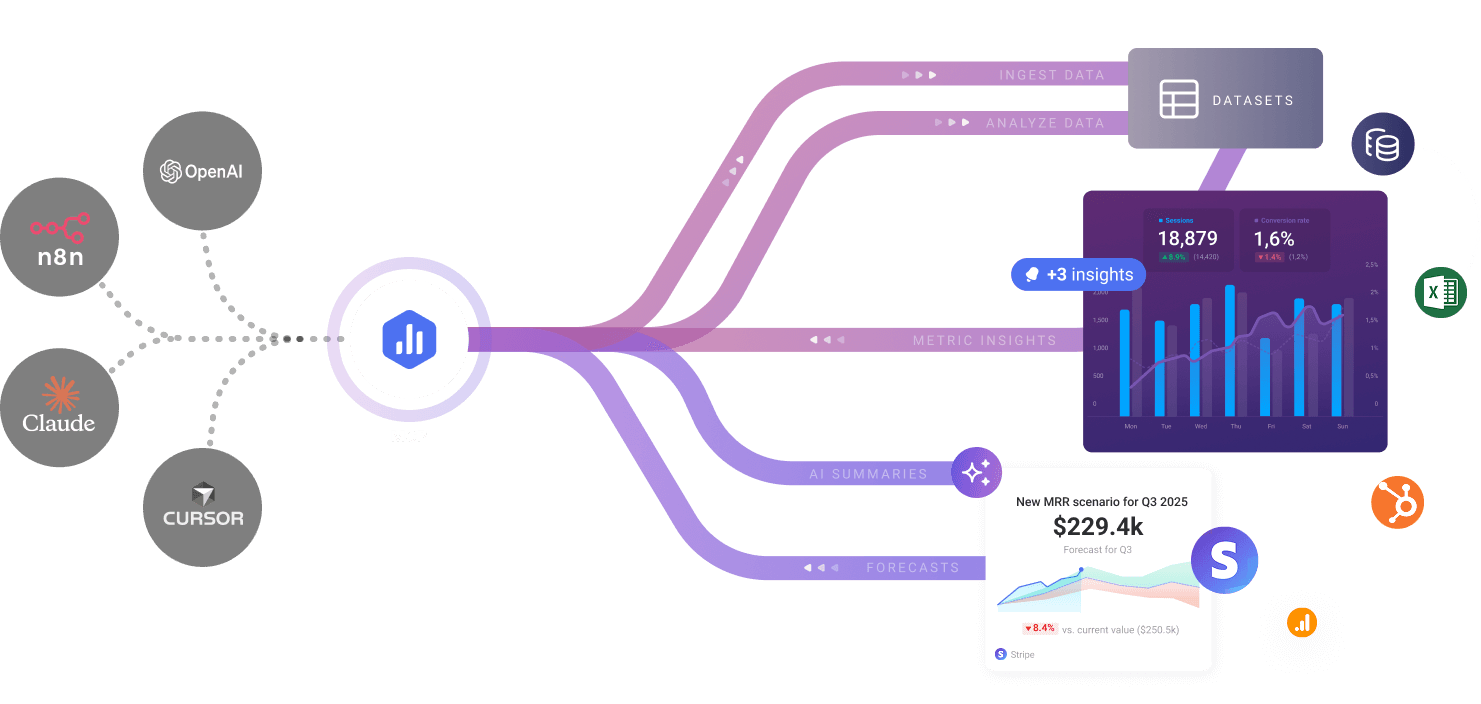
Databox MCP
MCP interface for Databox that lets AI tools query trusted business metrics, analyze performance, and trigger actions from inside MCP-compatible clients.
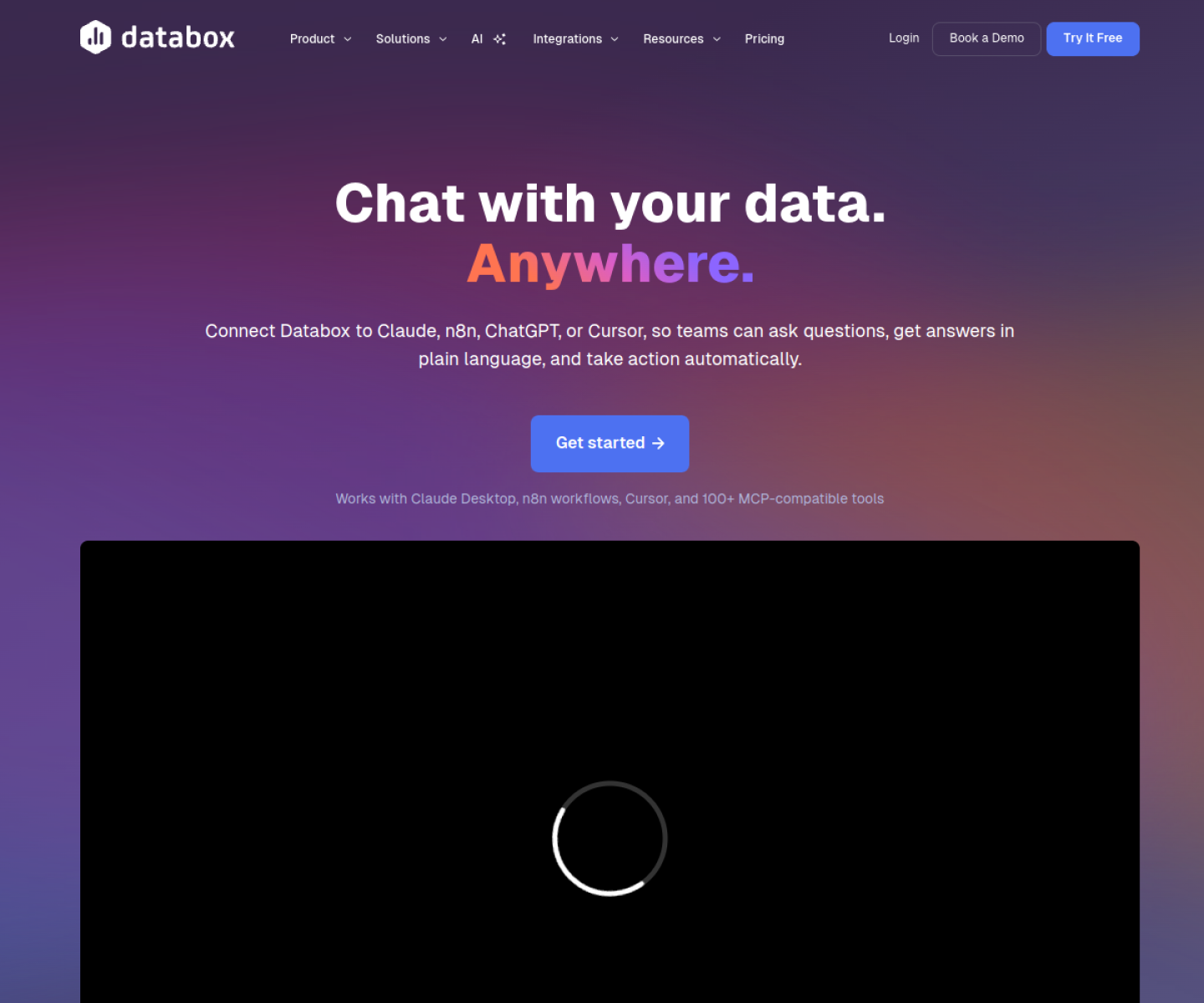
AI Project Details
Databox MCP review: MCP interface for Databox that lets AI tools query trusted business metrics, analyze performance, and trigger actions from inside MCP-compatible clients.
Databox MCP is aimed at marketing, analytics, and operations teams that already centralize metrics in databox and want ai tools to act on that data safely. The current product materials describe a workflow built around connect databox through mcp, ask natural-language questions about metrics inside claude or chatgpt, and use the resulting analysis to drive reports, alerts, or workflows. That framing matters because many new AI launches still stop at a broad promise. Databox MCP has a clearer job to do.
The stronger reason to care is operational fit. The product is grounded in a real analytics system rather than acting as a generic BI chatbot wrapper. Official docs and pricing are unusually concrete about MCP access, credit usage, and supported workflows. It is a strong example of MCP moving from developer demos into business reporting infrastructure.
How the workflow works
A sensible first pass is simple: start from the product's core entry point, validate the main loop on a representative task, and only then judge whether the surrounding automation is real. For Databox MCP, that means users should connect databox through mcp, ask natural-language questions about metrics inside claude or chatgpt, and use the resulting analysis to drive reports, alerts, or workflows. If that loop feels shorter, clearer, or easier to control than the alternatives, the product is doing something useful.
Where Databox MCP stands out
| Evaluation angle | Fit | Why it matters | | --- | --- | --- | | Best-fit user | High | Marketing, analytics, and operations teams that already centralize metrics in Databox and want AI tools to act on that data safely. | | Core workflow clarity | High | Connect Databox through MCP, ask natural-language questions about metrics inside Claude or ChatGPT, and use the resulting analysis to drive reports, alerts, or workflows. | | Switching cost reducer | Medium to high | The product is grounded in a real analytics system rather than acting as a generic BI chatbot wrapper. | | Adoption risk | Medium | It is most useful if Databox is already part of the reporting stack. |
Practical use cases
- Chatting with business KPIs inside AI clients
- Giving AI workflows access to trusted dashboard metrics
- Triggering reporting actions from natural-language analysis
Limits and buying notes
It is most useful if Databox is already part of the reporting stack. Teams should validate permissions, action surfaces, and AI-credit economics before broad rollout. Pricing status today: Official pricing is public. Databox offers a free tier and paid plans including Analyst at $64/month, Pro at $159/month, and Growth at $399/month billed annually, with AI credits shared across Genie and the MCP server.
FAQ
What is Databox MCP best for?
Databox MCP is strongest when chatting with business kpis inside ai clients matters more than a generic AI demo. The official product materials position it around a concrete workflow rather than a blank chatbot shell.
Who should try Databox MCP first?
Marketing, analytics, and operations teams that already centralize metrics in Databox and want AI tools to act on that data safely. Teams with a real workflow match will get value faster than general curiosity users.
What should buyers verify before adopting Databox MCP?
It is most useful if Databox is already part of the reporting stack. Teams should validate permissions, action surfaces, and AI-credit economics before broad rollout. Pricing, privacy, and workflow fit should be checked directly on the current product before rollout.
Reviewed sources
- https://databox.com/mcp
- https://developers.databox.com/docs/mcp/overview
- https://databox.com/pricing
FAQ
What is Databox MCP best for?
Databox MCP is strongest when chatting with business kpis inside ai clients matters more than a generic AI demo. The official product materials position it around a concrete workflow rather than a blank chatbot shell.
Who should try Databox MCP first?
Marketing, analytics, and operations teams that already centralize metrics in Databox and want AI tools to act on that data safely. Teams with a real workflow match will get value faster than general curiosity users.
What should buyers verify before adopting Databox MCP?
It is most useful if Databox is already part of the reporting stack. Teams should validate permissions, action surfaces, and AI-credit economics before broad rollout. Pricing, privacy, and workflow fit should be checked directly on the current product before rollout.