
claude-devtools
Read-only debugging tool for Claude Code that reconstructs full session transcripts, tool calls, token usage, and compaction boundaries from local logs.
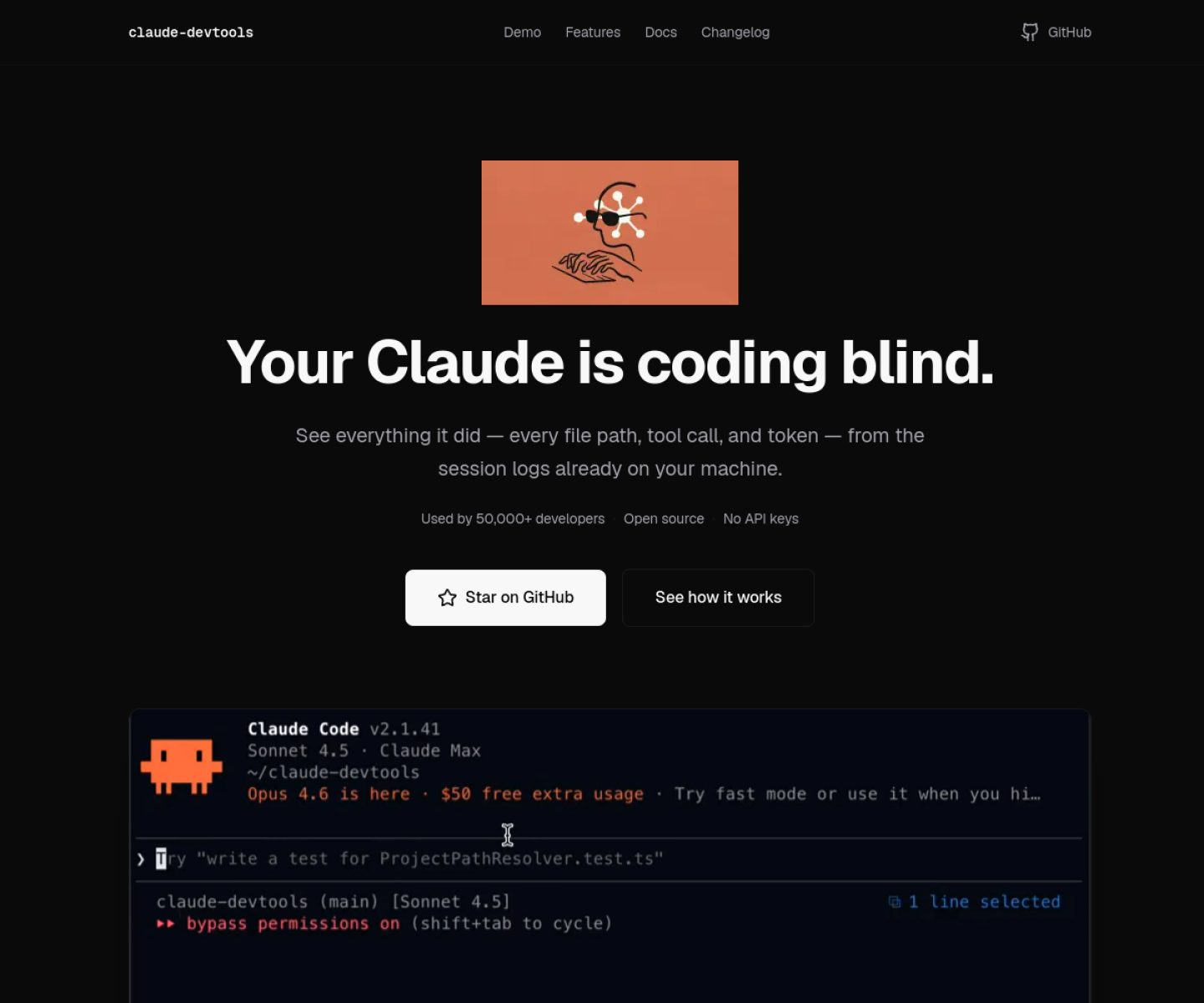

AI Project Details
claude-devtools review: Read-only debugging tool for Claude Code that reconstructs full session transcripts, tool calls, token usage, and compaction boundaries from local logs.
claude-devtools is built for heavy claude code users who need to inspect what actually happened in a session instead of relying on the collapsed terminal view. Instead of asking users to replace their whole toolchain, the product wraps a familiar workflow around install claude-devtools, point it at the local claude logs it already reads by default, and inspect sessions, tool traces, token attribution, or remote runs over ssh. That makes it easier to judge on practical fit rather than hype.
What the product changes day to day
The real question is whether the workspace removes enough friction to matter. claude-devtools is narrowly useful in a way many developers will immediately understand: it shows the details Claude Code hides. The official docs are unusually thorough about transcripts, token categories, subagent trees, compaction boundaries, and SSH-based remote inspection. Because the app is read-only and can run with zero outbound network calls in standalone mode, the trust model is easier to reason about.
What the workflow feels like
For a serious evaluation, start with one active project instead of a synthetic demo. In practice that means users should install claude-devtools, point it at the local claude logs it already reads by default, and inspect sessions, tool traces, token attribution, or remote runs over ssh. If the product keeps context visible and cuts down tool hopping, the value shows up quickly.
Where it earns attention
| Evaluation angle | Fit | Why it matters | | --- | --- | --- | | Best-fit user | High | Heavy Claude Code users who need to inspect what actually happened in a session instead of relying on the collapsed terminal view. | | Core workflow clarity | High | Install claude-devtools, point it at the local Claude logs it already reads by default, and inspect sessions, tool traces, token attribution, or remote runs over SSH. | | Switching cost reducer | Medium to high | claude-devtools is narrowly useful in a way many developers will immediately understand: it shows the details Claude Code hides. | | Adoption risk | Medium | The tool is centered on Claude Code logs, so it is less relevant for teams standardized on other coding agents. |
Practical use cases
- Debugging Claude Code sessions after a confusing or expensive run
- Inspecting tool calls, token usage, and compaction events in detail
- Reviewing remote Claude Code sessions over SSH without raw log spelunking
Limits and buying notes
The tool is centered on Claude Code logs, so it is less relevant for teams standardized on other coding agents. It improves inspection after the fact; it does not change agent behavior or fix weak workflows on its own. Pricing status today: claude-devtools is presented in the official docs as a free open-source tool with Homebrew, direct downloads, Docker, and no API keys, login, or configuration.
FAQ
What is claude-devtools best for?
claude-devtools is strongest when debugging claude code sessions after a confusing or expensive run matters more than a generic AI demo. The official product materials position it around a concrete workflow rather than a blank chatbot shell.
Who should try claude-devtools first?
Heavy Claude Code users who need to inspect what actually happened in a session instead of relying on the collapsed terminal view. Teams with a real workflow match will get value faster than general curiosity users.
What should buyers verify before adopting claude-devtools?
The tool is centered on Claude Code logs, so it is less relevant for teams standardized on other coding agents. It improves inspection after the fact; it does not change agent behavior or fix weak workflows on its own. Pricing, privacy, and workflow fit should be checked directly on the current product before rollout.
Reviewed sources
- https://claude-dev.tools/
- https://claude-dev.tools/docs/what-is
- https://claude-dev.tools/docs/installation
FAQ
What is claude-devtools best for?
claude-devtools is strongest when debugging claude code sessions after a confusing or expensive run matters more than a generic AI demo. The official product materials position it around a concrete workflow rather than a blank chatbot shell.
Who should try claude-devtools first?
Heavy Claude Code users who need to inspect what actually happened in a session instead of relying on the collapsed terminal view. Teams with a real workflow match will get value faster than general curiosity users.
What should buyers verify before adopting claude-devtools?
The tool is centered on Claude Code logs, so it is less relevant for teams standardized on other coding agents. It improves inspection after the fact; it does not change agent behavior or fix weak workflows on its own. Pricing, privacy, and workflow fit should be checked directly on the current product before rollout.