cheap-im
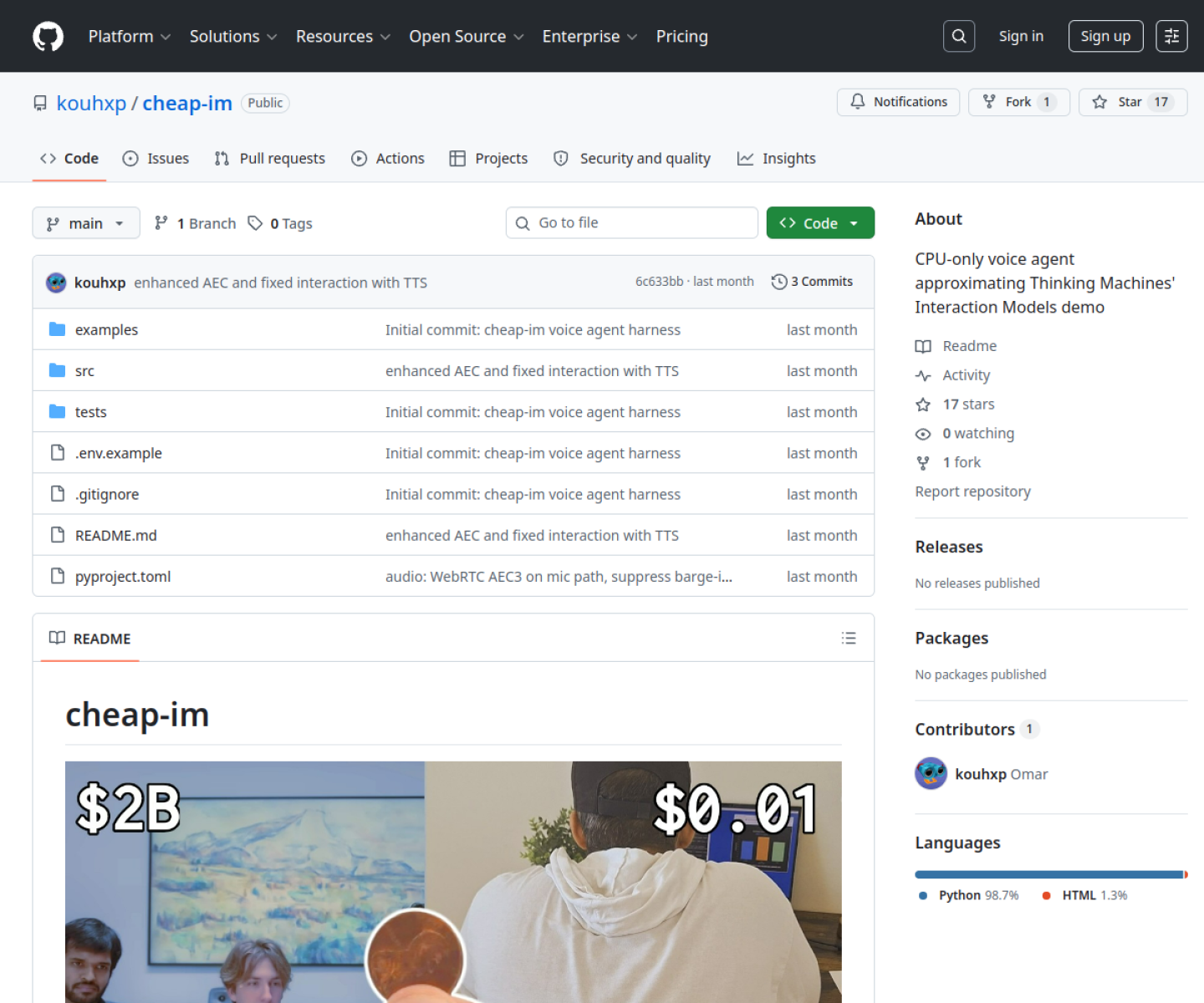
CPU-oriented realtime voice-agent harness that recreates multimodal interaction patterns like translation, interruption, and background tasks with mostly off-the-shelf components.
AI Project Details
cheap-im review: CPU-oriented realtime voice-agent harness that recreates multimodal interaction patterns like translation, interruption, and background tasks with mostly off-the-shelf components.
cheap-im stands out because it is not just another chat shell. The product materials describe a system centered on run the local harness on a laptop, connect the webcam and mic pipeline, let the event loop coordinate speech, vision, and remote model calls, and inspect how the agent handles live interruptions or background work. That matters because the mechanism is the product, not a thin wrapper around a frontier model.
Why the architecture matters
cheap-im is valuable because it turns a flashy multimodal demo pattern into something inspectable and reproducible on ordinary hardware. The README is concrete about which models are local, which are remote, and which behaviors the harness actually reproduces. It gives developers a reference implementation for realtime interaction tradeoffs instead of a vague promise about multimodal agents.
How to evaluate the core loop
Start by testing the narrowest real workflow the product claims to improve. For cheap-im, that means users should run the local harness on a laptop, connect the webcam and mic pipeline, let the event loop coordinate speech, vision, and remote model calls, and inspect how the agent handles live interruptions or background work. The result should be easier to inspect, integrate, or control than a direct agent session.
Where it stands out
| Evaluation angle | Fit | Why it matters | | --- | --- | --- | | Best-fit user | High | Developers exploring low-cost realtime agent behavior and wanting a runnable reference instead of a frontier-lab demo video. | | Core workflow clarity | High | Run the local harness on a laptop, connect the webcam and mic pipeline, let the event loop coordinate speech, vision, and remote model calls, and inspect how the agent handles live interruptions or background work. | | Switching cost reducer | Medium to high | cheap-im is valuable because it turns a flashy multimodal demo pattern into something inspectable and reproducible on ordinary hardware. | | Adoption risk | Medium | This is an experimental harness, not a polished consumer assistant, so users should expect engineering work rather than turnkey deployment. |
Practical use cases
- Studying how a realtime multimodal voice agent can run on modest hardware
- Testing interruption, translation, and background-task patterns in one harness
- Using an open reference for building lower-cost voice-agent experiments
Limits and buying notes
This is an experimental harness, not a polished consumer assistant, so users should expect engineering work rather than turnkey deployment. The architecture intentionally approximates a frontier demo rather than matching it, so quality ceilings and latency tradeoffs still need hands-on validation. Pricing status today: cheap-im is presented as an open-source GitHub project, and the reviewed public sources did not show a commercial pricing page.
FAQ
What is cheap-im best for?
cheap-im is strongest when studying how a realtime multimodal voice agent can run on modest hardware matters more than a generic AI demo. The official product materials position it around a concrete workflow rather than a blank chatbot shell.
Who should try cheap-im first?
Developers exploring low-cost realtime agent behavior and wanting a runnable reference instead of a frontier-lab demo video. Teams with a real workflow match will get value faster than general curiosity users.
What should buyers verify before adopting cheap-im?
This is an experimental harness, not a polished consumer assistant, so users should expect engineering work rather than turnkey deployment. The architecture intentionally approximates a frontier demo rather than matching it, so quality ceilings and latency tradeoffs still need hands-on validation. Pricing, privacy, and workflow fit should be checked directly on the current product before rollout.
Reviewed sources
- https://github.com/kouhxp/cheap-im
- https://raw.githubusercontent.com/kouhxp/cheap-im/main/README.md
- https://news.ycombinator.com/item?id=48488780
FAQ
What is cheap-im best for?
cheap-im is strongest when studying how a realtime multimodal voice agent can run on modest hardware matters more than a generic AI demo. The official product materials position it around a concrete workflow rather than a blank chatbot shell.
Who should try cheap-im first?
Developers exploring low-cost realtime agent behavior and wanting a runnable reference instead of a frontier-lab demo video. Teams with a real workflow match will get value faster than general curiosity users.
What should buyers verify before adopting cheap-im?
This is an experimental harness, not a polished consumer assistant, so users should expect engineering work rather than turnkey deployment. The architecture intentionally approximates a frontier demo rather than matching it, so quality ceilings and latency tradeoffs still need hands-on validation. Pricing, privacy, and workflow fit should be checked directly on the current product before rollout.