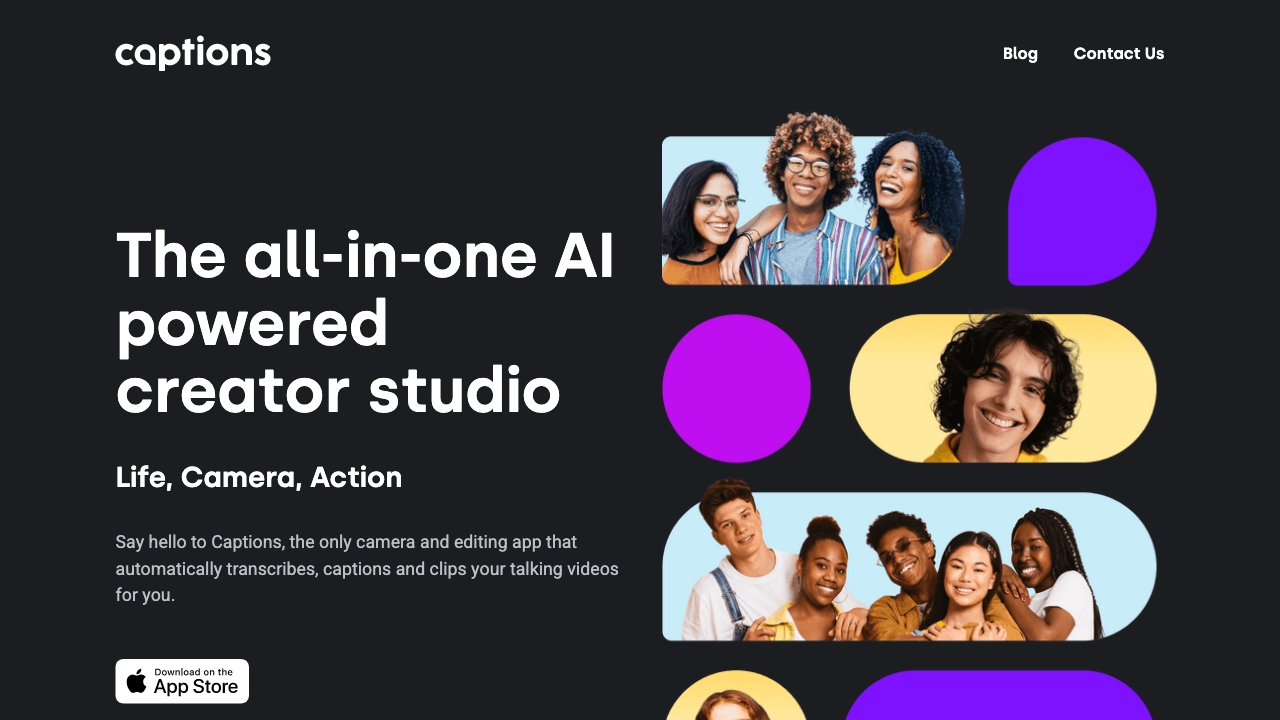
Captions
Creating Professional Videos Made Easy with Captions' AI-Powered Studio In today's digital landscape, creating high-quality videos is essential for engaging your audience. With Captions' AI-powered studio, you can effortlessly produce professional videos that captivate viewers. Why Choose Captions? 1. **User-Friendly Interface**: Our intuitive platform allows anyone, regardless of technical skill, to create stunning videos in minutes. 2. **AI-Powered Features**: Leverage advanced AI technology to automatically generate captions, ensuring your videos are accessible to a wider audience. 3. **Customization Options**: Tailor your videos with various styles, fonts, and colors to match your brand identity. 4. **Seamless Integration**: Easily integrate your videos across multiple platforms, enhancing your online presence. 5. **Time-Saving Tools**: Focus on your content while our studio handles the heavy lifting, allowing you to produce more videos in less time. Elevate your video production with Captions' AI-powered studio and watch your engagement soar. Start creating today and transform your video content into a powerful marketing tool!
AI Project Details
Captions review: AI video creation and editing for social-first teams
Captions is an AI video creation platform for creators, marketers, educators, founders, and social teams that need polished talking-head or short-form video faster than a traditional editing workflow. The product is best known for captioning, but its current feature set extends into AI editing, dubbing, translation, avatars, scripts, eye contact, teleprompter workflows, camera recording, background tools, and brand-ready social output.
The strongest fit is high-frequency video production. Captions is not a replacement for a full post-production house. It is more useful when a team needs to turn recordings, scripts, or raw clips into usable social videos with less manual editing.
Best-fit use cases
| Use case | Captions fit | Notes | |---|---:|---| | Short-form social video | High | Strong fit for creators and brands publishing frequent clips. | | Talking-head editing | High | Captions, cuts, eye-contact tools, and cleanup are especially relevant. | | Multilingual creator content | Medium to high | Dubbing and translation should be reviewed by native speakers. | | Enterprise video training | Medium | Useful for speed, but governance and review matter. | | Cinematic production | Low to medium | Professional editing suites still provide deeper control. |
What to evaluate before adopting Captions
The practical test is whether Captions improves weekly publishing output without lowering brand trust. Teams should evaluate caption accuracy, edit pacing, speaker identity handling, dubbing quality, export formats, watermark rules, collaboration workflow, brand kit support, storage limits, and how well the tool preserves meaning when clips are shortened.
AI video tools can create a lot of content quickly, but volume is not the same as strategy. Captions works best when paired with a clear content calendar, human review, and platform-specific creative standards.
Strengths
- Strong alignment with social video, creator workflows, and talking-head content.
- AI features address real editing bottlenecks: captions, cleanup, clips, translation, and dubbing.
- Easier for non-editors than a professional nonlinear editor.
Limitations
- Human review is still needed for claims, captions, translation, and brand tone.
- Advanced color, motion graphics, multicam, and finishing work may need dedicated tools.
- AI-generated edits can flatten nuance if the source content is complex.
Bottom line
Captions is a strong TakeAI candidate because the search intent is clear: creators want faster AI video editing and caption workflows. A good pilot is simple: process ten real videos, compare editing time, publishing quality, caption accuracy, and engagement, then decide which content formats should move into the Captions workflow.
Sources reviewed: Captions homepage, Captions pricing, Captions blog.
FAQ
What is Captions best for?
Captions is best for short-form video creation, talking-head editing, AI captions, social clips, translation, dubbing, and faster creator video production.
Can Captions replace professional video editing software?
It can replace many lightweight editing tasks, but advanced color, compositing, multicam, motion graphics, and final mastering still need professional tools.
What should teams test before upgrading Captions?
Test caption accuracy, edit pacing, export quality, watermark rules, dubbing quality, translation review, brand controls, collaboration, and storage limits.