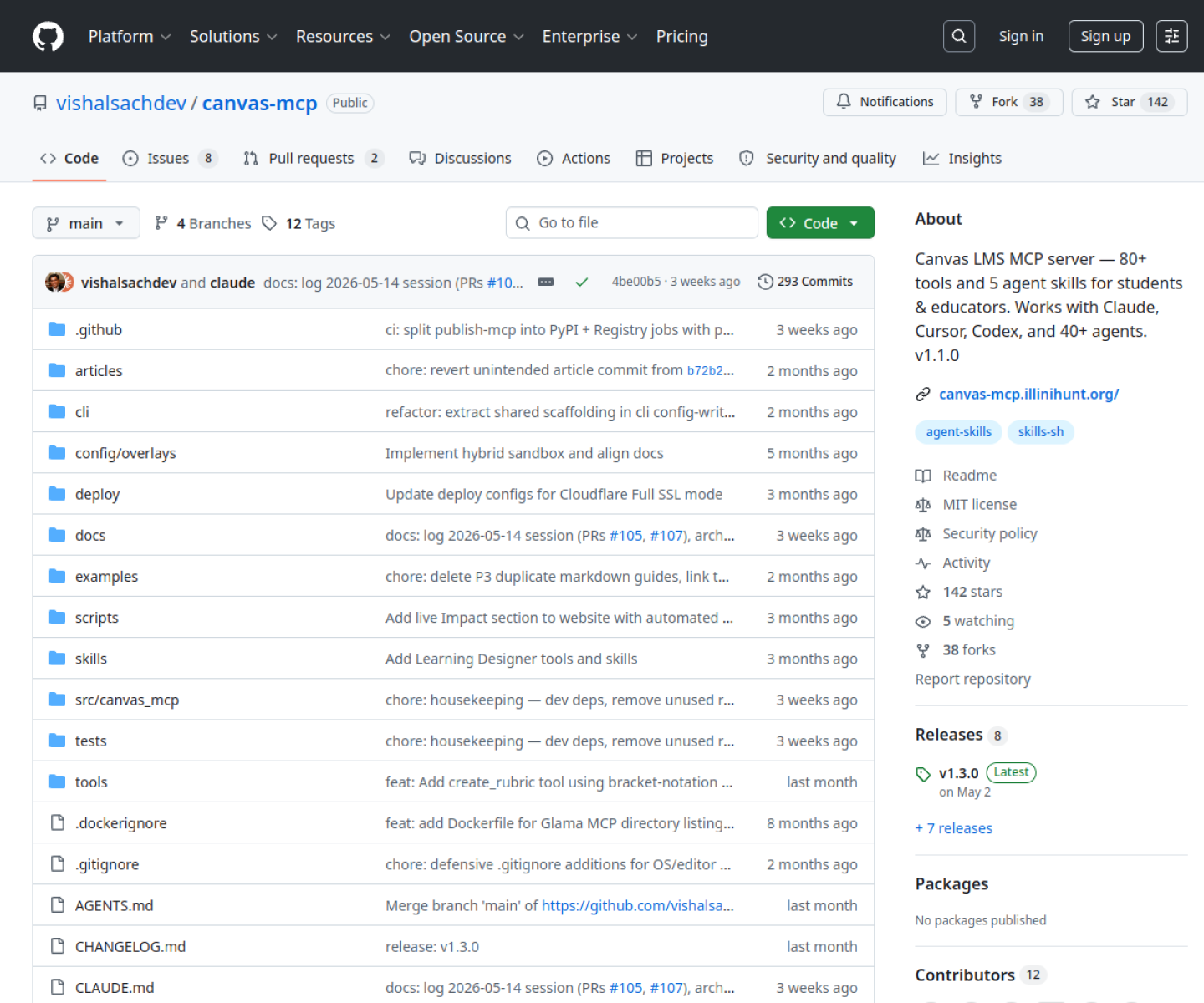
Canvas MCP Server
Canvas LMS MCP server with a large tool surface for students and educators who want AI agents to read and act on coursework, assignments, and course context.
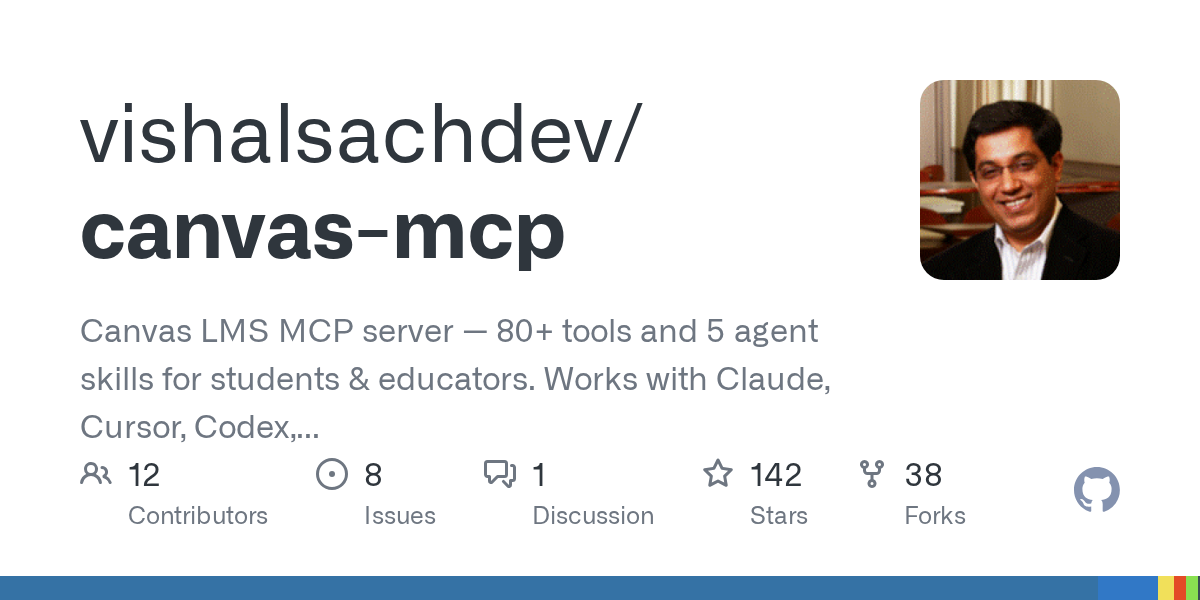
AI Project Details
Canvas MCP Server review: Canvas LMS MCP server with a large tool surface for students and educators who want AI agents to read and act on coursework, assignments, and course context.
Canvas MCP Server is aimed at students, educators, and edtech builders who want canvas data available inside agent clients such as claude, cursor, and codex. The current product materials describe a workflow built around connect canvas credentials, expose courses and assignments through the mcp server, and let supported agent clients read or work against class context. That matters because many new AI launches still sound broad until you try to map them to an actual job.
The reason this tool stands out is practical fit. The project is unusually concrete about both the tool count and the supported agent clients, which makes evaluation straightforward. It turns a familiar education platform into an MCP-accessible workspace instead of forcing students to copy context manually into chats. The product sits in the growing MCP tooling wave but targets a specific, real user system rather than generic protocol demos.
How the workflow works
The fastest way to judge Canvas MCP Server is to walk the main loop on one real task. For this product, users should connect canvas credentials, expose courses and assignments through the mcp server, and let supported agent clients read or work against class context. If that loop feels clearer, more controllable, or easier to repeat than the alternatives, the product is doing useful work.
Where Canvas MCP Server stands out
| Evaluation angle | Fit | Why it matters | | --- | --- | --- | | Best-fit user | High | Students, educators, and edtech builders who want Canvas data available inside agent clients such as Claude, Cursor, and Codex. | | Core workflow clarity | High | Connect Canvas credentials, expose courses and assignments through the MCP server, and let supported agent clients read or work against class context. | | Switching cost reducer | Medium to high | The project is unusually concrete about both the tool count and the supported agent clients, which makes evaluation straightforward. | | Adoption risk | Medium | Users should verify institution policy, token handling, and how much write access they are comfortable exposing through an agent bridge. |
Practical use cases
- Letting an AI client read assignments, deadlines, and course materials from Canvas
- Reducing manual copy-paste between LMS pages and agent chats
- Building education workflows on top of Canvas through MCP
Limits and buying notes
Users should verify institution policy, token handling, and how much write access they are comfortable exposing through an agent bridge. Its value depends on already using Canvas heavily; it is not a general learning assistant outside that ecosystem. Pricing status today: The project is open source on GitHub; the repo mentions a hosted server for trying it, but no separate commercial pricing page was visible during review.
FAQ
What is Canvas MCP Server best for?
Canvas MCP Server works best when letting an ai client read assignments, deadlines, and course materials from canvas matters more than using a generic assistant. The official materials point to a more concrete workflow than a blank AI shell.
Who should try Canvas MCP Server first?
Students, educators, and edtech builders who want Canvas data available inside agent clients such as Claude, Cursor, and Codex. Teams with that exact workflow will learn faster than broad curiosity users.
What should users verify before adopting Canvas MCP Server?
Users should verify institution policy, token handling, and how much write access they are comfortable exposing through an agent bridge. Its value depends on already using Canvas heavily; it is not a general learning assistant outside that ecosystem. Users should also check the current docs, pricing, and release status before rollout.
Reviewed sources
- https://github.com/vishalsachdev/canvas-mcp
- https://github.com/vishalsachdev/canvas-mcp/releases
FAQ
What is Canvas MCP Server best for?
Canvas MCP Server works best when letting an ai client read assignments, deadlines, and course materials from canvas matters more than using a generic assistant. The official materials point to a more concrete workflow than a blank AI shell.
Who should try Canvas MCP Server first?
Students, educators, and edtech builders who want Canvas data available inside agent clients such as Claude, Cursor, and Codex. Teams with that exact workflow will learn faster than broad curiosity users.
What should users verify before adopting Canvas MCP Server?
Users should verify institution policy, token handling, and how much write access they are comfortable exposing through an agent bridge. Its value depends on already using Canvas heavily; it is not a general learning assistant outside that ecosystem. Users should also check the current docs, pricing, and release status before rollout.