Canopy
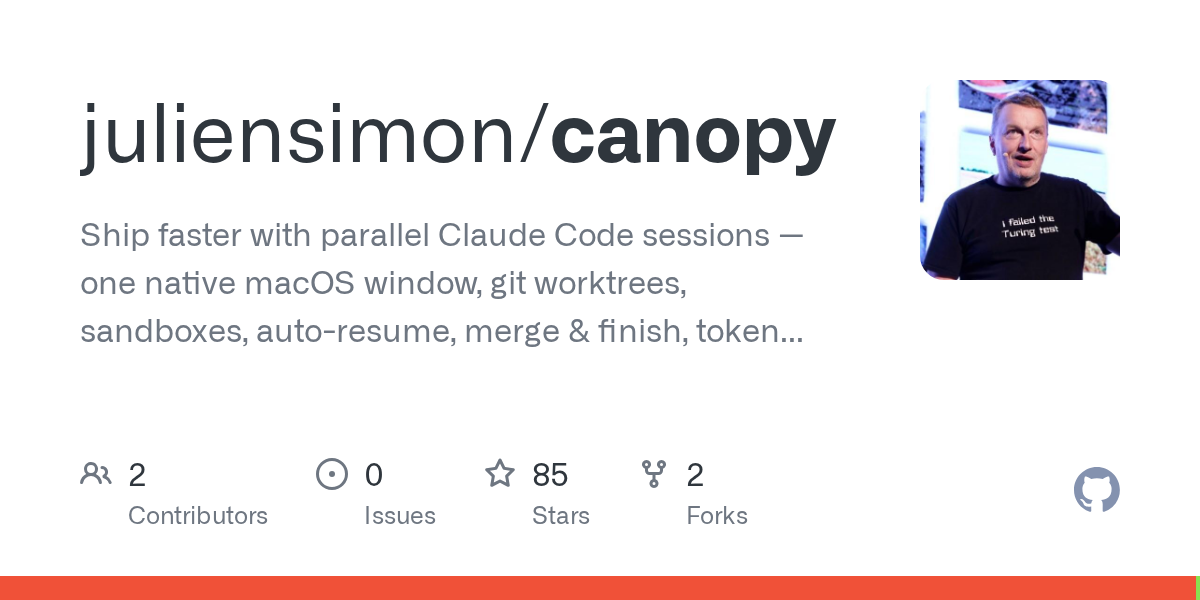
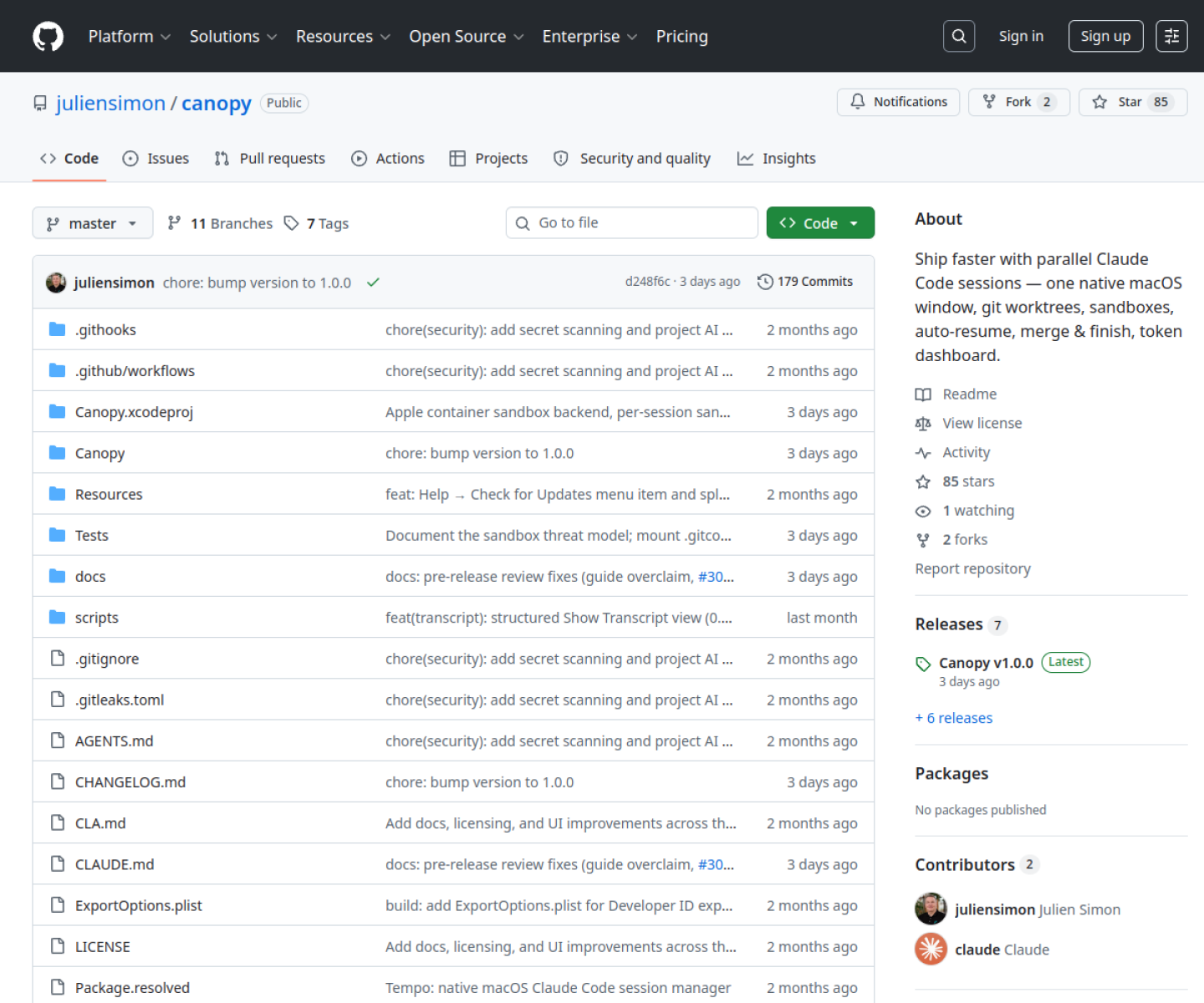
Native macOS app for running parallel Claude Code sessions in isolated git worktrees, with session resume, merge-and-finish flows, token tracking, transcripts, and sandbox controls.
AI Project Details
Canopy review: Native macOS app for running parallel Claude Code sessions in isolated git worktrees, with session resume, merge-and-finish flows, token tracking, transcripts, and sandbox controls.
Canopy is built for mac developers who already use claude code heavily and want multi-branch work to feel like one coordinated workspace instead of a pile of terminal tabs and manual worktrees. Instead of asking users to replace their whole toolchain, the product wraps a familiar workflow around add a git repository, create a worktree-backed session for one task, launch additional sessions for parallel work, then resume, review, and merge finished branches from the same window. That makes it easier to judge on practical fit rather than hype.
What the product changes day to day
The real question is whether the workspace removes enough friction to matter. Canopy is explicit about solving the multi-session Claude Code problem rather than pretending to be a general IDE replacement. The README is unusually detailed about session resume, worktree setup, transcript viewing, token tracking, and sandboxing, which gives buyers enough operational detail to evaluate real fit. Its merge-and-finish workflow is a stronger day-two feature than most launch demos because it addresses how parallel agent sessions actually get cleaned up and shipped.
What the workflow feels like
For a serious evaluation, start with one active project instead of a synthetic demo. In practice that means users should add a git repository, create a worktree-backed session for one task, launch additional sessions for parallel work, then resume, review, and merge finished branches from the same window. If the product keeps context visible and cuts down tool hopping, the value shows up quickly.
Where it earns attention
| Evaluation angle | Fit | Why it matters | | --- | --- | --- | | Best-fit user | High | Mac developers who already use Claude Code heavily and want multi-branch work to feel like one coordinated workspace instead of a pile of terminal tabs and manual worktrees. | | Core workflow clarity | High | Add a git repository, create a worktree-backed session for one task, launch additional sessions for parallel work, then resume, review, and merge finished branches from the same window. | | Switching cost reducer | Medium to high | Canopy is explicit about solving the multi-session Claude Code problem rather than pretending to be a general IDE replacement. | | Adoption risk | Medium | The current product is specifically tuned around macOS and Claude Code workflows, so teams outside that environment will not get the same value immediately. |
Practical use cases
- Running several Claude Code sessions in parallel without losing branch context
- Managing git worktree setup and cleanup from one macOS app
- Tracking tokens, transcripts, and sandbox settings across active coding tasks
Limits and buying notes
The current product is specifically tuned around macOS and Claude Code workflows, so teams outside that environment will not get the same value immediately. Users still need sane git and review habits, because the app reduces workspace friction but does not remove the need for judgment on what each session should change. Pricing status today: Canopy is published publicly on GitHub with AGPL-3.0 licensing and downloadable macOS releases, while the reviewed sources did not show a separate hosted SaaS pricing page.
FAQ
What is Canopy best for?
Canopy is strongest when running several claude code sessions in parallel without losing branch context matters more than a generic AI demo. The official product materials position it around a concrete workflow rather than a blank chatbot shell.
Who should try Canopy first?
Mac developers who already use Claude Code heavily and want multi-branch work to feel like one coordinated workspace instead of a pile of terminal tabs and manual worktrees. Teams with a real workflow match will get value faster than general curiosity users.
What should buyers verify before adopting Canopy?
The current product is specifically tuned around macOS and Claude Code workflows, so teams outside that environment will not get the same value immediately. Users still need sane git and review habits, because the app reduces workspace friction but does not remove the need for judgment on what each session should change. Pricing, privacy, and workflow fit should be checked directly on the current product before rollout.
Reviewed sources
- https://github.com/juliensimon/canopy
- https://raw.githubusercontent.com/juliensimon/canopy/master/README.md
- https://news.ycombinator.com/item?id=48538315
FAQ
What is Canopy best for?
Canopy is strongest when running several claude code sessions in parallel without losing branch context matters more than a generic AI demo. The official product materials position it around a concrete workflow rather than a blank chatbot shell.
Who should try Canopy first?
Mac developers who already use Claude Code heavily and want multi-branch work to feel like one coordinated workspace instead of a pile of terminal tabs and manual worktrees. Teams with a real workflow match will get value faster than general curiosity users.
What should buyers verify before adopting Canopy?
The current product is specifically tuned around macOS and Claude Code workflows, so teams outside that environment will not get the same value immediately. Users still need sane git and review habits, because the app reduces workspace friction but does not remove the need for judgment on what each session should change. Pricing, privacy, and workflow fit should be checked directly on the current product before rollout.