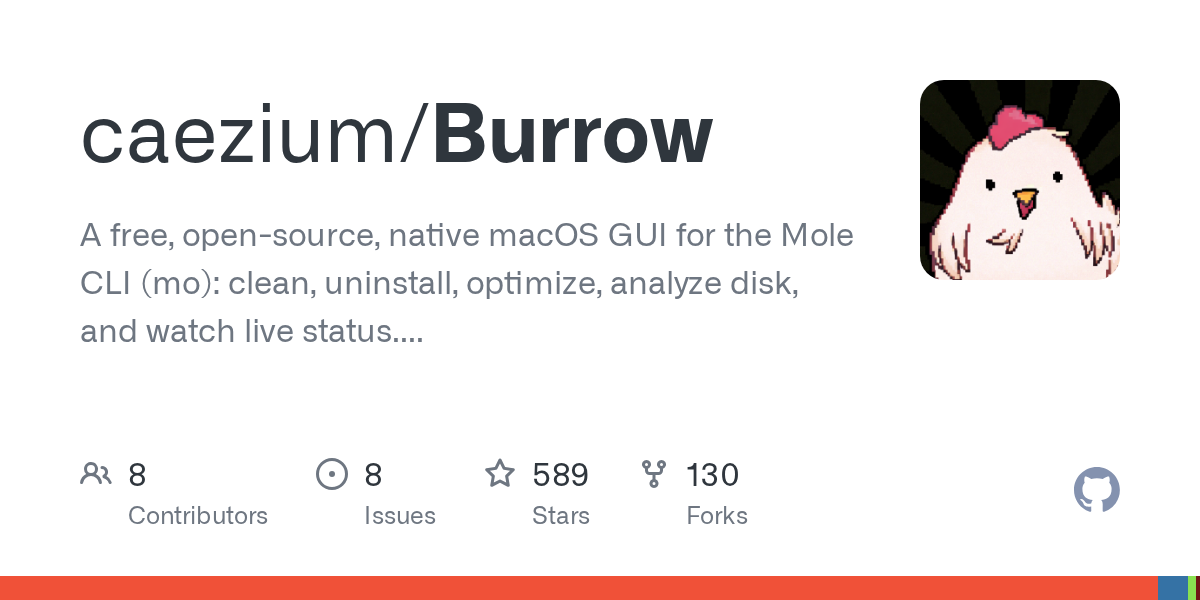
Burrow
Native macOS GUI for the Mole CLI, combining cleanup, optimization, analysis, history, and an MCP server into one desktop utility.
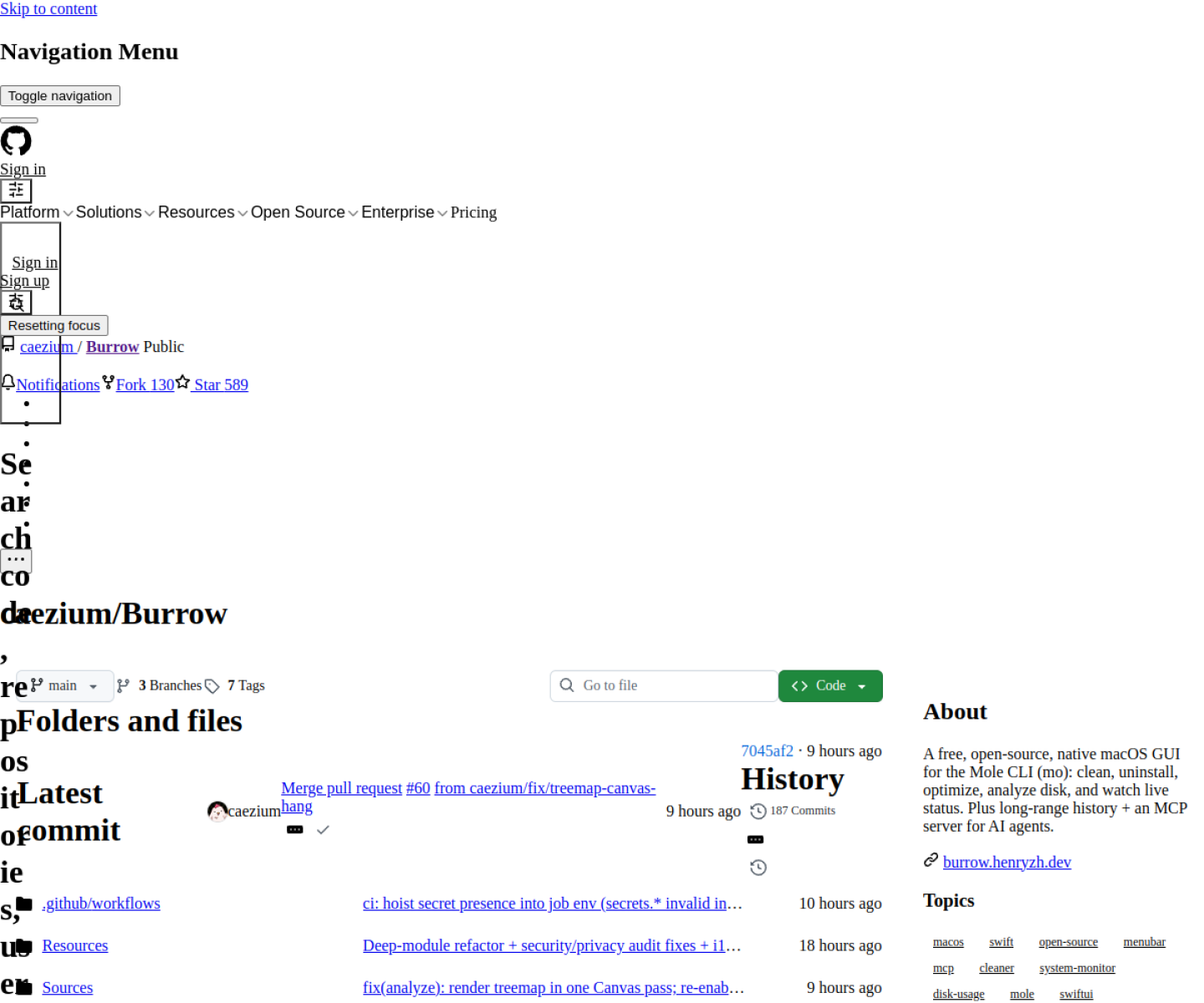
AI Project Details
Burrow review: Native macOS GUI for the Mole CLI, combining cleanup, optimization, analysis, history, and an MCP server into one desktop utility.
Burrow is built for mac users who want a friendlier operational surface around mole cli tasks and a local mcp connection point instead of only command-line usage. Instead of asking users to replace their whole toolchain, the product wraps a familiar workflow around open burrow on macos, manage mole cli tasks from the gui, inspect live status and history, and expose the local mcp server when an agent needs to interact with the environment. That makes it easier to judge on practical fit rather than hype.
What the product changes day to day
The real question is whether the workspace removes enough friction to matter. Burrow is more focused than a generic agent shell: it wraps a specific CLI and adds local GUI ergonomics plus MCP access. The native macOS delivery makes it interesting for users who want local operations and history without another Electron-heavy workspace. Its mix of system utility behavior and MCP support gives it a more concrete use case than many experimental desktop wrappers.
What the workflow feels like
For a serious evaluation, start with one active project instead of a synthetic demo. In practice that means users should open burrow on macos, manage mole cli tasks from the gui, inspect live status and history, and expose the local mcp server when an agent needs to interact with the environment. If the product keeps context visible and cuts down tool hopping, the value shows up quickly.
Where it earns attention
| Evaluation angle | Fit | Why it matters | | --- | --- | --- | | Best-fit user | High | Mac users who want a friendlier operational surface around Mole CLI tasks and a local MCP connection point instead of only command-line usage. | | Core workflow clarity | High | Open Burrow on macOS, manage Mole CLI tasks from the GUI, inspect live status and history, and expose the local MCP server when an agent needs to interact with the environment. | | Switching cost reducer | Medium to high | Burrow is more focused than a generic agent shell: it wraps a specific CLI and adds local GUI ergonomics plus MCP access. | | Adoption risk | Medium | The project is tightly coupled to the Mole CLI ecosystem, so its value depends on whether that tool is already relevant to the user. |
Practical use cases
- Managing Mole CLI workflows from a native macOS GUI
- Exposing a local MCP server from a desktop utility
- Inspecting cleanup, optimization, and analysis history visually
Limits and buying notes
The project is tightly coupled to the Mole CLI ecosystem, so its value depends on whether that tool is already relevant to the user. The macOS-only scope limits broader team adoption across mixed operating systems. Pricing status today: Burrow is presented as a free open-source macOS GUI in the reviewed official sources, with no separate commercial pricing table exposed.
FAQ
What is Burrow best for?
Burrow is strongest when managing mole cli workflows from a native macos gui matters more than a generic AI demo. The official product materials position it around a concrete workflow rather than a blank chatbot shell.
Who should try Burrow first?
Mac users who want a friendlier operational surface around Mole CLI tasks and a local MCP connection point instead of only command-line usage. Teams with a real workflow match will get value faster than general curiosity users.
What should buyers verify before adopting Burrow?
The project is tightly coupled to the Mole CLI ecosystem, so its value depends on whether that tool is already relevant to the user. The macOS-only scope limits broader team adoption across mixed operating systems. Pricing, privacy, and workflow fit should be checked directly on the current product before rollout.
Reviewed sources
- https://burrow.henryzh.dev/
- https://github.com/caezium/Burrow
FAQ
What is Burrow best for?
Burrow is strongest when managing mole cli workflows from a native macos gui matters more than a generic AI demo. The official product materials position it around a concrete workflow rather than a blank chatbot shell.
Who should try Burrow first?
Mac users who want a friendlier operational surface around Mole CLI tasks and a local MCP connection point instead of only command-line usage. Teams with a real workflow match will get value faster than general curiosity users.
What should buyers verify before adopting Burrow?
The project is tightly coupled to the Mole CLI ecosystem, so its value depends on whether that tool is already relevant to the user. The macOS-only scope limits broader team adoption across mixed operating systems. Pricing, privacy, and workflow fit should be checked directly on the current product before rollout.