buildpipe
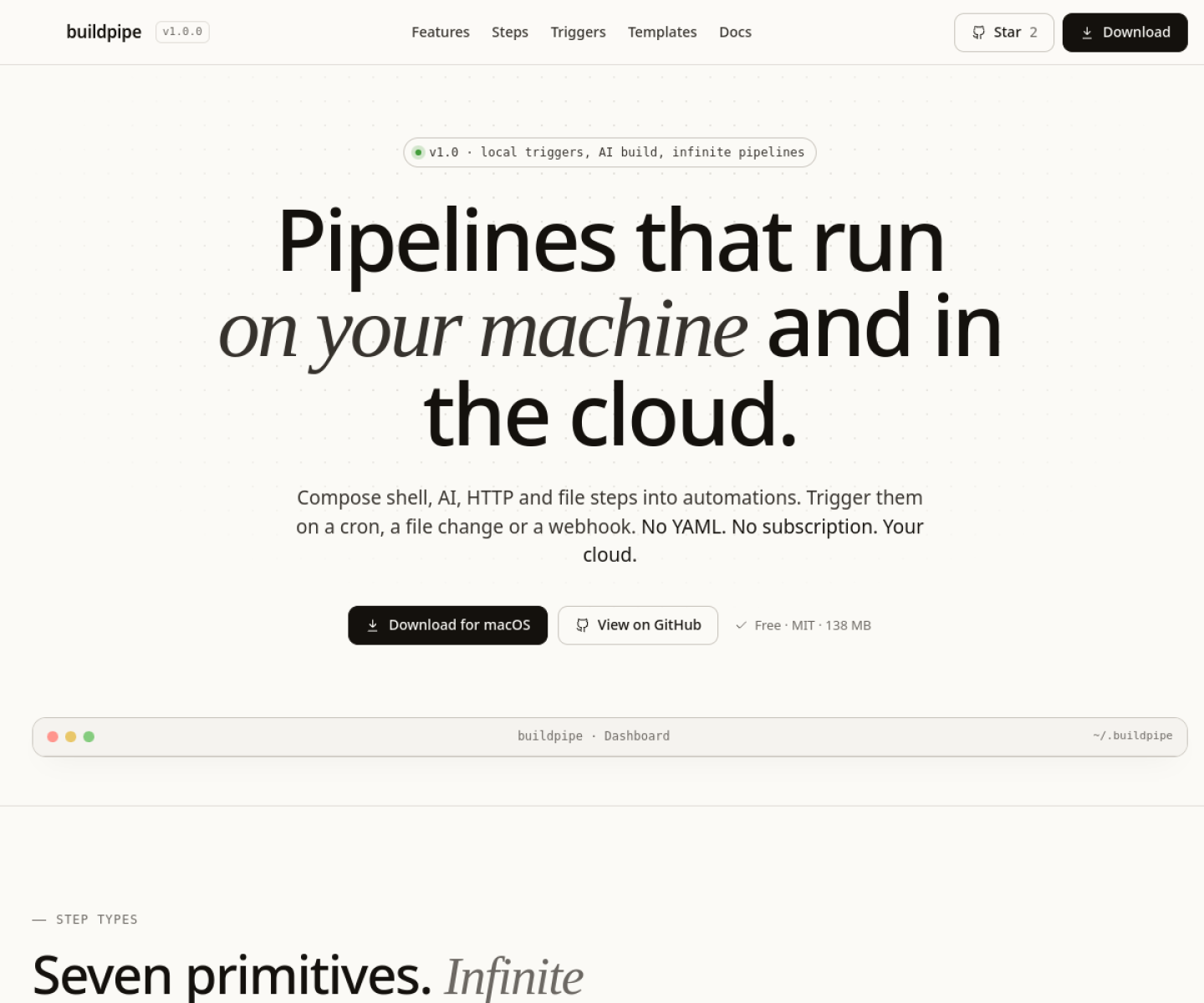
Local-first desktop automation builder that combines shell, AI, HTTP, file, conditional, loop, and notification steps into typed pipelines with local triggers or webhooks.
AI Project Details
buildpipe review: Local-first desktop automation builder that combines shell, AI, HTTP, file, conditional, loop, and notification steps into typed pipelines with local triggers or webhooks.
buildpipe is aimed at developers who want programmable ai workflows on their own machine without standing up a hosted orchestrator or writing yaml all day. The current product materials describe a workflow built around describe a workflow in plain english or compose it step by step, wire outputs between shell and ai tasks, attach a schedule or file watcher, then run and inspect the pipeline from the desktop app. That framing matters because many new AI launches still stop at a broad promise. buildpipe has a clearer job to do.
The stronger reason to care is operational fit. The product is explicit about its seven primitive step types and trigger model, which makes the workflow more inspectable than many prompt-only automation launches. Its local-first posture is concrete: files, logs, settings, and keys live on the user's machine with no account requirement. The app sits in a useful middle ground between scripting from scratch and paying for a hosted automation service that hides execution details.
How the workflow works
A sensible first pass is simple: start from the product's core entry point, validate the main loop on a representative task, and only then judge whether the surrounding automation is real. For buildpipe, that means users should describe a workflow in plain english or compose it step by step, wire outputs between shell and ai tasks, attach a schedule or file watcher, then run and inspect the pipeline from the desktop app. If that loop feels shorter, clearer, or easier to control than the alternatives, the product is doing something useful.
Where buildpipe stands out
| Evaluation angle | Fit | Why it matters | | --- | --- | --- | | Best-fit user | High | Developers who want programmable AI workflows on their own machine without standing up a hosted orchestrator or writing YAML all day. | | Core workflow clarity | High | Describe a workflow in plain English or compose it step by step, wire outputs between shell and AI tasks, attach a schedule or file watcher, then run and inspect the pipeline from the desktop app. | | Switching cost reducer | Medium to high | The product is explicit about its seven primitive step types and trigger model, which makes the workflow more inspectable than many prompt-only automation launches. | | Adoption risk | Medium | Users should confirm whether the desktop workflow is enough for production needs or whether they still need a more formal orchestration stack. |
Practical use cases
- Building scheduled AI workflows that mix shell, HTTP, files, and notifications
- Replacing ad hoc local scripts with reusable typed pipelines
- Running local-first developer automations without subscribing to a hosted service
Limits and buying notes
Users should confirm whether the desktop workflow is enough for production needs or whether they still need a more formal orchestration stack. Because it runs powerful local actions, safety depends on how carefully pipelines and credentials are configured on each machine. Pricing status today: The official site presents buildpipe as free forever and MIT licensed, with downloadable desktop builds and no subscription.
FAQ
What is buildpipe best for?
buildpipe is strongest when building scheduled ai workflows that mix shell, http, files, and notifications matters more than a generic AI demo. The official product materials position it around a concrete workflow rather than a blank chatbot shell.
Who should try buildpipe first?
Developers who want programmable AI workflows on their own machine without standing up a hosted orchestrator or writing YAML all day. Teams with a real workflow match will get value faster than general curiosity users.
What should buyers verify before adopting buildpipe?
Users should confirm whether the desktop workflow is enough for production needs or whether they still need a more formal orchestration stack. Because it runs powerful local actions, safety depends on how carefully pipelines and credentials are configured on each machine. Pricing, privacy, and workflow fit should be checked directly on the current product before rollout.
Reviewed sources
- https://www.buildpipe.com/
- https://github.com/raiyanyahya/buildpipe
- https://www.producthunt.com/products/buildpipe
FAQ
What is buildpipe best for?
buildpipe is strongest when building scheduled ai workflows that mix shell, http, files, and notifications matters more than a generic AI demo. The official product materials position it around a concrete workflow rather than a blank chatbot shell.
Who should try buildpipe first?
Developers who want programmable AI workflows on their own machine without standing up a hosted orchestrator or writing YAML all day. Teams with a real workflow match will get value faster than general curiosity users.
What should buyers verify before adopting buildpipe?
Users should confirm whether the desktop workflow is enough for production needs or whether they still need a more formal orchestration stack. Because it runs powerful local actions, safety depends on how carefully pipelines and credentials are configured on each machine. Pricing, privacy, and workflow fit should be checked directly on the current product before rollout.