AskCSV
AskCSV: Your Go-To Data Analysis Tool for CSV Files Are you looking for an efficient way to analyze and visualize data stored in CSV files? Look no further than AskCSV! This powerful data analysis tool simplifies the process, making it easier than ever to gain insights from your data. With AskCSV, you can effortlessly import your CSV files and start analyzing your data in just a few clicks. The user-friendly interface allows you to visualize your data through various charts and graphs, helping you to identify trends and patterns quickly. Key Features of AskCSV: - Easy CSV File Import: Quickly upload your CSV files without any hassle. - Data Visualization: Create stunning visual representations of your data to enhance understanding. - User-Friendly Interface: Navigate through the tool with ease, regardless of your technical expertise. - Insightful Analysis: Discover valuable insights from your data to inform your decisions. Whether you're a data analyst, a business professional, or just someone looking to make sense of their data, AskCSV is the perfect solution for you. Start transforming your CSV data into actionable insights today!
AI Project Details
AskCSV review: local-first AI questions for CSV files
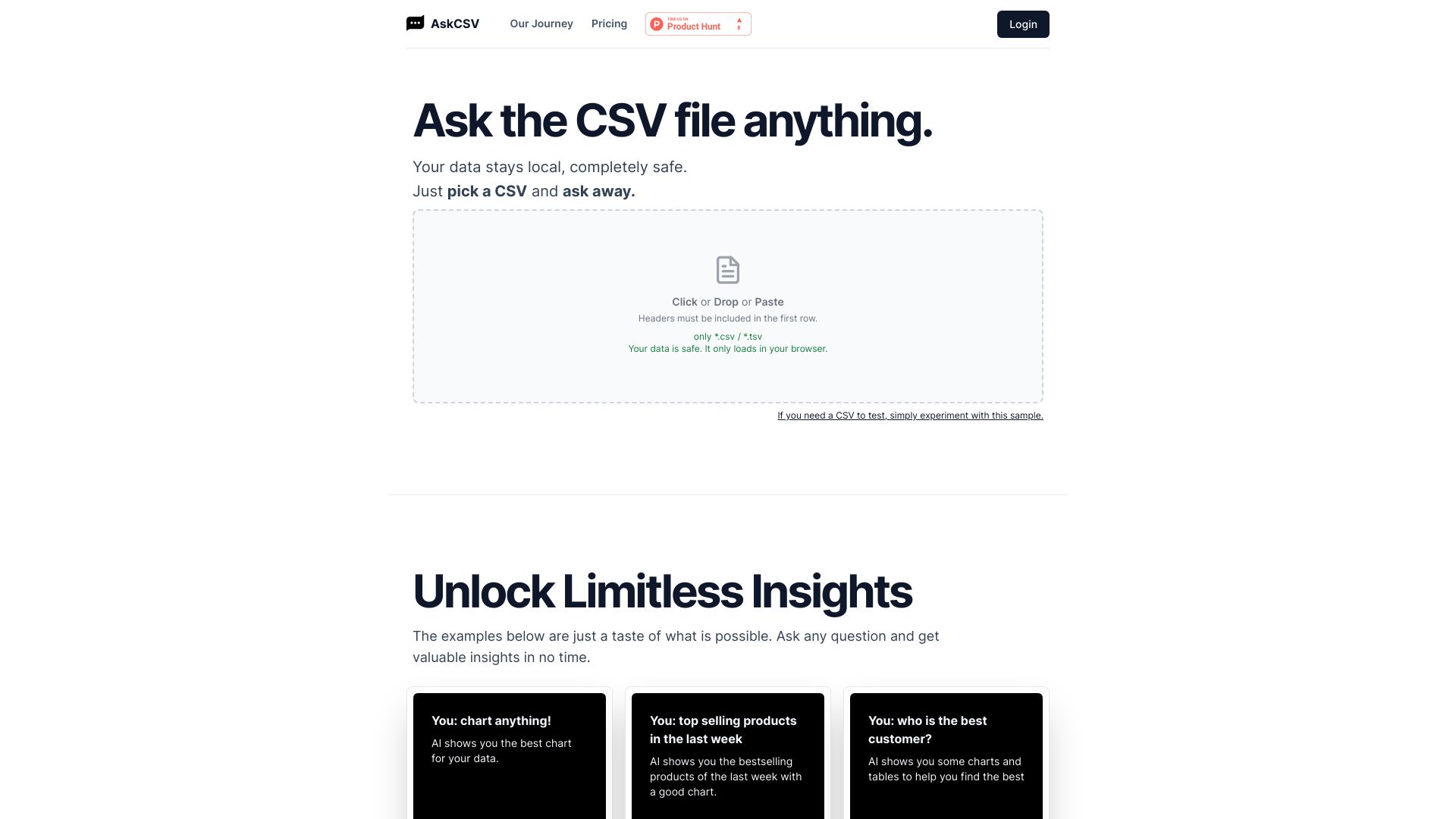
AskCSV is an AI tool for asking questions about CSV files. The current homepage emphasizes a simple workflow: pick a CSV, ask questions in natural language, and get charts, tables, and insights. Example questions include charting data, finding top-selling products, identifying the best customer, discovering products bought together, finding similar rows, and comparing campaign ROI. The most important positioning is privacy: AskCSV says CSV files are processed directly in the browser's memory without server uploads.
The strongest fit is a non-technical operator, marketer, founder, analyst, or support manager who needs a quick answer from a CSV but does not want to build a spreadsheet formula, pivot table, notebook, or BI dashboard. AskCSV is best for exploratory analysis and quick insight, not governed enterprise reporting.
Best-fit use cases
| Use case | Fit | Notes | |---|---:|---| | Quick CSV analysis | High | Natural-language CSV questions are the core product. | | Local-first sensitive files | High | Homepage says files stay in browser memory. | | Marketing or sales CSV exploration | High | Examples include ROI, customers, and products. | | One-day analysis jobs | Medium to high | Pricing is based on a 1-day pass, not subscriptions. | | Enterprise BI governance | Low to medium | Dedicated BI tools are better for shared dashboards and controls. |
What users should verify
Users should test maximum file size, row limits, browser performance, supported encodings, data type detection, chart quality, answer accuracy, export formats, privacy claims, whether any prompts or derived data leave the browser, pricing, free ask limits, and whether the output can be audited for business-critical decisions.
Strengths
- Very clear problem: ask a CSV file questions without setup.
- Local browser-memory processing is attractive for privacy-sensitive ad hoc analysis.
- Pricing page offers a free tier and a short 1-day pass instead of forcing subscriptions.
- Good fit for quick product, customer, sales, and campaign questions.
Limitations
- AI answers should be checked against the raw data before decisions.
- Browser-based processing can hit performance limits on large or messy files.
- It is not a replacement for governed dashboards, warehouse queries, or reproducible notebooks.
- Collaboration, permissions, and audit workflows appear limited compared with BI platforms.
Bottom line
AskCSV is best for fast, local-first exploration of CSV files. It is useful when someone needs an immediate answer or chart from a file, but teams should still validate calculations before using results in reporting, finance, or operational decisions.
Sources reviewed: AskCSV homepage, AskCSV pricing.
FAQ
What is AskCSV best for?
AskCSV is best for quickly asking questions about CSV files, generating charts, and exploring product, customer, sales, or marketing data without setup.
Does AskCSV upload CSV files to a server?
AskCSV's homepage says files are processed directly in the browser's memory without server uploads, but users should review privacy terms for their own requirements.
What should users check before relying on AskCSV output?
Users should check answer accuracy, chart logic, row limits, file size, browser performance, export format, privacy behavior, and whether results can be audited.