AI Video API
AI Video Generation Hub: Transforming Your Creative Process In today's digital landscape, the demand for engaging video content is at an all-time high. The AI Video Generation Hub is designed to streamline your video creation process, making it easier than ever to produce high-quality videos that captivate your audience. Why Choose AI Video Generation? 1. **Efficiency**: Save time with automated video creation tools that allow you to focus on your creative vision. 2. **User-Friendly Interface**: Our platform is designed for users of all skill levels, ensuring a smooth experience from start to finish. 3. **Customization Options**: Tailor your videos with a variety of templates, styles, and effects to match your brand's identity. Key Features of the AI Video Generation Hub - **Intelligent Editing**: Leverage AI technology to enhance your videos with smart editing features that optimize visuals and sound. - **Diverse Formats**: Create videos for various platforms, including social media, websites, and presentations, ensuring your content reaches the right audience. - **Real-Time Collaboration**: Work with your team seamlessly, allowing for instant feedback and adjustments during the video creation process. Maximize Your Video Marketing Strategy Utilizing the AI Video Generation Hub can significantly boost your video marketing efforts. By producing high-quality, engaging content, you can increase viewer retention, drive traffic to your website, and enhance your brand's online presence. Get Started Today! Join the revolution in video creation with the AI Video Generation Hub. Experience the future of content creation and elevate your marketing strategy to new heights.
AI Project Details
AI Video API review: API hub for AI-generated video models
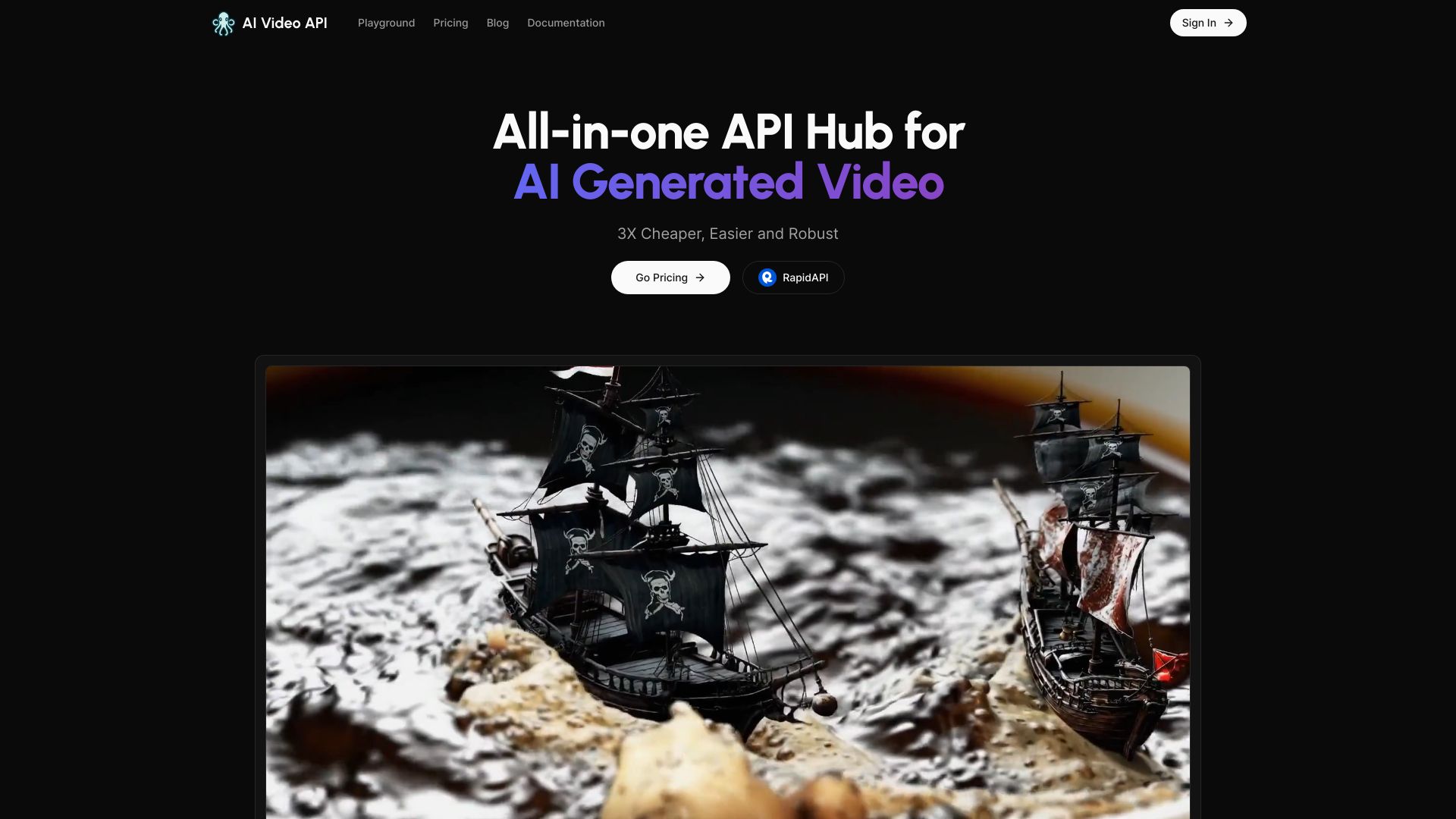
AI Video API is a developer-facing API hub for AI video generation. Its official homepage positions the product as an "all-in-one API hub for AI generated video" and highlights support for video models such as RunwayML Gen-4, RunwayML Gen-3, Luma Labs, and Pika-style generation workflows. The site also links developers to pricing and a RapidAPI entry for API access.
This tool should be evaluated as infrastructure, not as a one-click video editor. The buyer question is whether a team can integrate video generation reliably into an app, internal workflow, or creative production system without maintaining separate accounts and wrappers for every model provider.
Best-fit use cases
| Use case | AI Video API fit | Notes | |---|---:|---| | Productized video generation | High | Strong when an app needs API access rather than manual UI use. | | Multi-model experimentation | High | Useful when teams compare Runway, Luma, Pika, and similar models. | | Creative automation workflows | Medium to high | Works when prompt, queue, and moderation controls are planned. | | Casual video creation | Medium | A normal creator UI may be easier for one-off use. | | Regulated or brand-sensitive campaigns | Medium | Requires review, rights, and safety controls. |
What teams should verify
Developers should test endpoint coverage, model availability, queue times, generation success rate, webhook or polling behavior, prompt controls, image-to-video support, output length, storage expiration, rate limits, error handling, and billing. Because model providers change quickly, teams should also verify whether the listed model versions are currently available before committing product promises to users.
The best pilot runs a real production prompt set through several models and measures success rate, latency, usable-output rate, and cost per accepted clip.
Strengths
- API-first positioning for teams building AI video features.
- Useful if a product needs access to multiple video generation models.
- Pricing and API access paths are visible from the public site.
- Good fit for teams that want to test video models without building every provider wrapper.
Limitations
- Video model availability can change quickly.
- Output quality and latency vary by model and prompt.
- Teams still need moderation, rights review, storage, and retry logic.
- A creator UI may be simpler for non-developer workflows.
Bottom line
AI Video API should be indexed as a developer API hub for AI-generated video. It is strongest for teams that need programmatic access to multiple video generation models and can build the surrounding product, safety, and cost controls.
Sources reviewed: AI Video API homepage, AI Video API pricing, AI Video API RapidAPI listing.
FAQ
What is AI Video API best for?
AI Video API is best for developers and product teams that need programmatic access to AI video generation models instead of a manual creator interface.
Does AI Video API replace video editing software?
No. It can generate clips through APIs, but teams still need editing, review, rights checks, and publishing workflows for finished video assets.
What should developers test first?
Test model availability, latency, success rate, output quality, prompt controls, image-to-video behavior, rate limits, error handling, and cost per usable clip.