AgentPeek
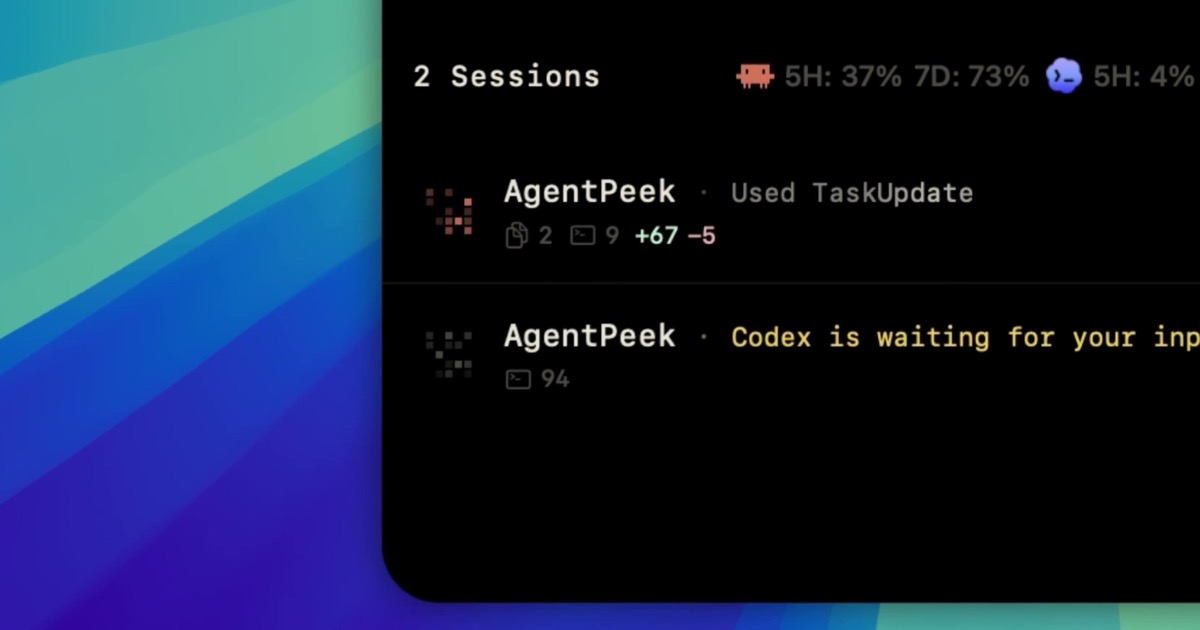
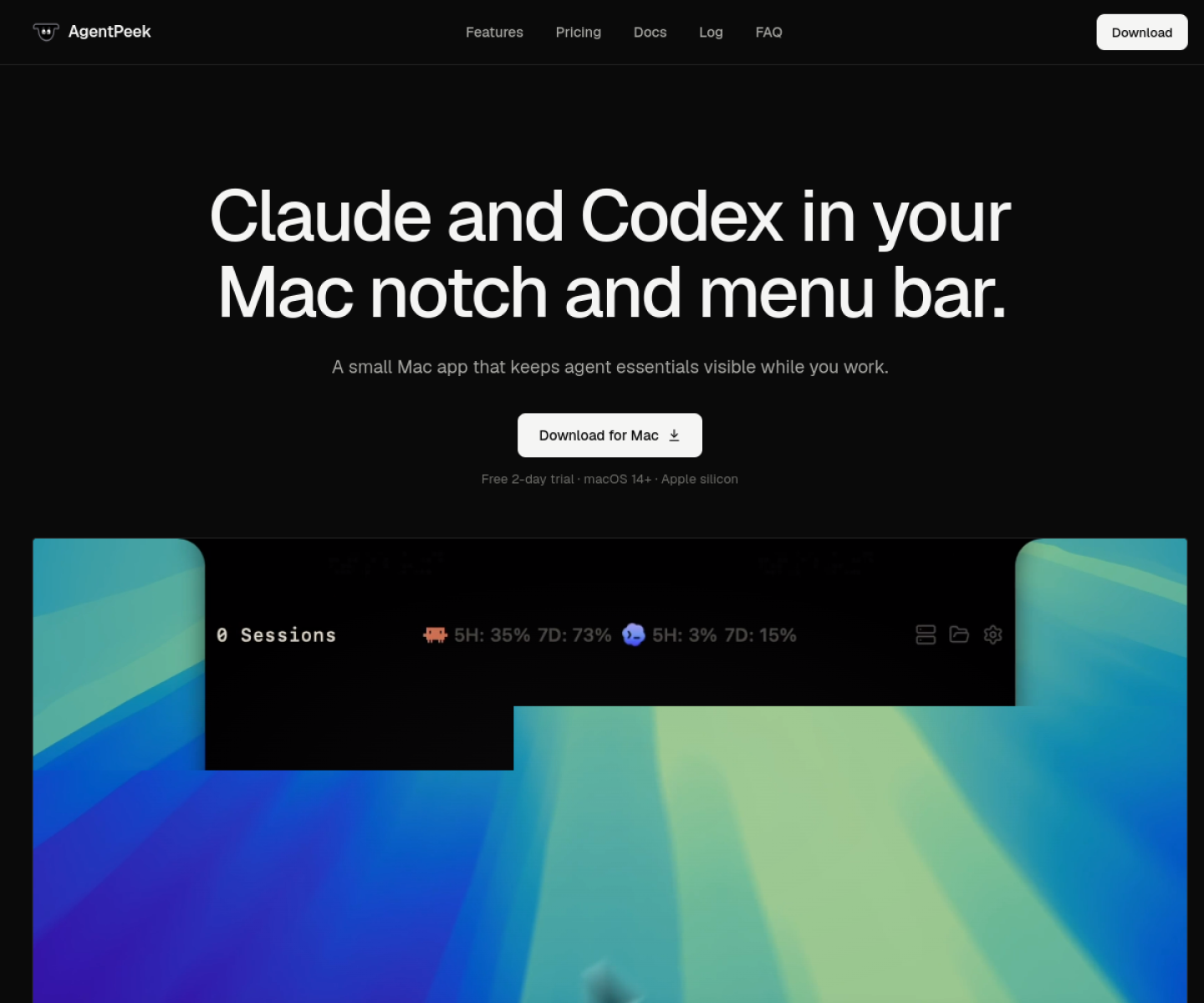
Native macOS utility that surfaces Codex and Claude Code session state in the notch or menu bar, including token usage, tool history, local servers, and pending permissions.
AI Project Details
AgentPeek review: Native macOS utility that surfaces Codex and Claude Code session state in the notch or menu bar, including token usage, tool history, local servers, and pending permissions.
AgentPeek is aimed at mac developers who already run multiple coding-agent sessions and want passive visibility without living inside each terminal tab. The current product materials describe a workflow built around install agentpeek, let it attach lightweight hooks to supported clis, keep sessions running in the terminal as usual, then answer permissions or check token and server state from the notch or menu bar. That framing matters because many new AI launches still stop at a broad promise. AgentPeek has a clearer job to do.
The stronger reason to care is operational fit. AgentPeek solves a narrow but real problem: keeping high-signal agent state visible while staying out of the main coding flow. Its product page goes beyond screenshots and documents the exact local monitoring model, supported agents, and network boundaries. The one-time pricing is clear and easy to compare against recurring productivity utilities.
How the workflow works
A sensible first pass is simple: start from the product's core entry point, validate the main loop on a representative task, and only then judge whether the surrounding automation is real. For AgentPeek, that means users should install agentpeek, let it attach lightweight hooks to supported clis, keep sessions running in the terminal as usual, then answer permissions or check token and server state from the notch or menu bar. If that loop feels shorter, clearer, or easier to control than the alternatives, the product is doing something useful.
Where AgentPeek stands out
| Evaluation angle | Fit | Why it matters | | --- | --- | --- | | Best-fit user | High | Mac developers who already run multiple coding-agent sessions and want passive visibility without living inside each terminal tab. | | Core workflow clarity | High | Install AgentPeek, let it attach lightweight hooks to supported CLIs, keep sessions running in the terminal as usual, then answer permissions or check token and server state from the notch or menu bar. | | Switching cost reducer | Medium to high | AgentPeek solves a narrow but real problem: keeping high-signal agent state visible while staying out of the main coding flow. | | Adoption risk | Medium | The product is Mac-only and mainly useful for people already deep into CLI-based agent workflows. |
Practical use cases
- Monitoring multiple Codex and Claude Code sessions from the Mac notch
- Responding to agent permission prompts without tab-hopping between terminals
- Tracking token usage, local servers, and recent tool calls at a glance
Limits and buying notes
The product is Mac-only and mainly useful for people already deep into CLI-based agent workflows. Prospective users should verify how much they want hooks into local agent state before making it part of a default setup. Pricing status today: The official site offers a 2-day free trial and then a one-time $9 per Mac license.
FAQ
What is AgentPeek best for?
AgentPeek is strongest when monitoring multiple codex and claude code sessions from the mac notch matters more than a generic AI demo. The official product materials position it around a concrete workflow rather than a blank chatbot shell.
Who should try AgentPeek first?
Mac developers who already run multiple coding-agent sessions and want passive visibility without living inside each terminal tab. Teams with a real workflow match will get value faster than general curiosity users.
What should buyers verify before adopting AgentPeek?
The product is Mac-only and mainly useful for people already deep into CLI-based agent workflows. Prospective users should verify how much they want hooks into local agent state before making it part of a default setup. Pricing, privacy, and workflow fit should be checked directly on the current product before rollout.
Reviewed sources
- https://agentpeek.app/
- https://www.producthunt.com/products/agentpeek
FAQ
What is AgentPeek best for?
AgentPeek is strongest when monitoring multiple codex and claude code sessions from the mac notch matters more than a generic AI demo. The official product materials position it around a concrete workflow rather than a blank chatbot shell.
Who should try AgentPeek first?
Mac developers who already run multiple coding-agent sessions and want passive visibility without living inside each terminal tab. Teams with a real workflow match will get value faster than general curiosity users.
What should buyers verify before adopting AgentPeek?
The product is Mac-only and mainly useful for people already deep into CLI-based agent workflows. Prospective users should verify how much they want hooks into local agent state before making it part of a default setup. Pricing, privacy, and workflow fit should be checked directly on the current product before rollout.