Agentify Desktop
Local control center that lets Codex, Claude, and related tools drive logged-in web AI sessions through MCP, including hidden or visible tabs and local file exchange.
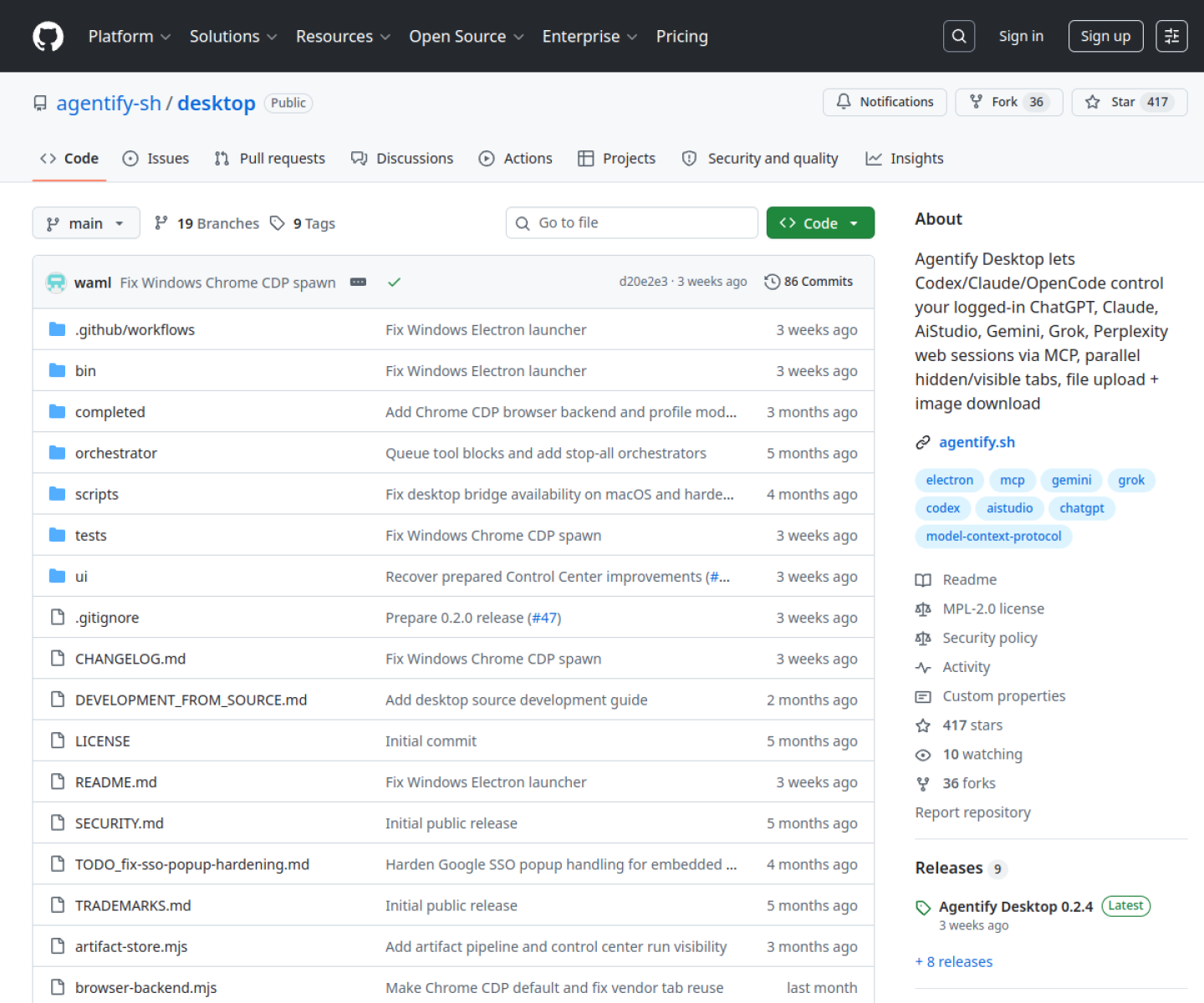
AI Project Details
Agentify Desktop review: Local control center that lets Codex, Claude, and related tools drive logged-in web AI sessions through MCP, including hidden or visible tabs and local file exchange.
Agentify Desktop is built for developers who want controlled access to existing browser-based ai accounts and web sessions from an mcp-capable local toolchain. Instead of asking users to replace their whole toolchain, the product wraps a familiar workflow around run agentify desktop locally, connect it to a preferred browser backend, authenticate the web ai accounts you want to use, and expose those sessions to compatible tools through the local mcp surface. That makes it easier to judge on practical fit rather than hype.
What the product changes day to day
The real question is whether the workspace removes enough friction to matter. Agentify Desktop is a practical bridge into already-authenticated web AI sessions rather than another standalone model client. The README goes into unusual operational detail around browser backends, CAPTCHA handling, local storage, and security boundaries. Because it stays local-first, it is easier to reason about where browser state and credentials live.
What the workflow feels like
For a serious evaluation, start with one active project instead of a synthetic demo. In practice that means users should run agentify desktop locally, connect it to a preferred browser backend, authenticate the web ai accounts you want to use, and expose those sessions to compatible tools through the local mcp surface. If the product keeps context visible and cuts down tool hopping, the value shows up quickly.
Where it earns attention
| Evaluation angle | Fit | Why it matters | | --- | --- | --- | | Best-fit user | High | Developers who want controlled access to existing browser-based AI accounts and web sessions from an MCP-capable local toolchain. | | Core workflow clarity | High | Run Agentify Desktop locally, connect it to a preferred browser backend, authenticate the web AI accounts you want to use, and expose those sessions to compatible tools through the local MCP surface. | | Switching cost reducer | Medium to high | Agentify Desktop is a practical bridge into already-authenticated web AI sessions rather than another standalone model client. | | Adoption risk | Medium | The project depends on the stability and policies of the underlying web products it automates, which can change. |
Practical use cases
- Exposing logged-in web AI sessions to MCP-capable coding tools
- Managing hidden and visible browser tabs for agent-assisted workflows
- Keeping browser-based AI access local instead of building a hosted wrapper
Limits and buying notes
The project depends on the stability and policies of the underlying web products it automates, which can change. Users should treat the local machine account as the security boundary and review the browser-session implications carefully. Pricing status today: Agentify Desktop is presented as an open-source project under MPL-2.0, and the reviewed public pages did not expose a separate hosted pricing plan.
FAQ
What is Agentify Desktop best for?
Agentify Desktop is strongest when exposing logged-in web ai sessions to mcp-capable coding tools matters more than a generic AI demo. The official product materials position it around a concrete workflow rather than a blank chatbot shell.
Who should try Agentify Desktop first?
Developers who want controlled access to existing browser-based AI accounts and web sessions from an MCP-capable local toolchain. Teams with a real workflow match will get value faster than general curiosity users.
What should buyers verify before adopting Agentify Desktop?
The project depends on the stability and policies of the underlying web products it automates, which can change. Users should treat the local machine account as the security boundary and review the browser-session implications carefully. Pricing, privacy, and workflow fit should be checked directly on the current product before rollout.
Reviewed sources
- https://agentify.sh/
- https://github.com/agentify-sh/desktop
- https://github.com/agentify-sh/desktop/releases
FAQ
What is Agentify Desktop best for?
Agentify Desktop is strongest when exposing logged-in web ai sessions to mcp-capable coding tools matters more than a generic AI demo. The official product materials position it around a concrete workflow rather than a blank chatbot shell.
Who should try Agentify Desktop first?
Developers who want controlled access to existing browser-based AI accounts and web sessions from an MCP-capable local toolchain. Teams with a real workflow match will get value faster than general curiosity users.
What should buyers verify before adopting Agentify Desktop?
The project depends on the stability and policies of the underlying web products it automates, which can change. Users should treat the local machine account as the security boundary and review the browser-session implications carefully. Pricing, privacy, and workflow fit should be checked directly on the current product before rollout.