1DevTool
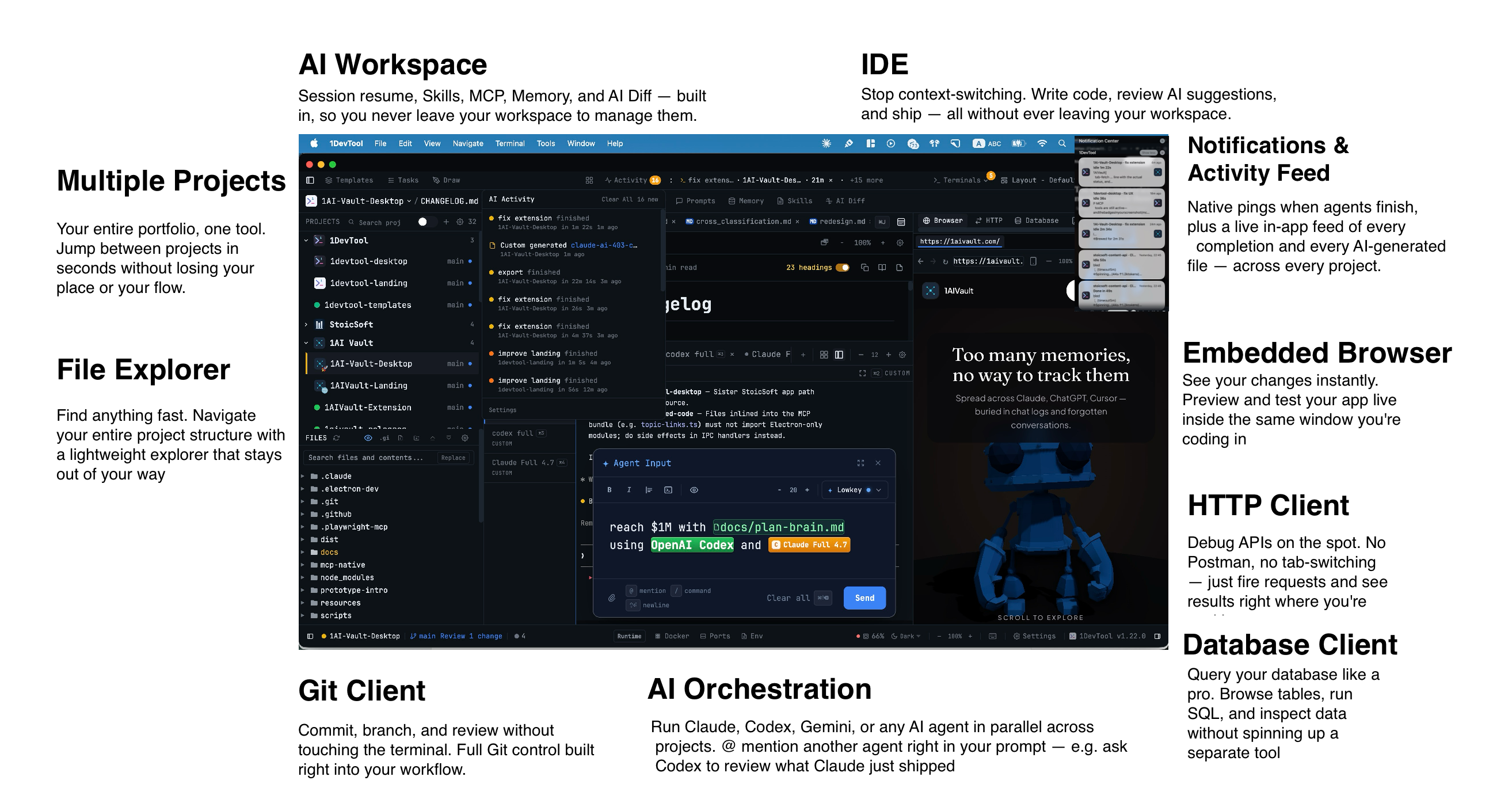
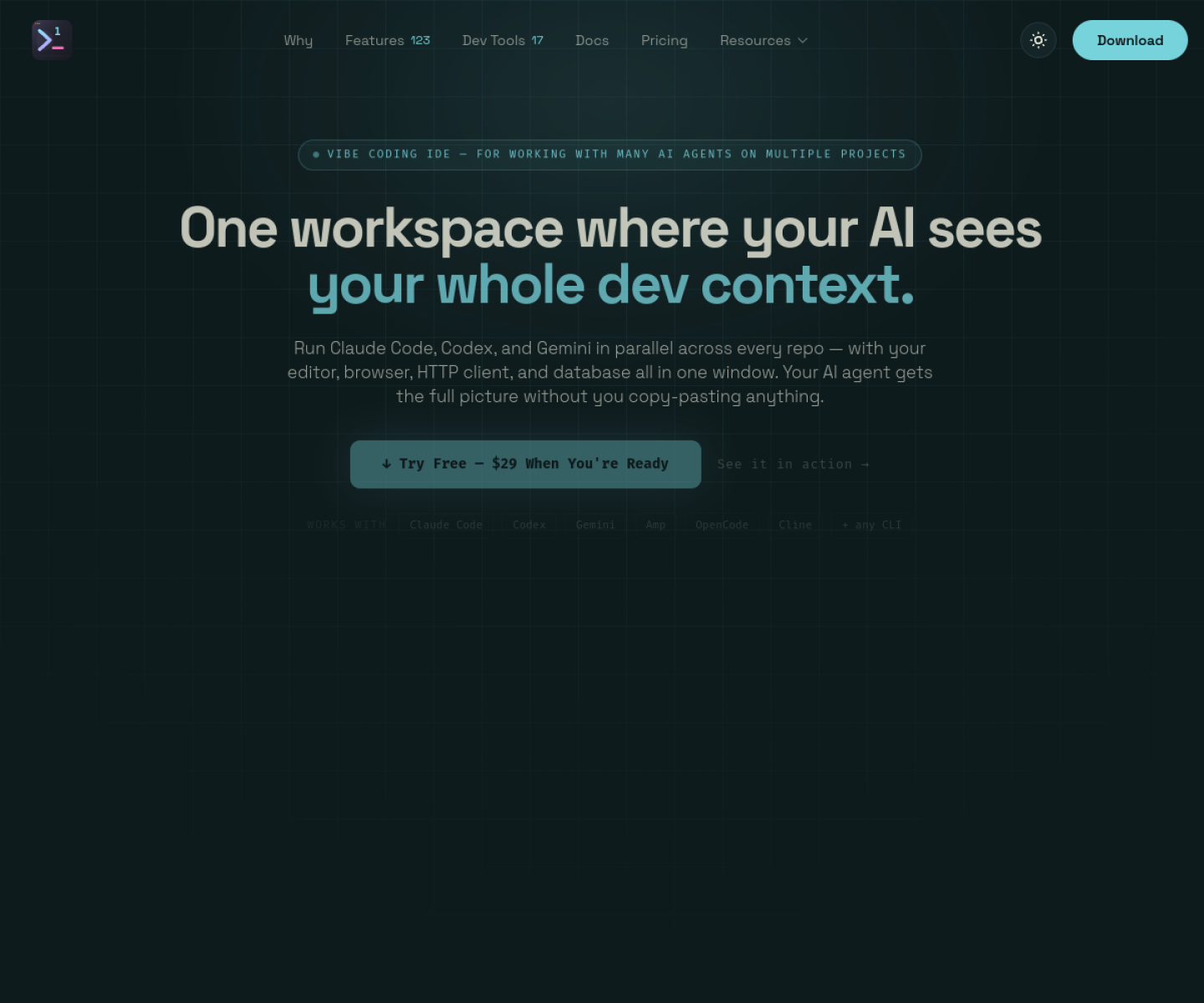
All-in-one developer workspace that runs AI coding agents beside built-in browser, database, Git, HTTP, Docker, and project-management panels in a single desktop app.
AI Project Details
1DevTool review: All-in-one developer workspace that runs AI coding agents beside built-in browser, database, Git, HTTP, Docker, and project-management panels in a single desktop app.
1DevTool is built for developers who want multi-project ai coding work organized around persistent workspaces instead of scattered terminals and separate helper apps. Instead of asking users to replace their whole toolchain, the product wraps a familiar workflow around add a local project folder, run tools like claude code or codex inside project-scoped terminals, inspect the app in the embedded browser, and keep api, db, and git context in the same window. That makes it easier to judge on practical fit rather than hype.
What the product changes day to day
The real question is whether the workspace removes enough friction to matter. 1DevTool treats AI agents as part of a larger project workspace rather than the only surface the developer uses. The docs and pricing pages are unusually specific about built-in tools, project isolation, and perpetual-license terms. It is easier to compare with existing setups because the product openly positions itself against separate terminal, browser, API, DB, and Git tools.
What the workflow feels like
For a serious evaluation, start with one active project instead of a synthetic demo. In practice that means users should add a local project folder, run tools like claude code or codex inside project-scoped terminals, inspect the app in the embedded browser, and keep api, db, and git context in the same window. If the product keeps context visible and cuts down tool hopping, the value shows up quickly.
Where it earns attention
| Evaluation angle | Fit | Why it matters | | --- | --- | --- | | Best-fit user | High | Developers who want multi-project AI coding work organized around persistent workspaces instead of scattered terminals and separate helper apps. | | Core workflow clarity | High | Add a local project folder, run tools like Claude Code or Codex inside project-scoped terminals, inspect the app in the embedded browser, and keep API, DB, and Git context in the same window. | | Switching cost reducer | Medium to high | 1DevTool treats AI agents as part of a larger project workspace rather than the only surface the developer uses. | | Adoption risk | Medium | The strongest value depends on whether consolidating many tools into one window actually matches how a team already works. |
Practical use cases
- Running several AI coding agents across multiple projects without losing context
- Debugging agent output with embedded browser, HTTP, DB, and Git panels nearby
- Replacing a stack of separate developer utilities with one persistent workspace
Limits and buying notes
The strongest value depends on whether consolidating many tools into one window actually matches how a team already works. Because 1DevTool runs existing CLIs rather than replacing them, users still need to manage their own model keys or subscriptions. Pricing status today: The official pricing page lists a free tier, then one-time licenses at $29 for one device, $59 for three devices, and $89 for five devices, each with 12 months of updates included.
FAQ
What is 1DevTool best for?
1DevTool is strongest when running several ai coding agents across multiple projects without losing context matters more than a generic AI demo. The official product materials position it around a concrete workflow rather than a blank chatbot shell.
Who should try 1DevTool first?
Developers who want multi-project AI coding work organized around persistent workspaces instead of scattered terminals and separate helper apps. Teams with a real workflow match will get value faster than general curiosity users.
What should buyers verify before adopting 1DevTool?
The strongest value depends on whether consolidating many tools into one window actually matches how a team already works. Because 1DevTool runs existing CLIs rather than replacing them, users still need to manage their own model keys or subscriptions. Pricing, privacy, and workflow fit should be checked directly on the current product before rollout.
Reviewed sources
- https://1devtool.com/
- https://1devtool.com/docs/en/intro
- https://1devtool.com/pricing
FAQ
What is 1DevTool best for?
1DevTool is strongest when running several ai coding agents across multiple projects without losing context matters more than a generic AI demo. The official product materials position it around a concrete workflow rather than a blank chatbot shell.
Who should try 1DevTool first?
Developers who want multi-project AI coding work organized around persistent workspaces instead of scattered terminals and separate helper apps. Teams with a real workflow match will get value faster than general curiosity users.
What should buyers verify before adopting 1DevTool?
The strongest value depends on whether consolidating many tools into one window actually matches how a team already works. Because 1DevTool runs existing CLIs rather than replacing them, users still need to manage their own model keys or subscriptions. Pricing, privacy, and workflow fit should be checked directly on the current product before rollout.