Video Wizard
Open-source toolkit for AI-powered video clipping, subtitle generation, and social-ready vertical video rendering.
AI Project Details
Video Wizard review: Open-source toolkit for AI-powered video clipping, subtitle generation, and social-ready vertical video rendering.
Video Wizard is aimed at creators and technical teams that want more control over ai video repurposing than a closed saas editor usually provides. The current product materials describe a workflow built around upload or link source video, transcribe it, identify or score highlight clips, edit subtitles, and render social-ready outputs in common short-form formats. That matters because many new AI launches still sound broad until you try to map them to an actual job.
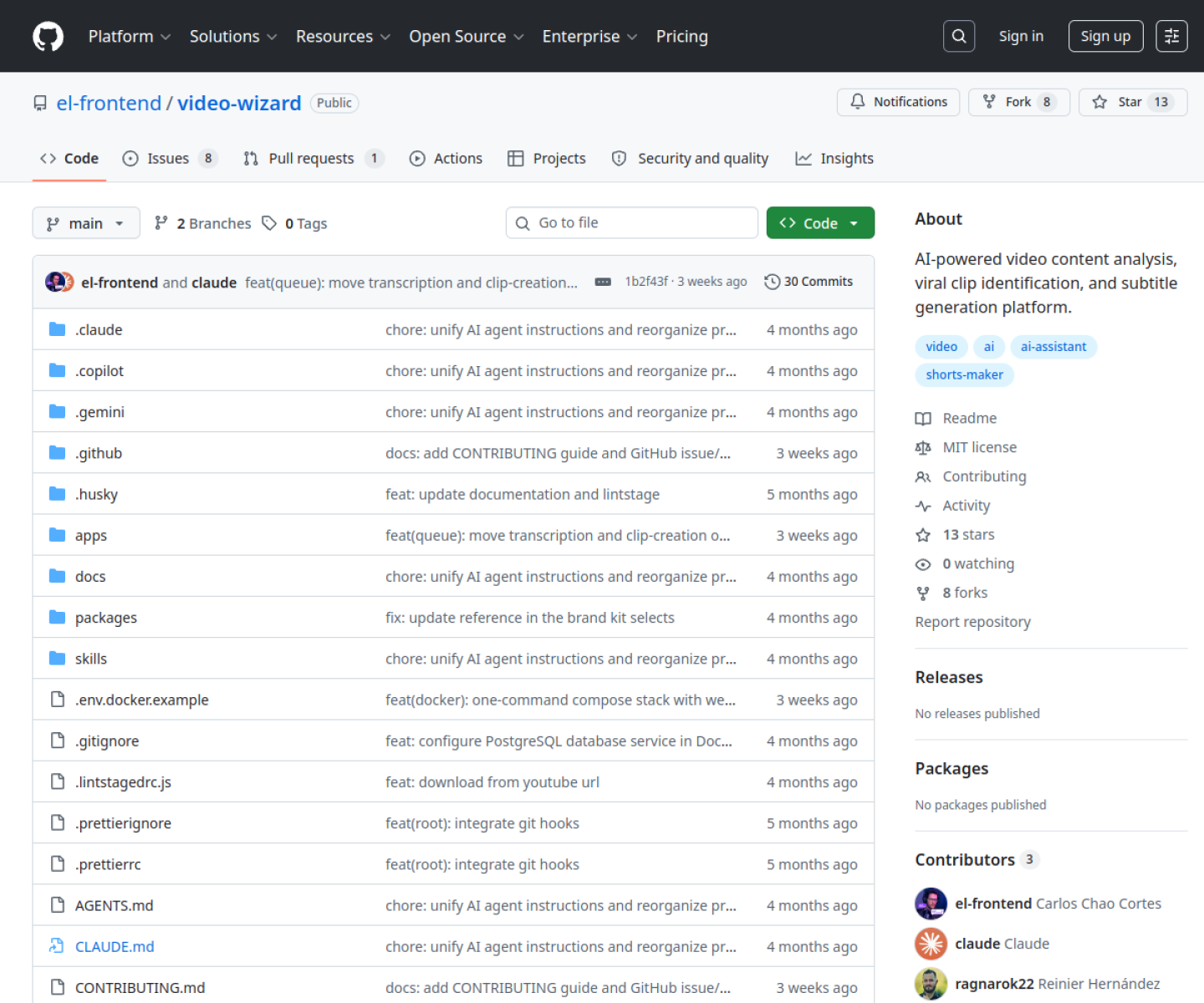
The reason this tool stands out is practical fit. The repo describes a fuller production pipeline than many AI video demos that stop at isolated caption generation. It is self-hostable and local-first in posture, which is useful for teams that want workflow control or custom branding. It is newly notable because the project packaged multiple video workflows into a more coherent open-source stack during May 2026.
How the workflow works
The fastest way to judge Video Wizard is to walk the main loop on one real task. For this product, users should upload or link source video, transcribe it, identify or score highlight clips, edit subtitles, and render social-ready outputs in common short-form formats. If that loop feels clearer, more controllable, or easier to repeat than the alternatives, the product is doing useful work.
Where Video Wizard stands out
| Evaluation angle | Fit | Why it matters | | --- | --- | --- | | Best-fit user | High | Creators and technical teams that want more control over AI video repurposing than a closed SaaS editor usually provides. | | Core workflow clarity | High | Upload or link source video, transcribe it, identify or score highlight clips, edit subtitles, and render social-ready outputs in common short-form formats. | | Switching cost reducer | Medium to high | The repo describes a fuller production pipeline than many AI video demos that stop at isolated caption generation. | | Adoption risk | Medium | Non-technical teams should verify setup cost because self-hosted media pipelines can be heavier than the headline suggests. |
Practical use cases
- Generating styled subtitles for social video
- Finding highlight clips from long-form content
- Self-hosting a repeatable short-form video repurposing workflow
Limits and buying notes
Non-technical teams should verify setup cost because self-hosted media pipelines can be heavier than the headline suggests. The product is strongest for teams willing to operate a toolkit, not for users who only want the fastest zero-setup video editor. Pricing status today: Video Wizard is presented as an open-source self-hostable toolkit on GitHub; no separate hosted pricing page was visible during review.
FAQ
What is Video Wizard best for?
Video Wizard works best when generating styled subtitles for social video matters more than using a generic assistant. The official materials point to a more concrete workflow than a blank AI shell.
Who should try Video Wizard first?
Creators and technical teams that want more control over AI video repurposing than a closed SaaS editor usually provides. Teams with that exact workflow will learn faster than broad curiosity users.
What should users verify before adopting Video Wizard?
Non-technical teams should verify setup cost because self-hosted media pipelines can be heavier than the headline suggests. The product is strongest for teams willing to operate a toolkit, not for users who only want the fastest zero-setup video editor. Users should also check the current docs, pricing, and release status before rollout.
Reviewed sources
- https://github.com/el-frontend/video-wizard
- https://github.com/el-frontend/video-wizard/releases
FAQ
What is Video Wizard best for?
Video Wizard works best when generating styled subtitles for social video matters more than using a generic assistant. The official materials point to a more concrete workflow than a blank AI shell.
Who should try Video Wizard first?
Creators and technical teams that want more control over AI video repurposing than a closed SaaS editor usually provides. Teams with that exact workflow will learn faster than broad curiosity users.
What should users verify before adopting Video Wizard?
Non-technical teams should verify setup cost because self-hosted media pipelines can be heavier than the headline suggests. The product is strongest for teams willing to operate a toolkit, not for users who only want the fastest zero-setup video editor. Users should also check the current docs, pricing, and release status before rollout.