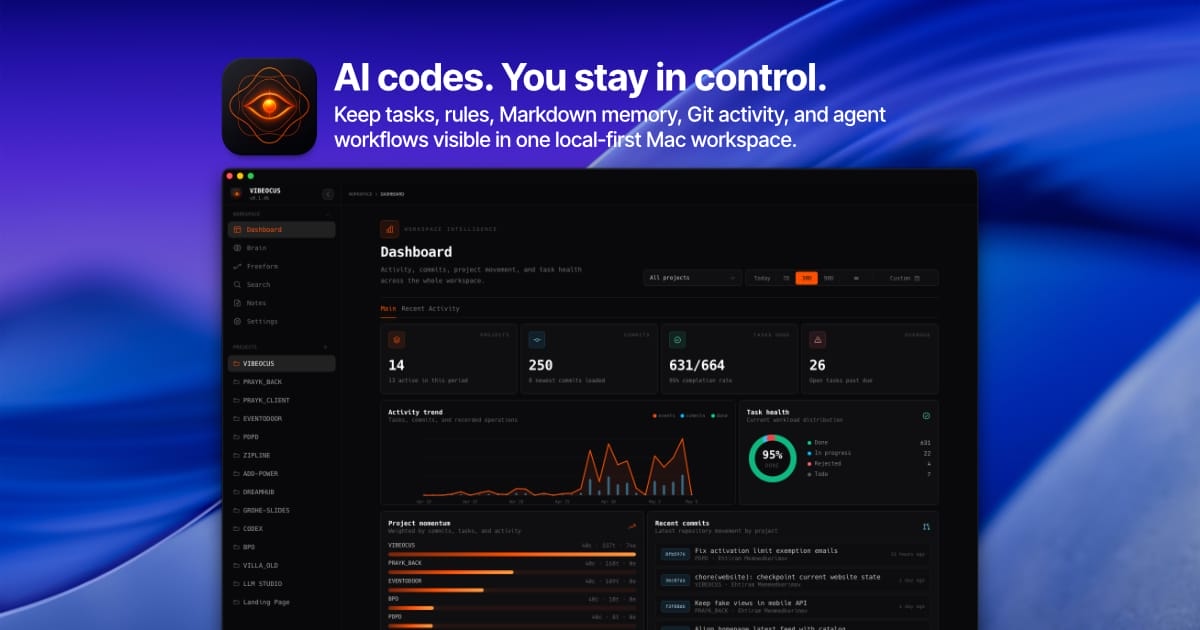
Vibeocus Lens
Browser-to-agent bridge that captures exact DOM nodes, visual state, and annotations from a live frontend and sends that context into a local AI workspace over MCP.
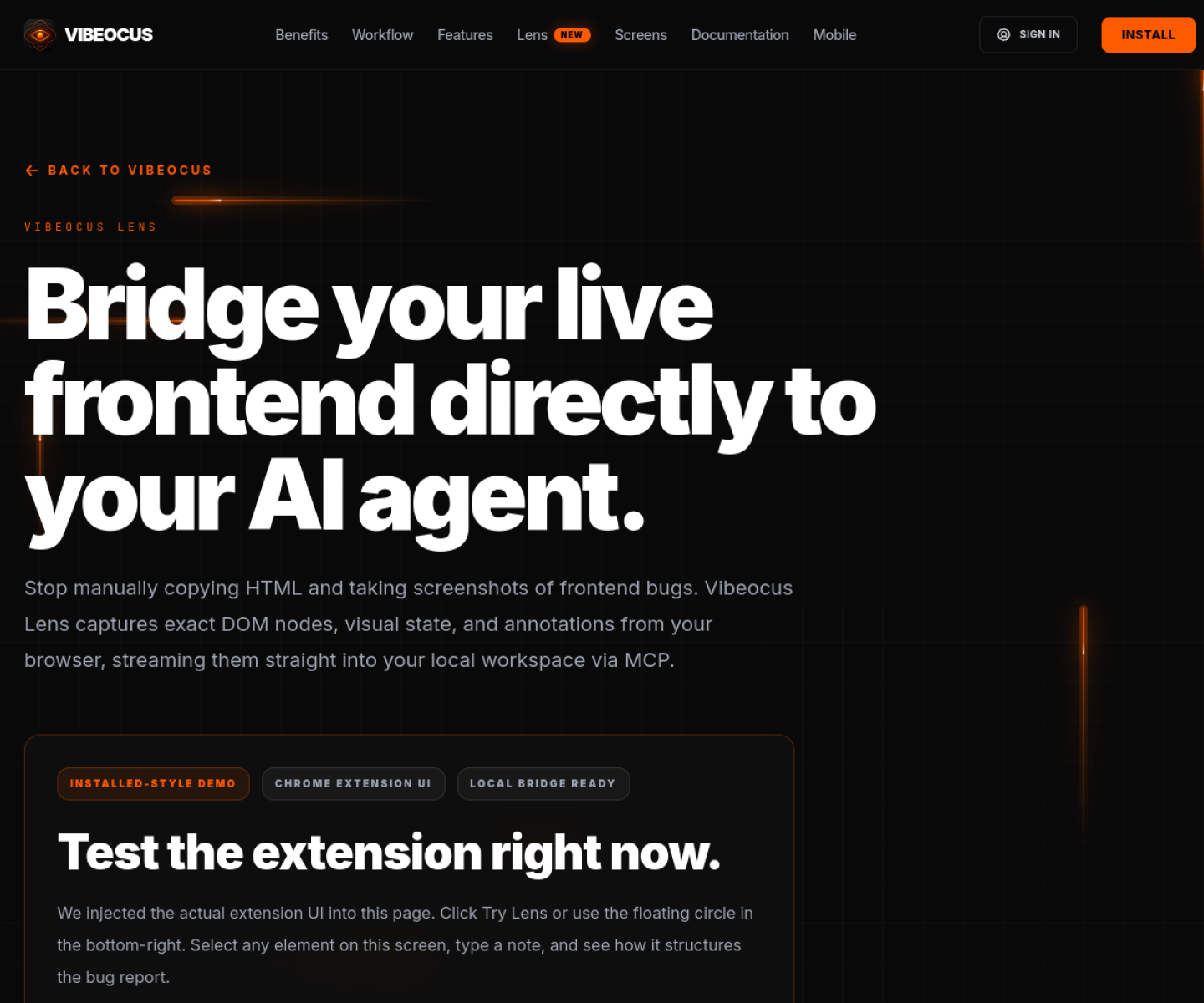
AI Project Details
Vibeocus Lens review: Browser-to-agent bridge that captures exact DOM nodes, visual state, and annotations from a live frontend and sends that context into a local AI workspace over MCP.
Vibeocus Lens is aimed at frontend-focused builders using ai agents who are tired of manually copying screenshots, html, and css context into coding chats. The current product materials describe a workflow built around select a broken or relevant ui element in the browser, annotate it, let lens capture dom and visual state, then push that context into the connected vibeocus workspace so an agent can act on the exact frontend issue. That framing matters because many new AI launches still stop at a broad promise. Vibeocus Lens has a clearer job to do.
The stronger reason to care is operational fit. The product solves a real friction point in AI-assisted frontend work: moving precise browser context into an agent without manual copying. Its local bridge and MCP framing are concrete enough to inspect, not just abstract claims about smarter bug reports. The docs and launch copy both explain the workflow in actionable terms around DOM capture, annotations, and local transfer.
How the workflow works
A sensible first pass is simple: start from the product's core entry point, validate the main loop on a representative task, and only then judge whether the surrounding automation is real. For Vibeocus Lens, that means users should select a broken or relevant ui element in the browser, annotate it, let lens capture dom and visual state, then push that context into the connected vibeocus workspace so an agent can act on the exact frontend issue. If that loop feels shorter, clearer, or easier to control than the alternatives, the product is doing something useful.
Where Vibeocus Lens stands out
| Evaluation angle | Fit | Why it matters | | --- | --- | --- | | Best-fit user | High | Frontend-focused builders using AI agents who are tired of manually copying screenshots, HTML, and CSS context into coding chats. | | Core workflow clarity | High | Select a broken or relevant UI element in the browser, annotate it, let Lens capture DOM and visual state, then push that context into the connected Vibeocus workspace so an agent can act on the exact frontend issue. | | Switching cost reducer | Medium to high | The product solves a real friction point in AI-assisted frontend work: moving precise browser context into an agent without manual copying. | | Adoption risk | Medium | The tool is tightly tied to the Vibeocus ecosystem, so its standalone value is lower if a team does not want that surrounding workspace. |
Practical use cases
- Sending precise frontend bug context directly to an AI coding agent
- Reducing manual screenshot and inspector copy-paste during UI debugging
- Capturing DOM and visual state for MCP-connected agent workflows
Limits and buying notes
The tool is tightly tied to the Vibeocus ecosystem, so its standalone value is lower if a team does not want that surrounding workspace. Users should verify browser support, capture quality, and how well the extracted context maps to their actual frontend debugging loop. Pricing status today: Product Hunt marks Vibeocus Lens with free options, while the reviewed public docs focus on product workflow rather than a full standalone pricing table.
FAQ
What is Vibeocus Lens best for?
Vibeocus Lens is strongest when sending precise frontend bug context directly to an ai coding agent matters more than a generic AI demo. The official product materials position it around a concrete workflow rather than a blank chatbot shell.
Who should try Vibeocus Lens first?
Frontend-focused builders using AI agents who are tired of manually copying screenshots, HTML, and CSS context into coding chats. Teams with a real workflow match will get value faster than general curiosity users.
What should buyers verify before adopting Vibeocus Lens?
The tool is tightly tied to the Vibeocus ecosystem, so its standalone value is lower if a team does not want that surrounding workspace. Users should verify browser support, capture quality, and how well the extracted context maps to their actual frontend debugging loop. Pricing, privacy, and workflow fit should be checked directly on the current product before rollout.
Reviewed sources
- https://vibeocus.com/lens
- https://vibeocus.com/docs
- https://www.producthunt.com/products/vibeocus-lens
FAQ
What is Vibeocus Lens best for?
Vibeocus Lens is strongest when sending precise frontend bug context directly to an ai coding agent matters more than a generic AI demo. The official product materials position it around a concrete workflow rather than a blank chatbot shell.
Who should try Vibeocus Lens first?
Frontend-focused builders using AI agents who are tired of manually copying screenshots, HTML, and CSS context into coding chats. Teams with a real workflow match will get value faster than general curiosity users.
What should buyers verify before adopting Vibeocus Lens?
The tool is tightly tied to the Vibeocus ecosystem, so its standalone value is lower if a team does not want that surrounding workspace. Users should verify browser support, capture quality, and how well the extracted context maps to their actual frontend debugging loop. Pricing, privacy, and workflow fit should be checked directly on the current product before rollout.