HiveTerm
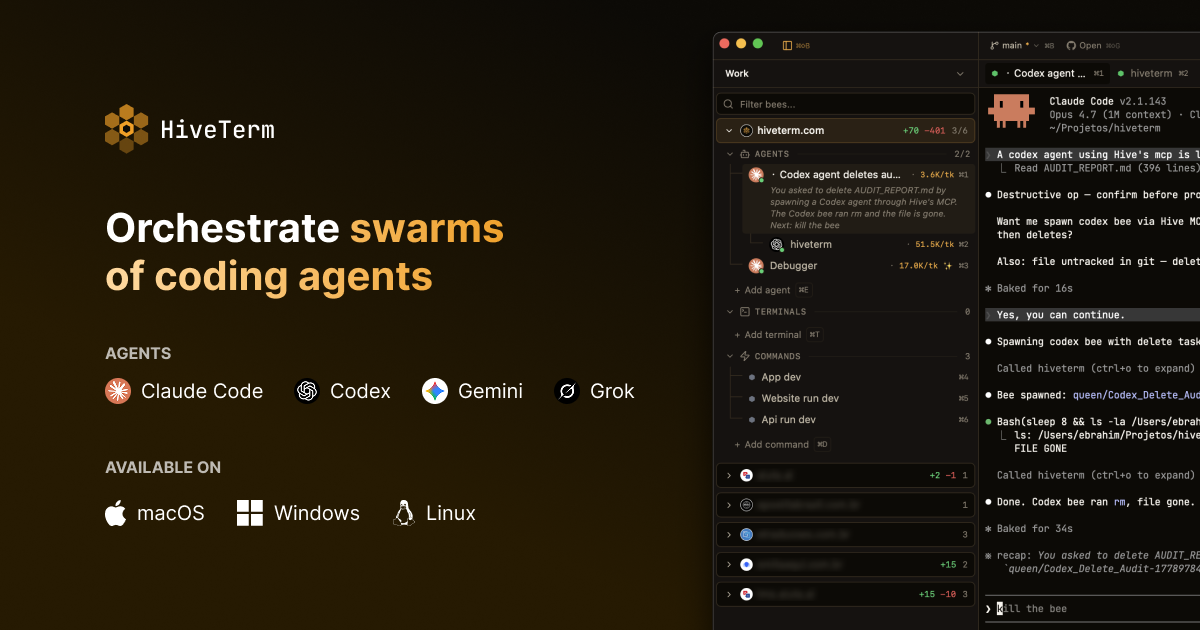
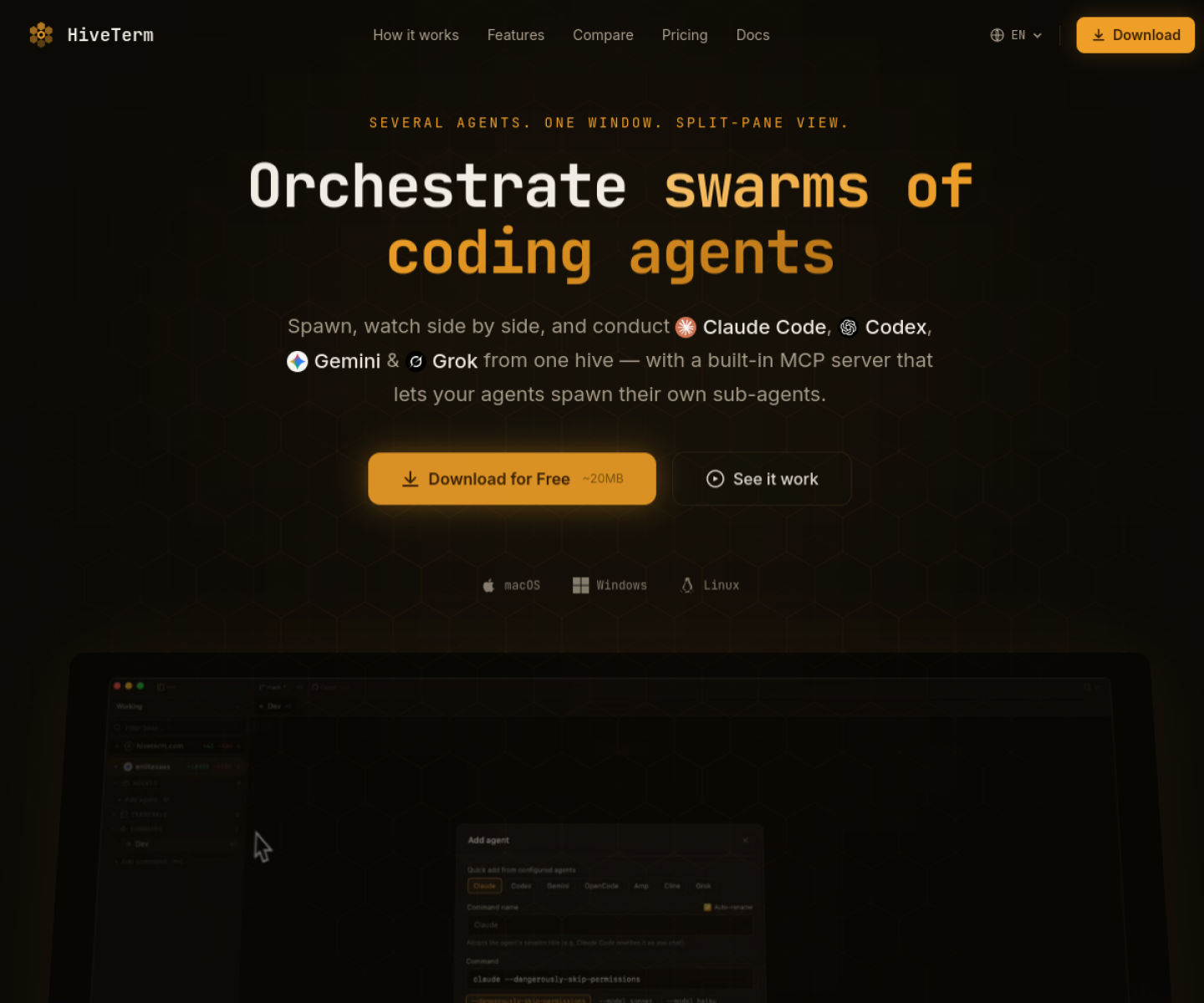
Desktop terminal workspace for running several coding agents and dev processes side by side, with hive.yml-driven orchestration and a built-in MCP server for sub-agents.
AI Project Details
HiveTerm review: Desktop terminal workspace for running several coding agents and dev processes side by side, with hive.yml-driven orchestration and a built-in MCP server for sub-agents.
HiveTerm is built for developers who are already using tools like claude code, codex, gemini, or grok and want those sessions visible and organized in one place. Instead of asking users to replace their whole toolchain, the product wraps a familiar workflow around open a project, let hiveterm detect the stack, launch agents and dev processes in split panes, and use the built-in queen mcp server or hive.yml config to coordinate sub-agents and supporting services. That makes it easier to judge on practical fit rather than hype.
What the product changes day to day
The real question is whether the workspace removes enough friction to matter. HiveTerm is designed around simultaneous agent visibility rather than a single active terminal tab, which makes it easier to watch real multi-agent work unfold. The built-in Queen MCP server gives the product a stronger orchestration angle than a normal tabbed terminal. Its public site and changelog are unusually concrete about operational details such as sub-agent limits, split panes, Codex and Gemini MCP registration, and recent security hardening work.
What the workflow feels like
For a serious evaluation, start with one active project instead of a synthetic demo. In practice that means users should open a project, let hiveterm detect the stack, launch agents and dev processes in split panes, and use the built-in queen mcp server or hive.yml config to coordinate sub-agents and supporting services. If the product keeps context visible and cuts down tool hopping, the value shows up quickly.
Where it earns attention
| Evaluation angle | Fit | Why it matters | | --- | --- | --- | | Best-fit user | High | Developers who are already using tools like Claude Code, Codex, Gemini, or Grok and want those sessions visible and organized in one place. | | Core workflow clarity | High | Open a project, let HiveTerm detect the stack, launch agents and dev processes in split panes, and use the built-in Queen MCP server or hive.yml config to coordinate sub-agents and supporting services. | | Switching cost reducer | Medium to high | HiveTerm is designed around simultaneous agent visibility rather than a single active terminal tab, which makes it easier to watch real multi-agent work unfold. | | Adoption risk | Medium | The product is most compelling for people who actively run several agents or long-lived processes at once; lighter workflows may not need the extra surface area. |
Practical use cases
- Running Claude Code, Codex, Gemini, and dev servers side by side
- Coordinating sub-agents through a built-in MCP server
- Saving repeatable multi-pane agent workspaces with config as code
Limits and buying notes
The product is most compelling for people who actively run several agents or long-lived processes at once; lighter workflows may not need the extra surface area. Teams still need to evaluate how much orchestration they want in a terminal-centered app versus inside the IDE itself. Pricing status today: HiveTerm's official site says the free plan includes up to 2 projects, 6 total bees, and 1 MCP sub-agent, while Pro costs $99 per year with a 14-day free trial and 30-day money-back guarantee.
FAQ
What is HiveTerm best for?
HiveTerm is strongest when running claude code, codex, gemini, and dev servers side by side matters more than a generic AI demo. The official product materials position it around a concrete workflow rather than a blank chatbot shell.
Who should try HiveTerm first?
Developers who are already using tools like Claude Code, Codex, Gemini, or Grok and want those sessions visible and organized in one place. Teams with a real workflow match will get value faster than general curiosity users.
What should buyers verify before adopting HiveTerm?
The product is most compelling for people who actively run several agents or long-lived processes at once; lighter workflows may not need the extra surface area. Teams still need to evaluate how much orchestration they want in a terminal-centered app versus inside the IDE itself. Pricing, privacy, and workflow fit should be checked directly on the current product before rollout.
Reviewed sources
- https://hiveterm.com/
- https://hiveterm.com/changelog/
- https://www.producthunt.com/products/hiveterm?launch=hiveterm-2
FAQ
What is HiveTerm best for?
HiveTerm is strongest when running claude code, codex, gemini, and dev servers side by side matters more than a generic AI demo. The official product materials position it around a concrete workflow rather than a blank chatbot shell.
Who should try HiveTerm first?
Developers who are already using tools like Claude Code, Codex, Gemini, or Grok and want those sessions visible and organized in one place. Teams with a real workflow match will get value faster than general curiosity users.
What should buyers verify before adopting HiveTerm?
The product is most compelling for people who actively run several agents or long-lived processes at once; lighter workflows may not need the extra surface area. Teams still need to evaluate how much orchestration they want in a terminal-centered app versus inside the IDE itself. Pricing, privacy, and workflow fit should be checked directly on the current product before rollout.