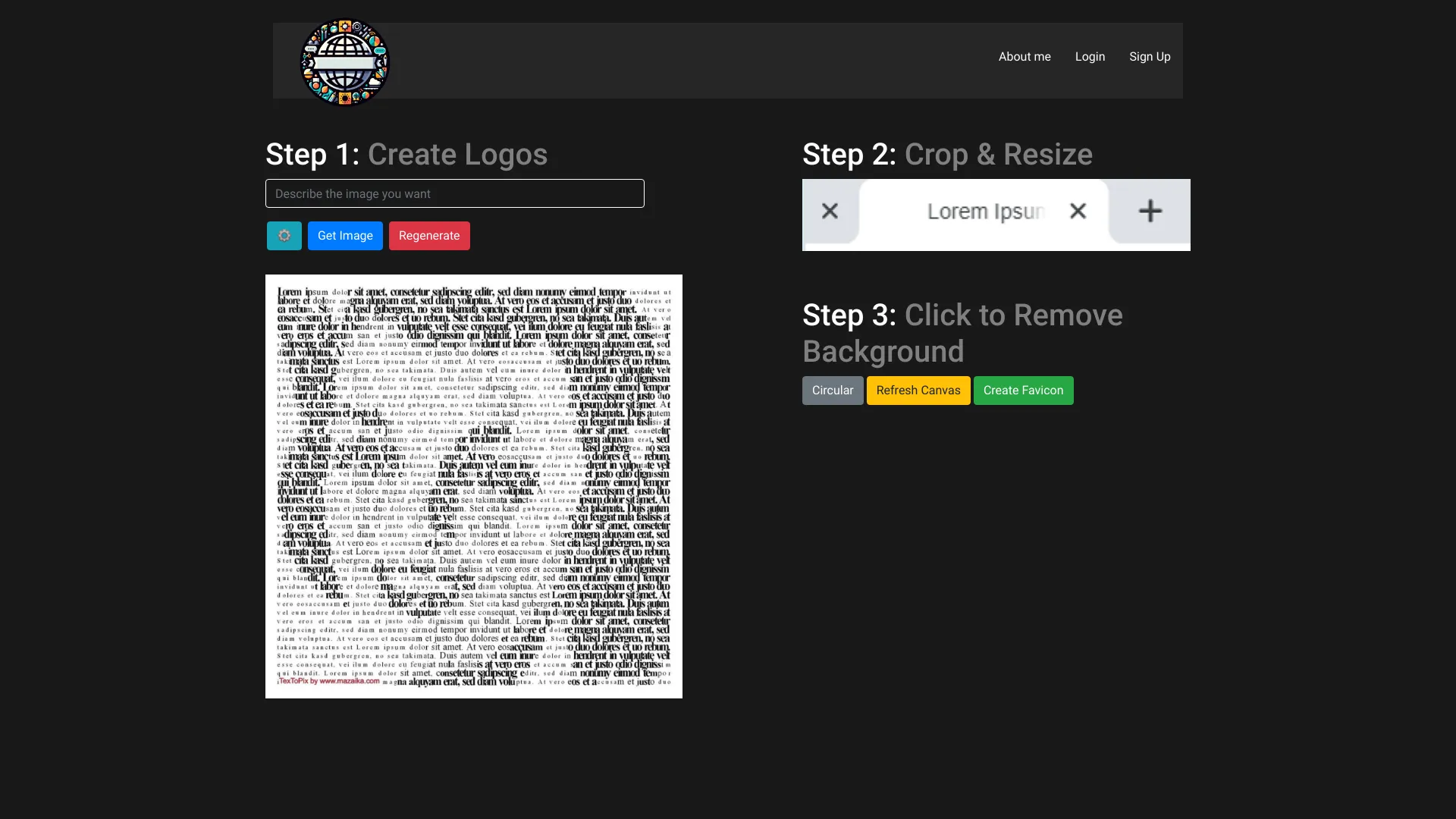
Favicon Helper
Create Stunning Favicons with Ease Are you looking to enhance your website's branding? Creating stunning favicons is a simple yet effective way to make your site stand out. Favicons are the small icons that appear in browser tabs, bookmarks, and more, serving as a visual representation of your brand. Why Favicons Matter Favicons play a crucial role in user experience. They help users quickly identify your website among multiple open tabs and bookmarks. A well-designed favicon can increase brand recognition and improve the overall aesthetic of your site. How to Create Your Favicon 1. **Choose the Right Design**: Start with a simple design that reflects your brand identity. Consider using your logo or a recognizable symbol. 2. **Use Online Tools**: There are many user-friendly online tools available that allow you to create favicons effortlessly. Look for options that offer customization features to match your brand colors and style. 3. **Optimize for Size**: Ensure your favicon is clear and recognizable at small sizes. The standard size is 16x16 pixels, but you may also want to create larger versions for different uses. 4. **Save in the Right Format**: Save your favicon in .ico format for compatibility across all browsers. You can also use .png or .svg formats for modern browsers. 5. **Upload to Your Website**: Once your favicon is ready, upload it to your website's root directory and link it in your HTML code for easy access. Enhance Your Brand Today Creating a stunning favicon is a quick and effective way to boost your website's branding. With the right tools and a bit of creativity, you can design a favicon that not only looks great but also enhances user experience. Start designing your favicon today and watch your brand recognition soar!
AI Project Details
What is Favicon Helper?
An AI-driven tool that quickly creates stunning favicons.
How to use Favicon Helper?
- Choose a logo style from the provided options.
- Crop and resize the logo as needed.
- Click to remove the background.
- Create the favicon.
Favicon Helper's Core Features
- AI-powered icon generator
- Generate visually stunning favicons in seconds
Favicon Helper's Use Cases
- Create favicons for websites
- Enhance brand identity with unique favicons
FAQ from Favicon Helper
Do I need design skills to use Favicon Helper?
Favicon Helper Company
More about Favicon Helper, please visit the about us page.
Favicon Helper Login
Favicon Helper Login Link: https://www.faviconhelper.com/login
Favicon Helper Sign up
Favicon Helper Sign up Link: https://www.faviconhelper.com/signup