Design Extract
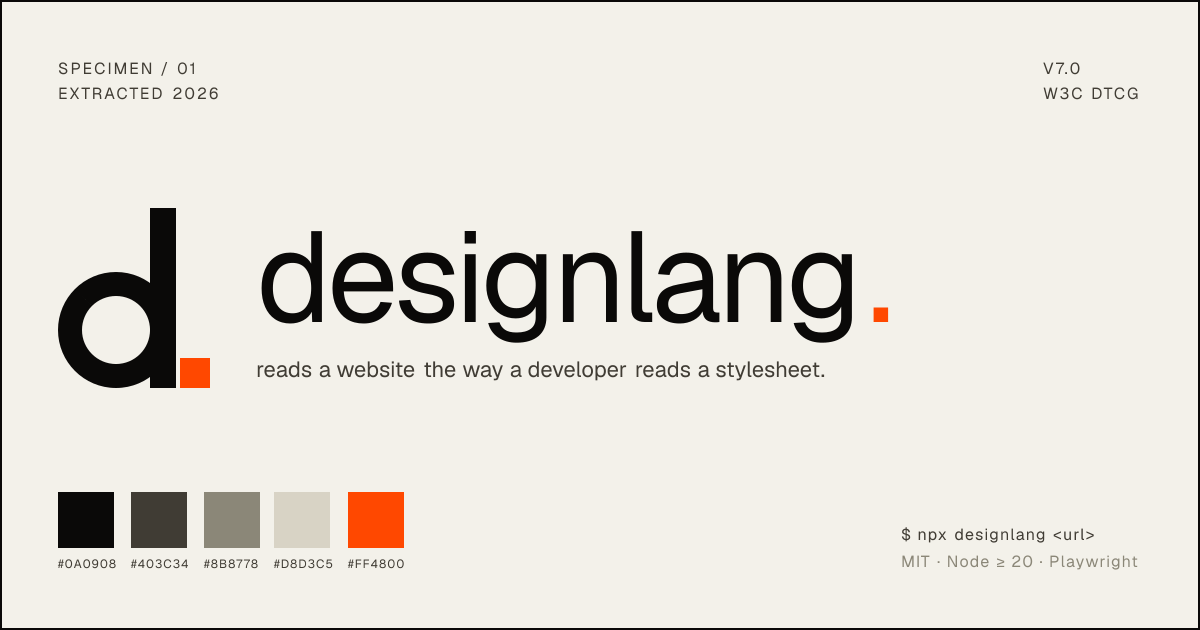
Design-system extraction tool that turns a live website into DTCG tokens, component mappings, and MCP-ready outputs for coding agents and design workflows.
AI Project Details
Design Extract review: Design-system extraction tool that turns a live website into DTCG tokens, component mappings, and MCP-ready outputs for coding agents and design workflows.
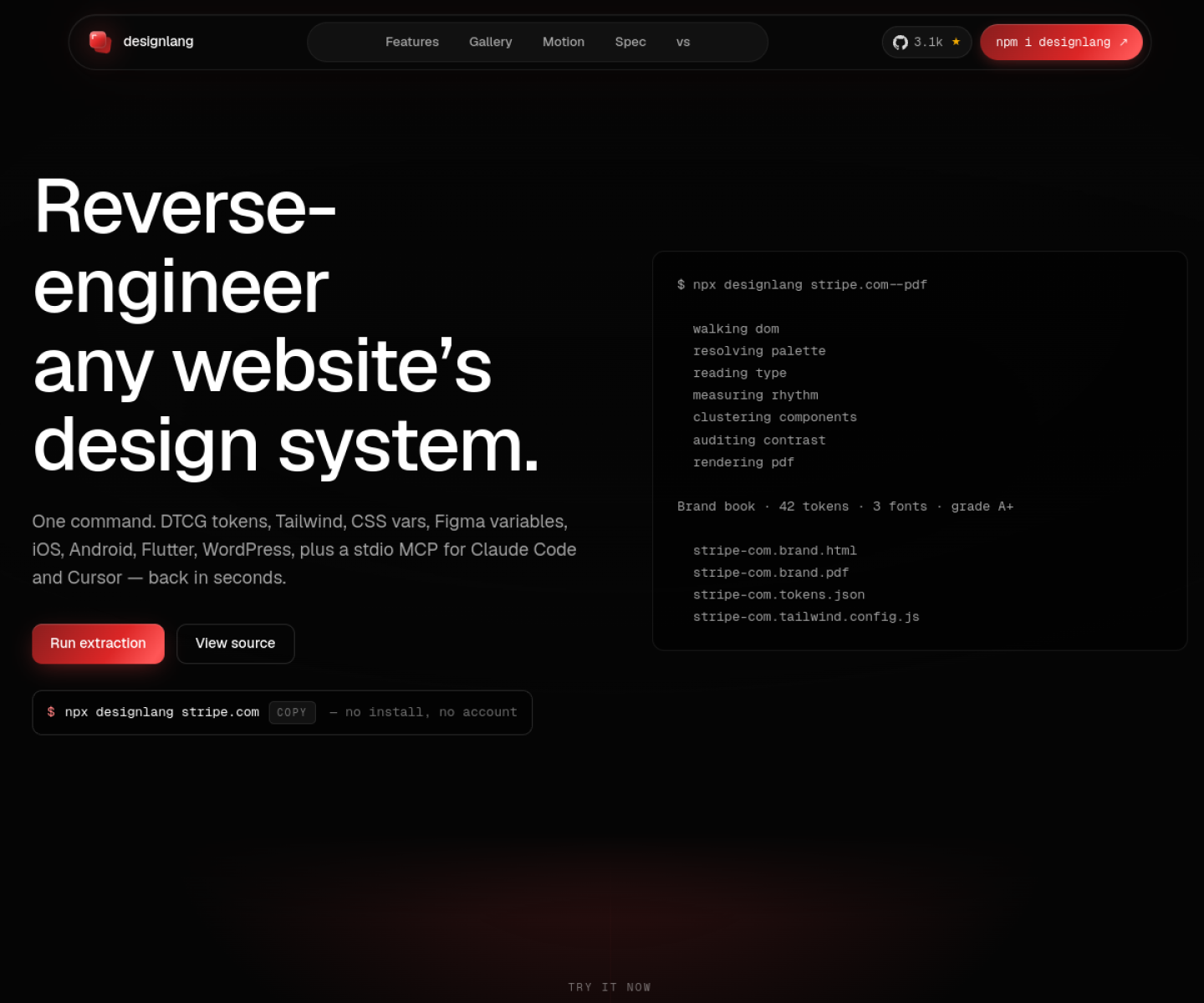
Design Extract stands out because it is not just another chat shell. The product materials describe a system centered on point design extract at a live site, let it capture styles and components, then export tokens and platform-specific outputs for figma, tailwind, shadcn/ui, or app frameworks. That matters because the mechanism is the product, not a thin wrapper around a frontier model.
Why the architecture matters
The project is unusually concrete about outputs: DTCG tokens, platform emitters, Figma variables, and coding-agent integrations are all first-class surfaces. Its homepage and repository frame MCP support as part of the workflow instead of bolting it on as a side integration. The tool is stronger than a simple scraper because it pushes toward reusable design-system assets rather than one-off screenshots or CSS dumps.
How to evaluate the core loop
Start by testing the narrowest real workflow the product claims to improve. For Design Extract, that means users should point design extract at a live site, let it capture styles and components, then export tokens and platform-specific outputs for figma, tailwind, shadcn/ui, or app frameworks. The result should be easier to inspect, integrate, or control than a direct agent session.
Where it stands out
| Evaluation angle | Fit | Why it matters | | --- | --- | --- | | Best-fit user | High | Frontend teams, design-system maintainers, and coding-agent users who want a faster path from an existing website to reusable tokens and implementation context. | | Core workflow clarity | High | Point Design Extract at a live site, let it capture styles and components, then export tokens and platform-specific outputs for Figma, Tailwind, shadcn/ui, or app frameworks. | | Switching cost reducer | Medium to high | The project is unusually concrete about outputs: DTCG tokens, platform emitters, Figma variables, and coding-agent integrations are all first-class surfaces. | | Adoption risk | Medium | Teams should still review the extracted token model before treating it as a production-ready design system, especially on inconsistent legacy sites. |
Practical use cases
- Extracting tokens and component clues from an existing product site
- Giving coding agents cleaner design context than raw HTML and CSS
- Bootstrapping Figma variables or Tailwind themes from a live website
Limits and buying notes
Teams should still review the extracted token model before treating it as a production-ready design system, especially on inconsistent legacy sites. The best fit is for teams that actually need structured outputs across design and code, not for one-time visual reference capture. Pricing status today: Design Extract is published as an MIT-licensed open-source project on GitHub, and the reviewed official site did not show a separate hosted pricing table.
FAQ
What is Design Extract best for?
Design Extract is strongest when extracting tokens and component clues from an existing product site matters more than a generic AI demo. The official product materials position it around a concrete workflow rather than a blank chatbot shell.
Who should try Design Extract first?
Frontend teams, design-system maintainers, and coding-agent users who want a faster path from an existing website to reusable tokens and implementation context. Teams with a real workflow match will get value faster than general curiosity users.
What should buyers verify before adopting Design Extract?
Teams should still review the extracted token model before treating it as a production-ready design system, especially on inconsistent legacy sites. The best fit is for teams that actually need structured outputs across design and code, not for one-time visual reference capture. Pricing, privacy, and workflow fit should be checked directly on the current product before rollout.
Reviewed sources
- https://www.designlang.app/
- https://github.com/Manavarya09/design-extract
FAQ
What is Design Extract best for?
Design Extract is strongest when extracting tokens and component clues from an existing product site matters more than a generic AI demo. The official product materials position it around a concrete workflow rather than a blank chatbot shell.
Who should try Design Extract first?
Frontend teams, design-system maintainers, and coding-agent users who want a faster path from an existing website to reusable tokens and implementation context. Teams with a real workflow match will get value faster than general curiosity users.
What should buyers verify before adopting Design Extract?
Teams should still review the extracted token model before treating it as a production-ready design system, especially on inconsistent legacy sites. The best fit is for teams that actually need structured outputs across design and code, not for one-time visual reference capture. Pricing, privacy, and workflow fit should be checked directly on the current product before rollout.