CaptionCreator
**Auto Video Subtitle Generator: Quick and Accurate Transcription and Translation** In today's fast-paced digital world, having an **auto video subtitle generator** is essential for content creators and businesses alike. This innovative tool allows for **quick and accurate transcription** of audio content, ensuring that your videos are accessible to a wider audience. ### Benefits of Using an Auto Video Subtitle Generator - **Time-Saving**: Automate the transcription process, significantly reducing the time spent on manual captioning. - **Enhanced Accessibility**: Subtitles make your videos accessible to those who are deaf or hard of hearing, as well as non-native speakers. - **Improved Engagement**: Videos with subtitles tend to have higher viewer retention rates, as they cater to diverse audience preferences. ### How It Works 1. **Upload Your Video**: Simply upload your video file to the platform. 2. **Automatic Transcription**: The generator uses advanced algorithms to transcribe the audio into text. 3. **Translation Options**: Choose from multiple languages for translation, making your content globally accessible. 4. **Edit and Customize**: Review the generated subtitles for accuracy and make any necessary adjustments. ### Why Choose Our Auto Video Subtitle Generator? - **Accuracy**: Our tool utilizes cutting-edge technology to ensure high transcription accuracy. - **User-Friendly Interface**: Designed for ease of use, even for those with minimal technical skills. - **Cost-Effective**: Save on costs associated with hiring professional transcription services. In conclusion, an **auto video subtitle generator** is a valuable asset for anyone looking to enhance their video content. With its ability to provide **quick and accurate transcription and translation**, you can reach a broader audience and improve viewer engagement. Start using our tool today and elevate your video content to new heights!
AI Project Details
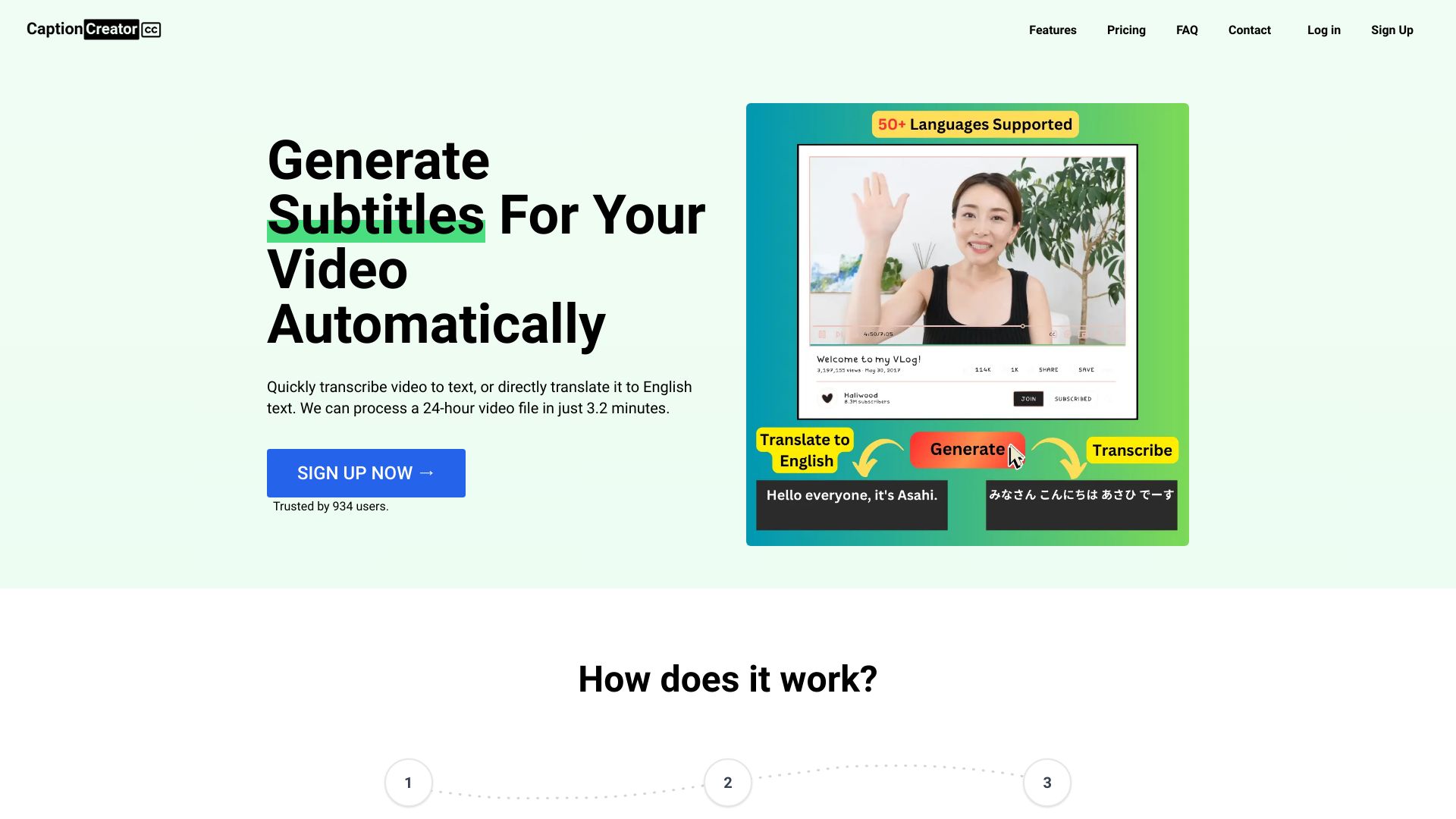
What is CaptionCreator?
Auto Video Subtitle Generator Online
How to use CaptionCreator?
- Upload Your Video/Audio
- Select Source Audio Language
- Select Transcribe mode or Translate to English Mode
- Download SRT/VTT/Plain Text
CaptionCreator's Core Features
- Quickly transcribe video to text
- Translate video to English text
- Support for 50+ languages
- Multilingual audio support
- Robust to noisy audio
- Robust to diverse accents and dialects
CaptionCreator's Use Cases
#1
Adding subtitles to videos
#2
Generating transcripts of meetings and conversations
FAQ from CaptionCreator
Is CaptionCreator Free?
Is there a limit to the number of videos or audio files I can transcribe?
How does the speech translation service work?
Is the service accurate?
Can I use the service offline?
Didn’t find the answer you are looking for?
CaptionCreator Support
Here is the CaptionCreator support email for customer service:
More Contact, visit the contact us page
CaptionCreator Company
More about CaptionCreator, Please visit the about us page.
CaptionCreator Login
CaptionCreator Login Link: TakeAI is your premier destination for discovering the best AI tools and applications. © 2026 TakeAI.org. All rights reservedProduct
Connect with us