AutoDraft
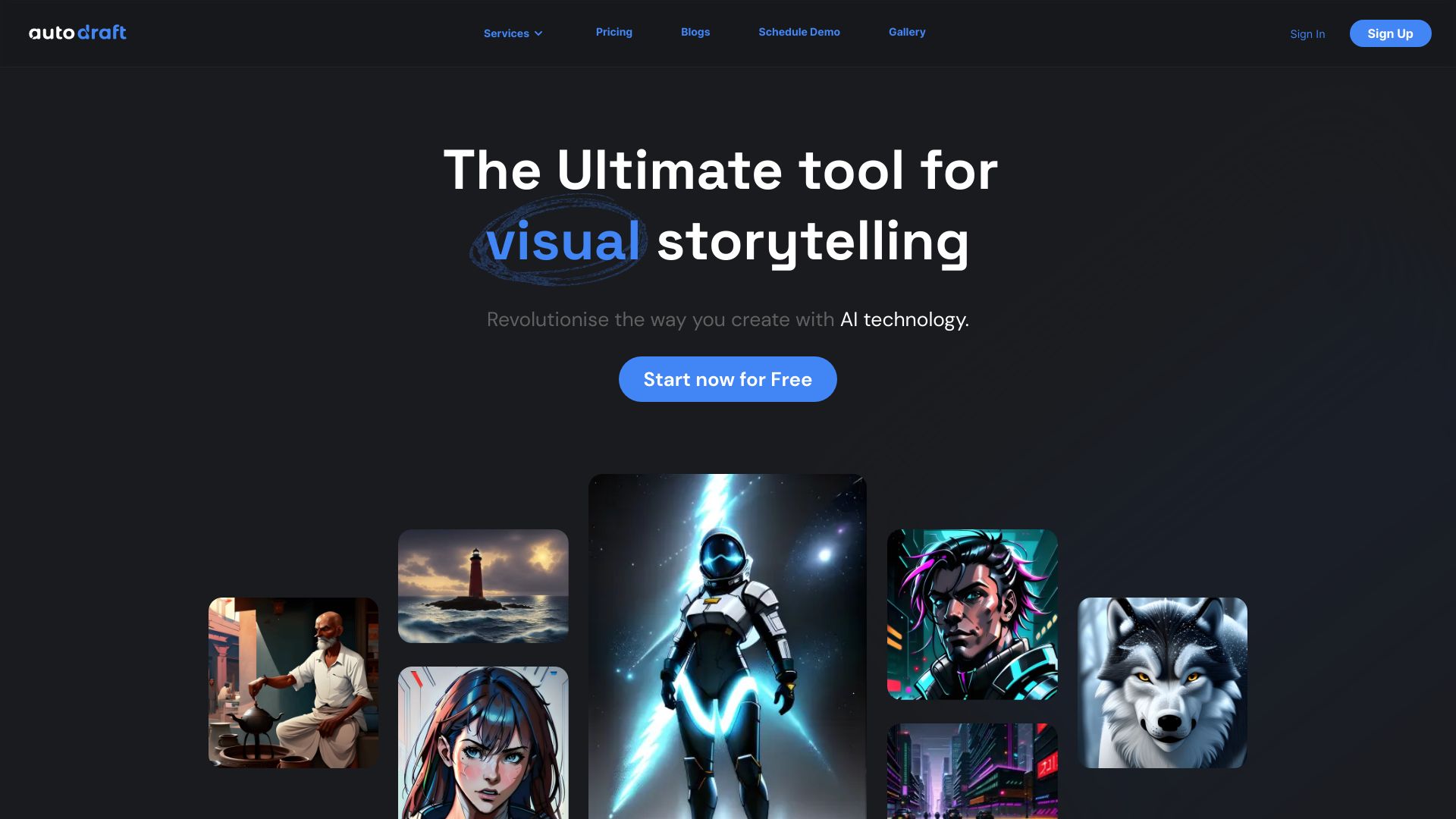
Generate visually stunning images using advanced AI techniques from text or existing images. With the power of artificial intelligence, you can transform simple descriptions into breathtaking visuals that captivate and inspire. Whether you're looking to create unique artwork, enhance your marketing materials, or simply explore your creativity, our AI-driven tools make it easy to bring your ideas to life. Experience the future of image generation and unlock endless possibilities with just a few clicks. Start creating today and watch your visions come to life in ways you never thought possible!
AI Project Details
AutoDraft review: AI animation and visual storytelling studio for creators
AutoDraft is an AI-powered creative studio for animation, cartoon videos, characters, backgrounds, storyboards, and visual assets. The official feature pages emphasize creating animation videos faster with AI backgrounds, AI characters, actions and poses, voiceovers, lip sync, image stylization, text-to-image, sketch-to-image, storyboard-to-image, and flat-color-to-image workflows.
The strongest fit is creator-led animation production. AutoDraft is useful when YouTubers, educators, marketers, storytellers, or small studios need consistent characters, scenes, voices, and motion without building a traditional animation pipeline from scratch.
Best-fit use cases
| Use case | AutoDraft fit | Notes | |---|---:|---| | Cartoon and explainer videos | High | Strong fit for scenes, characters, voiceovers, and lip sync. | | Webtoon or storyboard development | Medium to high | Useful for generating consistent visual assets and panels. | | YouTube and short-form animation | Medium to high | Good for fast creator output when style is controlled. | | High-end studio animation | Medium | Human animators still need to refine motion, timing, and art direction. | | Photoreal video generation | Low to medium | AutoDraft is more character/cartoon/storytelling oriented. |
What creators should verify
Creators should test character consistency, pose library quality, lip-sync accuracy, voiceover options, background generation, style control, export resolution, commercial rights, credit usage, watermark rules, collaboration features, and whether finished scenes meet their channel or brand standards.
AutoDraft can shorten early production, but it does not remove art direction. The best outputs still need script quality, pacing, scene planning, voice review, and post-production polish.
Strengths
- Clear focus on character-driven animation and storytelling.
- Combines characters, backgrounds, actions, voices, and lip sync in one workflow.
- Useful for creators who need fast visual iteration without manual keyframing.
Limitations
- Generated animation still needs creative and technical QA.
- Style and character consistency should be tested across multiple scenes.
- Commercial rights, exports, and pricing limits need review before client work.
Bottom line
AutoDraft should be indexed as an AI animation and storytelling studio. A serious pilot should create one complete scene from script to exported video, then measure character consistency, lip sync, edit time, and whether the result is publishable after human polish.
Sources reviewed: AutoDraft animation feature page, AutoDraft character animation toolkit, AutoDraft homepage.
FAQ
What is AutoDraft best for?
AutoDraft is best for AI-assisted animation videos, cartoon scenes, character creation, backgrounds, storyboards, voiceovers, lip sync, and visual storytelling workflows.
Can AutoDraft replace animators?
No. AutoDraft can speed up scene creation and prototyping, but human creators still need to manage script, timing, art direction, motion quality, and final polish.
What should creators test before using AutoDraft commercially?
Test character consistency, lip sync, voice options, export quality, watermark rules, rights, pricing, collaboration, and edit time across a complete scene.